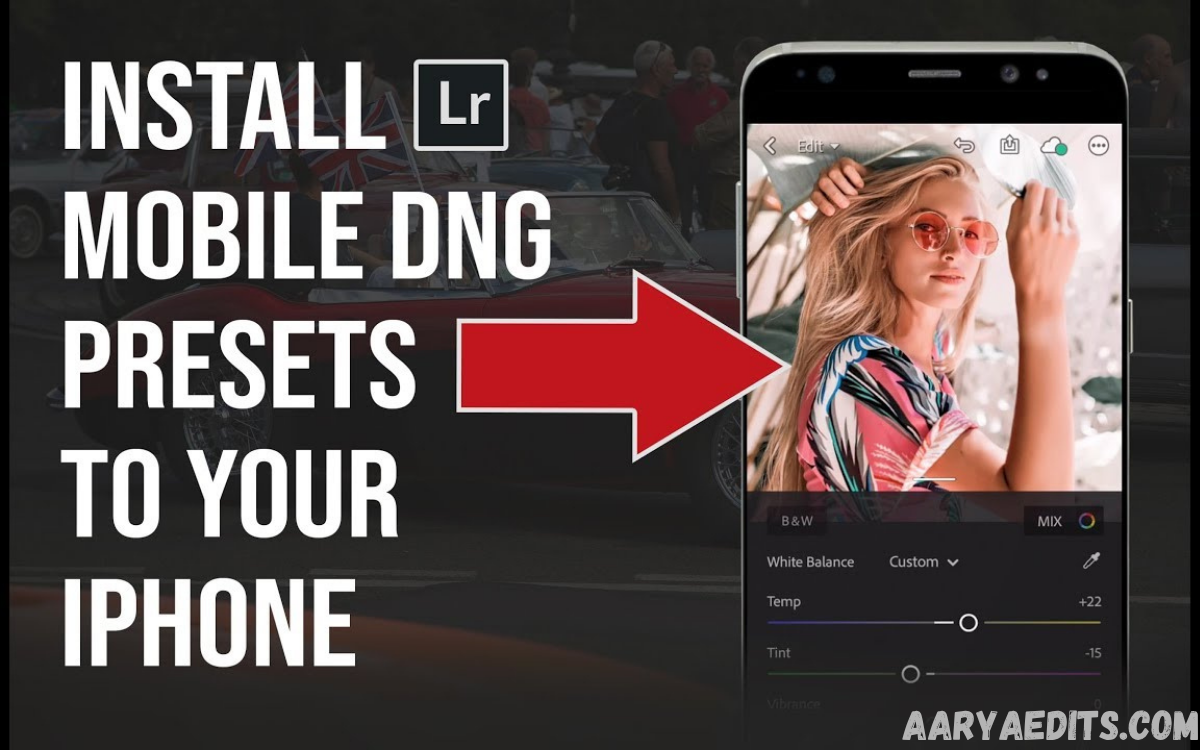
Lightroom presets have become an essential tool for creators, influencers, photographers, and content marketers. Among the most popular formats, DNG presets stand out for allowing users to apply professional-grade editing styles directly in Lightroom Mobile without requiring a paid desktop workflow.
If you are searching for DNG Presets Free Download, it is important to understand what DNG presets are, how they work, and how to use them safely and effectively. This guide covers everything you need to know, including their benefits, installation process, best use cases, and tips for achieving stunning photo edits.
What Are DNG Presets?
DNG presets are preset settings stored within a DNG (Digital Negative) image file. Unlike traditional XMP presets, DNG presets are designed to work seamlessly with Lightroom Mobile. Users can import a DNG file into Lightroom and copy its editing settings to other photos.
The popularity of DNG presets comes from their simplicity and accessibility. Many photographers and content creators share DNG preset files that can be imported directly into mobile devices. This makes professional photo editing available to beginners without requiring advanced editing skills or expensive software.
Why Are DNG Presets So Popular?
One of the main reasons for the popularity of DNG presets is the ability to achieve professional-looking edits in just a few taps. Instead of manually adjusting exposure, contrast, color grading, and other settings, users can instantly apply a preset, saving significant editing time.
Another advantage is consistency. Social media creators often want a uniform aesthetic across their Instagram feeds, portfolios, or marketing campaigns. DNG presets help maintain a cohesive visual style, ensuring that every image follows the same editing approach and branding standards.
Benefits of Using DNG Presets
Fast and Efficient Editing
Photo editing can be time-consuming, especially when working with large batches of images. DNG presets streamline the process by applying pre-configured adjustments instantly. This allows photographers to focus more on creativity and less on repetitive editing tasks.
The speed advantage is especially useful for influencers, bloggers, and business owners who regularly publish visual content. A single preset can dramatically reduce editing time while maintaining professional results.
Beginner-Friendly Workflow
Many new Lightroom users feel overwhelmed by the numerous editing tools available. DNG presets provide a simple starting point by automatically applying professional adjustments to images.
Beginners can also learn from presets by examining how exposure, highlights, shadows, color temperature, and tone curves are adjusted. This creates an educational opportunity while improving editing results.
Types of DNG Presets Available
Portrait Presets
Portrait DNG presets are designed to enhance skin tones, improve lighting balance, and create a polished appearance. These presets are commonly used by portrait photographers, influencers, and beauty content creators.
They often include subtle color grading, skin tone correction, and improved contrast while preserving natural-looking details in the subject’s face.
Travel and Landscape Presets
Travel presets focus on enhancing natural scenery, skies, mountains, beaches, and cityscapes. These presets often increase vibrancy, improve dynamic range, and create visually striking images.
Landscape presets can help emphasize natural colors while maintaining realistic details. They are widely used by travel bloggers and outdoor photographers.
Dark and Moody Presets
Dark and moody presets create dramatic atmospheres by lowering brightness, deepening shadows, and introducing cinematic color tones. These presets are popular in lifestyle, street, and artistic photography.
Many creators use this style to establish a unique visual identity and make their images stand out on social media platforms.
Bright and Airy Presets
Bright and airy presets increase exposure, soften shadows, and create a clean aesthetic. This editing style is commonly seen in wedding, fashion, and lifestyle photography.
The resulting images appear fresh, elegant, and professional while maintaining a natural appearance.
How to Use DNG Presets in Lightroom Mobile
Using DNG presets is relatively straightforward and requires no advanced technical knowledge. First, download a DNG preset file from a trusted source and save it to your smartphone.
Next, open Lightroom Mobile and import the DNG file into your library. Open the imported image, open the editing menu, copy the settings, then paste them onto the image you want to edit. The preset adjustments will instantly be applied to your photo.
Tips for Getting the Best Results
Although presets provide an excellent starting point, every image is different. Lighting conditions, camera settings, and subject matter can affect how a preset appears in a photo. Therefore, minor adjustments after applying a preset are often necessary.
Users should experiment with exposure, white balance, and contrast settings to fine-tune the final result. The best workflow combines preset efficiency with personalized adjustments that suit each image.
How to Download DNG Presets Safely
Download Free DNG Presets
When searching for free DNG preset downloads, it is important to prioritize trustworthy sources. Some websites may offer misleading downloads, unnecessary software bundles, or low-quality files that do not provide professional results.
Always verify the credibility of the source before downloading any files. Look for transparent information about the presets, user reviews, and clear instructions. Avoid websites that make unrealistic promises, such as guaranteed viral content or instant success with professional photography.
Common Mistakes When Using DNG Presets
Many users apply presets without considering the original image conditions. A preset designed for bright outdoor photos may not work well on indoor images with poor lighting. Understanding the purpose of each preset helps achieve better outcomes.
Another common mistake is excessive editing after applying a preset. Over-adjusting saturation, contrast, or sharpening can reduce image quality and create an unnatural appearance. Balanced editing usually produces more professional results.
DNG Presets vs XMP Presets
DNG presets are image-based and particularly popular for Lightroom Mobile workflows. They allow users to import a photo containing editing settings and then copy those settings to other images.
XMP presets, on the other hand, are preset files primarily used in Lightroom Classic and Lightroom Desktop. While both formats serve similar purposes, DNG presets are often preferred by mobile users because of their ease of installation and compatibility with mobile editing environments.
Best Practices for Lightroom Mobile Editing
Successful editing involves more than simply applying presets. Users should understand fundamental editing concepts such as exposure correction, white balance adjustment, color harmony, and composition enhancement.
Combining quality presets with strong photography fundamentals creates the best results. Over time, photographers can develop their own editing style by modifying presets and creating personalized workflows.
Frequently Asked Questions
What is a DNG preset?
A DNG preset is a preset stored within a Digital Negative (DNG) image file. It contains editing settings that can be copied and applied to other photos in Lightroom Mobile.
Are DNG presets free?
Some DNG presets are available for free, while others are sold as premium products. Availability depends on the creator and distribution platform.
Can I use DNG presets on Lightroom Mobile?
Yes. DNG presets are specifically popular among Lightroom Mobile users because they can be imported and applied directly through the mobile app.
Do DNG presets work on Android and iPhone?
Yes. Lightroom Mobile supports DNG presets on both Android and iOS devices, making them accessible across major smartphone platforms.
Are DNG presets suitable for beginners?
Absolutely. DNG presets simplify the editing process and help beginners achieve professional-looking results without extensive editing experience.
Will one preset work for every photo?
Not necessarily. Different images have different lighting conditions and characteristics. Minor adjustments are often required after applying a preset.
Are DNG presets better than manual editing?
DNG presets are excellent time-saving tools, but they work best when combined with manual adjustments. Presets provide a starting point, while personalized refinements help achieve optimal results.
Conclusion
Searching for DNG Presets Free Download is often the first step toward improving your Lightroom Mobile editing workflow. DNG presets offer a convenient way to apply professional editing styles, save time, and maintain visual consistency across photos.
Whether you are a beginner exploring Lightroom for the first time or an experienced content creator looking to streamline your workflow, DNG presets can be a valuable resource.