

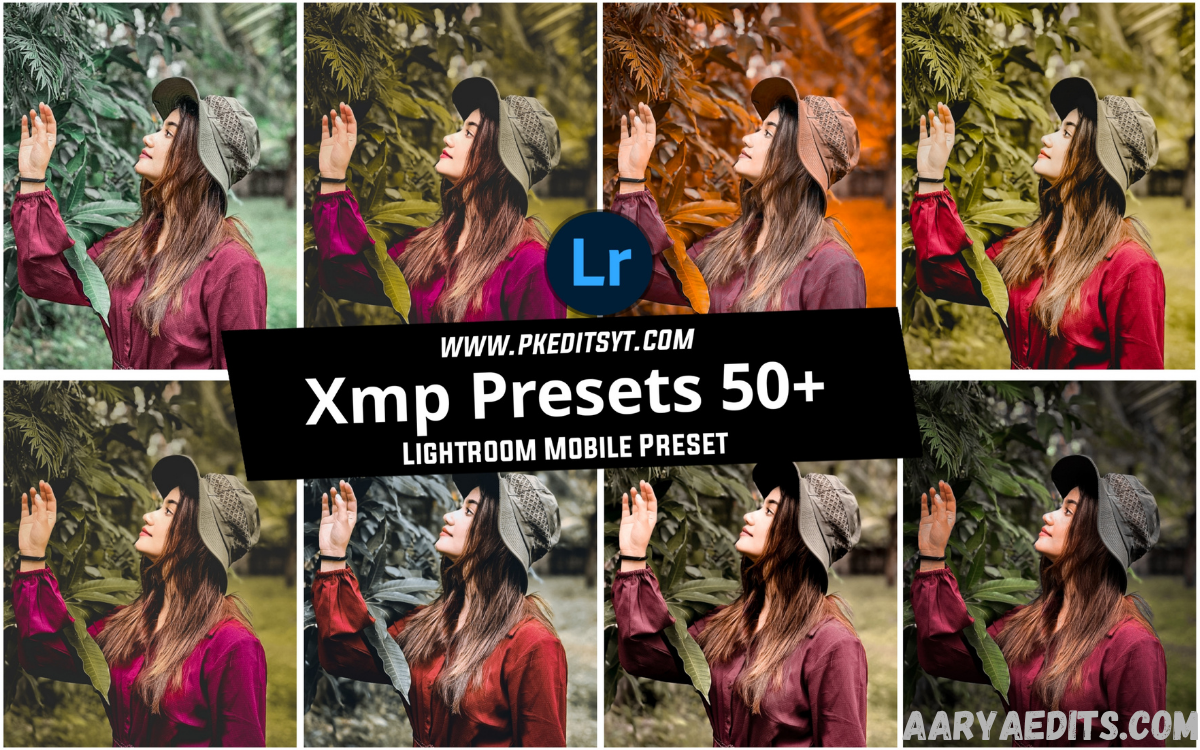
Lightroom presets have become an essential tool for photographers, influencers, content creators, and designers. Among the most popular preset formats available today are XMP presets. If you are searching for XMP Presets Free Download, you are likely looking for a simple way to enhance your images without spending hours manually editing each photo.
XMP presets allow users to apply professional color grading, lighting adjustments, and creative effects with just a few clicks. Editing portraits, landscapes, travel photos, fashion shoots, or social media content, these presets can significantly improve your workflow and help maintain a consistent visual style.
What Are XMP Presets?
XMP presets are preset files used by Adobe Lightroom to store photo editing settings and adjustments. The XMP format was introduced in newer versions of Lightroom and replaced the older LRTemplate format.
These files contain information such as exposure settings, color corrections, contrast adjustments, white balance, shadows, highlights, tone curves, and other editing parameters. When applied to a photo, Lightroom instantly reproduces the saved editing style.
Why Use XMP Presets in Lightroom?
One of the biggest advantages of XMP presets is the amount of time they save during editing. Instead of starting from scratch, users can apply a preset and make minor adjustments based on the image requirements.
Another major benefit is consistency. Content creators and photographers often want their images to maintain a recognizable style. Using the same preset collection across multiple photos helps create a cohesive visual identity for portfolios, websites, and social media platforms.
Benefits of XMP Presets Free Download
Downloading free XMP presets can be an excellent option for beginners who want to improve their editing skills without immediately investing in premium preset packs.
Free presets also allow users to experiment with different styles, including cinematic effects, vintage looks, bright and airy aesthetics, dark moody tones, travel edits, and portrait enhancements. This variety helps photographers discover editing approaches that match their creative vision.
Popular Types of XMP Presets
Portrait Presets
Portrait presets are designed to enhance skin tones, improve lighting balance, and create a polished appearance. These presets are commonly used by wedding photographers, influencers, and fashion creators.
They often include adjustments for warmth, clarity, skin smoothing effects, and color correction while maintaining natural-looking results.
Cinematic Presets
Cinematic presets create dramatic tones inspired by movie color grading. They often feature deep shadows, rich contrast, and unique color palettes.
Many content creators use cinematic presets to give their travel photography and storytelling projects a professional and artistic appearance.
Vintage Presets
Vintage presets recreate the nostalgic feel of old film photography. They typically include faded blacks, muted colors, grain effects, and soft contrast.
These presets are ideal for lifestyle photography, street photography, and creative social media content.
Travel Presets
Travel presets are designed to make landscapes, cityscapes, and outdoor photography more vibrant and engaging.
They often boost colors, improve sky details, and enhance natural lighting conditions to create eye-catching travel photos.
Moody Presets
Moody presets emphasize darker tones and atmospheric color grading. They are popular among photographers who want dramatic and emotional imagery.
These presets frequently use deep shadows, reduced saturation, and selective color enhancements for a sophisticated visual effect.
How to Download XMP Presets Safely
When searching for XMP Presets Free Download, it is important to use trustworthy sources. Many websites offer free Lightroom presets, but some may contain low-quality files or misleading download links.
Always verify that the source clearly describes the preset collection, includes installation instructions, and provides authentic download files. Avoid websites that make unrealistic promises or require unnecessary software installations before accessing presets.
How to Install XMP Presets in Lightroom
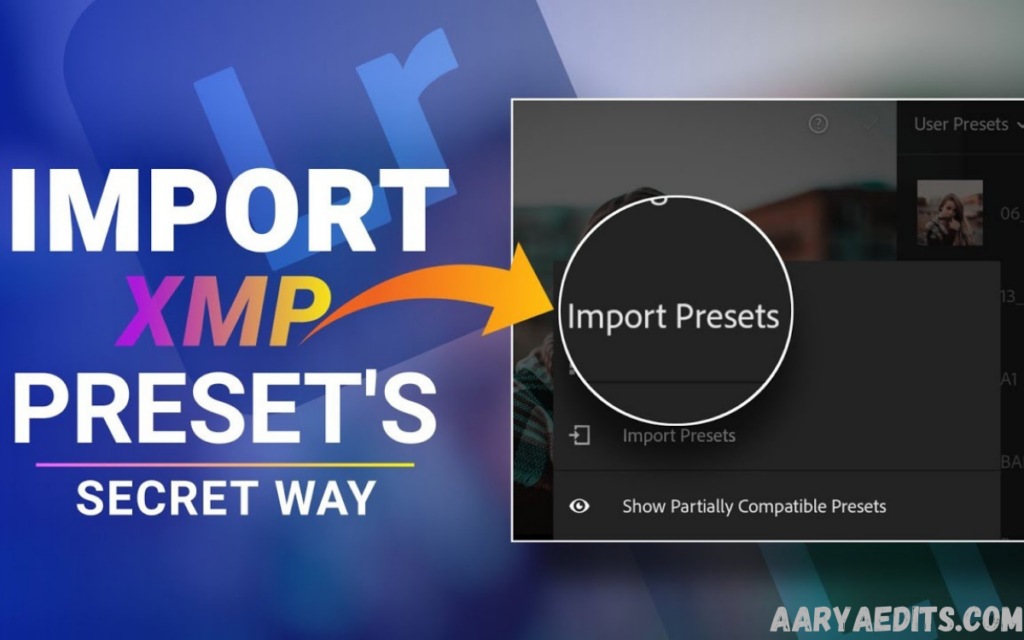
Free XMP Presets Download
Installing XMP presets is a straightforward process for most Lightroom users. The exact steps may vary slightly depending on the version of Lightroom you are using.
First, download and extract the preset files. Open Lightroom and navigate to the Develop module. Locate the Presets panel, click the import option, and select the downloaded XMP files. Lightroom will automatically add them to your preset library.
Best Practices for Using XMP Presets
Presets should be viewed as a starting point rather than a one-click solution for every image. Lighting conditions, camera settings, and subject matter can vary significantly between photos.
After applying a preset, review exposure, contrast, white balance, and saturation levels. Small adjustments can make a significant difference and help achieve the best possible result for each image.
Common Mistakes to Avoid
Many beginners expect presets to produce identical results on every photo. However, presets interact differently with images depending on the original lighting and color conditions.
Another common mistake is applying multiple presets on top of each other without evaluating the changes. This can lead to unnatural colors, excessive contrast, and inconsistent editing results.
Free vs Premium XMP Presets
Free XMP presets are excellent for learning, experimentation, and discovering editing styles. They provide valuable editing tools without requiring any financial investment.
Premium presets, on the other hand, often include more advanced adjustments, extensive collections, regular updates, and professional support. Many photographers eventually upgrade to premium packs after gaining experience with free presets.
How XMP Presets Improve Workflow
Photographers who edit large numbers of images can benefit greatly from presets. Instead of spending several minutes editing each image individually, they can apply a preset to multiple photos and make minor refinements.
This workflow efficiency is particularly useful for wedding photographers, event photographers, travel bloggers, and social media managers who regularly handle hundreds of images.
Choosing the Right XMP Preset Style
Selecting the right preset depends on your photography niche and creative goals. Portrait photographers may prefer natural skin-tone presets, while travel photographers often choose vibrant and colorful styles.
Experimenting with different presets can help identify which aesthetic best matches your brand identity. Over time, many professionals develop a signature editing style using customized preset combinations.
Are XMP Presets Compatible with Mobile Lightroom?
Modern XMP presets are widely compatible with Lightroom Desktop and Lightroom Mobile. This flexibility allows photographers to edit images across multiple devices while maintaining consistent results.
Mobile compatibility is particularly valuable for content creators who need quick editing solutions when working remotely or posting content directly from their smartphones.
Building Your Own XMP Presets
As your editing skills improve, you may want to create custom presets. Lightroom allows users to save their preferred editing settings as reusable XMP presets.
Creating your own presets helps establish a unique editing style and can significantly accelerate future editing projects. Custom presets also provide greater control over color grading and image consistency.
Frequently Asked Questions
What is an XMP preset?
An XMP preset is a file containing Lightroom editing settings that can be applied to photos to quickly achieve a specific visual style.
Are free XMP presets safe to use?
Yes, free XMP presets are generally safe when downloaded from reputable, trustworthy sources that offer legitimate Lightroom preset files.
Can XMP presets be used on Lightroom Mobile?
Yes, most modern XMP presets are compatible with Lightroom Mobile and Lightroom Desktop versions.
Do presets work on every photo?
Presets work on all photos, but results may vary depending on lighting conditions, camera settings, and image quality. Additional adjustments are often necessary.
What is the difference between XMP and LRTemplate presets?
XMP is the newer Lightroom preset format introduced by Adobe, while LRTemplate is the older format used in previous Lightroom versions.
Can I edit a photo after applying a preset?
Yes, presets simply apply predefined settings. You can still modify exposure, colors, contrast, and other adjustments after applying the preset.
Should beginners use free XMP presets?
Absolutely. Free XMP presets are an excellent way for beginners to learn photo editing techniques, explore different styles, and improve their Lightroom workflow.
Conclusion
Searching for XMP Presets Free Download is a great starting point for anyone looking to improve photo editing results in Adobe Lightroom. XMP presets provide an efficient way to enhance images, maintain editing consistency, and reduce the time spent on manual adjustments.
Whether you are a beginner exploring Lightroom for the first time or an experienced photographer looking to streamline your workflow, free XMP presets offer valuable creative opportunities.

