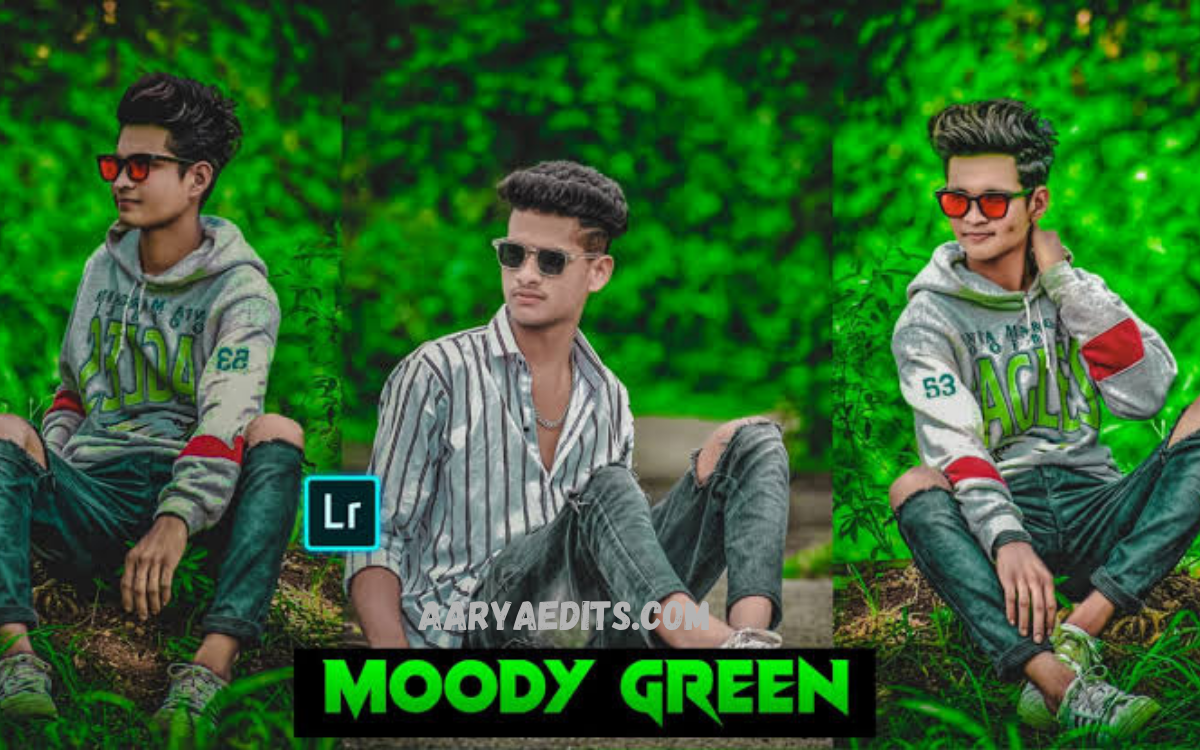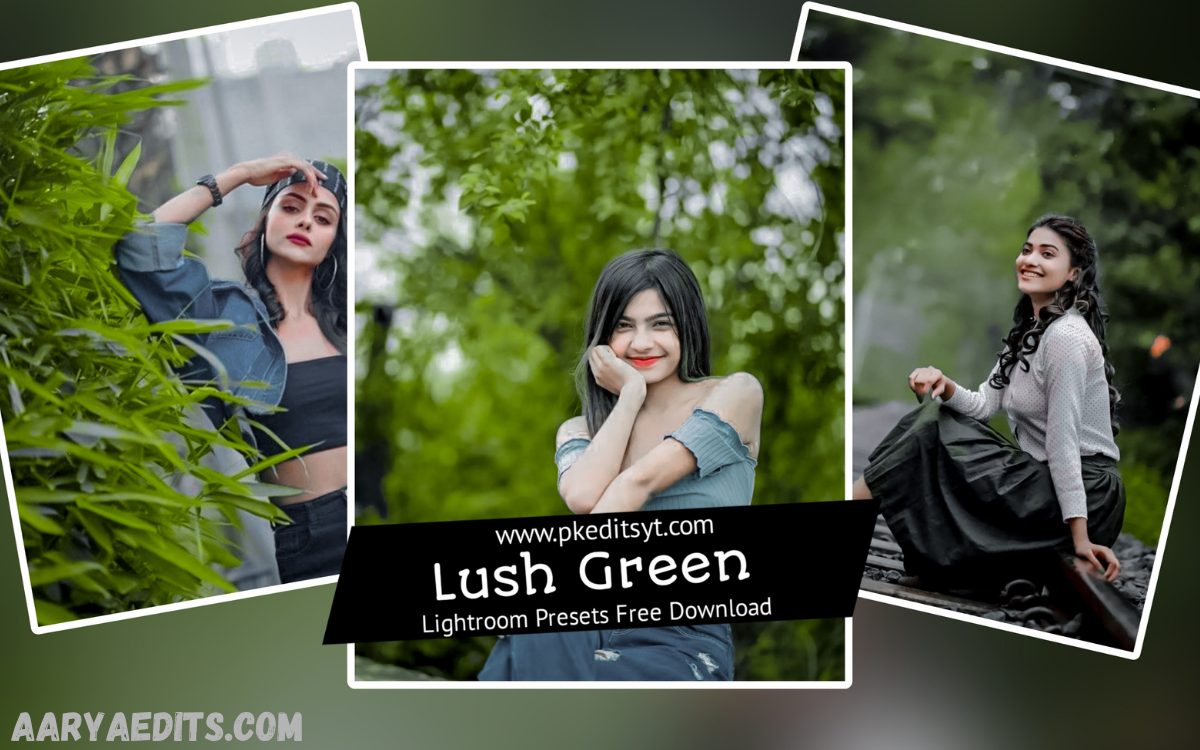
Photography has evolved far beyond simply capturing moments. Today, editing plays a vital role in transforming ordinary photographs into visually captivating masterpieces. Among the most popular editing tools available, Adobe Lightroom stands out for its professional-grade capabilities and ease of use. One of its most sought-after editing resources is the Lightroom Green Preset.
A Lightroom Green Preset is designed to enrich green tones, improve natural landscapes, and create a fresh, vibrant aesthetic with just a single click. Whether you’re a professional photographer, travel blogger, social media influencer, or hobbyist, these presets help maintain a consistent editing style while saving valuable time.
What Is a Lightroom Green Preset?
A Lightroom Green Preset is a collection of preconfigured editing settings designed to enhance green tones in photographs. Instead of manually adjusting exposure, contrast, highlights, shadows, saturation, hue, and color grading for every image, photographers can apply a preset instantly.
These presets automatically optimize various editing parameters to produce lush forests, vibrant gardens, beautiful parks, mountains, and outdoor portraits with rich green tones.
Why Choose a Lightroom Green Preset?
Green is one of the most dominant colors in nature photography. However, camera sensors often fail to reproduce natural greens accurately, resulting in dull or overly saturated images.
Using a Lightroom Green Preset helps photographers overcome these challenges by enhancing color balance and improving overall image quality.
Some major advantages include:
- Faster photo editing
- Consistent editing style
- Enhanced natural colors
- Improved landscape photography
- Professional-looking results
- Better social media aesthetics
- Reduced editing workload
These benefits make Lightroom Green Presets an essential tool for photographers of all skill levels.
Key Features of Lightroom Green Preset
One-Click Editing
The primary advantage of a Lightroom Green Preset is its ability to transform photos instantly. Instead of spending several minutes manually editing each image, users can achieve professional-quality results with one click.
Enhanced Green Tones
The preset intelligently adjusts green hues, making foliage appear healthier, richer, and more vibrant without looking artificial.
Balanced Exposure
Many green presets also improve overall exposure by correcting shadows, highlights, and mid-tones, ensuring balanced lighting across the image.
Natural Color Grading
Professional presets preserve realistic colors while adding cinematic depth, making landscapes appear vivid yet authentic.
Mobile and Desktop Compatibility
Most Lightroom Green Presets work seamlessly with:
- Adobe Lightroom Classic
- Lightroom CC
- Lightroom Mobile
- Lightroom for iOS
- Lightroom for Android
This flexibility allows photographers to edit images from virtually any device.
Read Also: Lightroom Presets for Portraits: The Ultimate Guide to Creating Stunning Portrait Photography
Benefits of Using Lightroom Green Preset
Saves Time
Editing hundreds of photos individually can be exhausting. A preset dramatically reduces editing time while maintaining high-quality results.
Maintains Consistency
Content creators often need a consistent visual identity across portfolios or social media feeds. Green presets ensure every image shares a cohesive aesthetic.
Beginner-Friendly
New photographers may not understand advanced Lightroom tools. Presets simplify editing while producing impressive results.
Professional Quality
Experienced photographers use presets as starting points, allowing them to achieve polished, publication-ready edits more efficiently.
Boosts Social Media Engagement
Bright, vibrant greenery naturally attracts attention on platforms like Instagram, Pinterest, and Facebook, potentially increasing likes, shares, and engagement.
Best Photography Styles for Lightroom Green Preset
A Lightroom Green Preset performs exceptionally well across multiple genres of photography.
Landscape Photography
Forests, hills, rivers, waterfalls, and mountains benefit significantly from enhanced green tones.
Nature Photography
Wildlife and botanical photography gain added richness and depth while preserving natural beauty.
Travel Photography
Travel destinations with lush vegetation appear more inviting and visually striking.
Portrait Photography
Outdoor portraits taken in gardens, parks, or forests look more vibrant when the background greenery is enhanced.
Wedding Photography
Garden weddings and outdoor ceremonies become more elegant with balanced green colors that complement skin tones.
How to Install Lightroom Green Preset
Download Free Lightroom Green Preset
Installing a Lightroom Green Preset is straightforward.
Step 1
Download the preset file.
Step 2
Open Adobe Lightroom.
Step 3
Navigate to the Presets panel.
Step 4
Select “Import Presets.”
Step 5
Choose the downloaded preset file.
Step 6
Apply the preset to your selected photograph.
After installation, the preset remains available for future editing sessions.
Tips for Getting the Best Results
While presets offer excellent starting points, achieving exceptional edits often requires small adjustments.
Adjust Exposure
Every image has unique lighting conditions. Fine-tune exposure after applying the preset if necessary.
Modify White Balance
Correcting temperature and tint ensures natural-looking colors.
Fine-Tune Contrast
Increasing or decreasing contrast can add depth depending on the lighting.
Control Saturation
Avoid oversaturation by making subtle adjustments to green and yellow channels.
Improve Sharpness
Enhancing sharpness adds clarity, especially for landscape and foliage details.
Crop Thoughtfully
A well-composed crop enhances the overall visual impact of the edited photograph.
Common Mistakes to Avoid
Even the best Lightroom Green Presets can produce less-than-ideal results if used incorrectly.
Overediting
Applying additional heavy edits after the preset may create unrealistic colors.
Ignoring Lighting Conditions
Presets work differently under various lighting situations. Always make adjustments when needed.
Using Low-Quality Images
Poor image quality limits the effectiveness of any preset.
Excessive Saturation
Too much green saturation can make foliage appear unnatural.
Forgetting White Balance
Incorrect white balance often results in unrealistic color tones.
Lightroom Green Preset for Social Media Creators
Influencers and content creators frequently rely on Lightroom Green Presets to establish a recognizable visual style.
Consistent editing helps:
- Build a stronger personal brand
- Create an attractive Instagram feed
- Increase audience engagement
- Improve content professionalism
- Enhance storytelling through cohesive visuals
Many successful travel and lifestyle influencers use green-themed editing styles to make outdoor content stand out.
Lightroom Green Preset vs Manual Editing
Both methods have advantages.
Lightroom Green Preset
Pros:
- Extremely fast
- Beginner-friendly
- Consistent results
- Saves time
- Easy customization
Cons:
- Requires minor adjustments for different lighting conditions
Manual Editing
Pros:
- Complete creative control
- Personalized editing style
- Precision adjustments
Cons:
- Time-consuming
- Requires advanced Lightroom knowledge
- Less efficient for large photo collections
For most photographers, combining presets with manual fine-tuning offers the best balance of efficiency and creativity.
Who Should Use the Lightroom Green Preset?
Lightroom Green Presets are suitable for a wide range of users, including:
- Professional photographers
- Landscape photographers
- Nature enthusiasts
- Travel bloggers
- Wedding photographers
- Instagram influencers
- Digital content creators
- Photography students
- Marketing professionals
- Small business owners
Anyone looking to improve outdoor photography can benefit from these presets.
How to Customize a Lightroom Green Preset?
Every photo is unique, so customization can enhance results.
Useful adjustments include:
- Exposure
- Contrast
- Highlights
- Shadows
- Whites
- Blacks
- Vibrance
- Saturation
- HSL settings
- Color grading
- Texture
- Clarity
- Dehaze
- Sharpening
- Noise reduction
These refinements allow photographers to create personalized edits while retaining the preset’s core aesthetic.
Why Lightroom Green Presets Remain Popular?
The popularity of Lightroom Green Presets continues to grow because they provide an ideal combination of speed, quality, and consistency.
Photographers no longer need to edit every image from scratch. Instead, they can focus on creativity while allowing presets to handle repetitive adjustments.
What is a Lightroom Green Preset?
A Lightroom Green Preset is a pre-designed editing setting that enhances green tones, improves color balance, and creates vibrant, natural-looking photos with a single click.
Can I use a Lightroom Green Preset on Lightroom Mobile?
Yes, most Lightroom Green Presets are compatible with Lightroom Mobile on both Android and iOS, allowing you to edit photos directly from your smartphone or tablet.
Does a Lightroom Green Preset work for all types of photos?
While it performs best on landscapes, nature, travel, and outdoor portraits, you can also customize the preset to suit other photography styles and lighting conditions.
Do I need professional editing skills to use a Lightroom Green Preset?
No, Lightroom Green Presets are beginner-friendly. Simply apply the preset and make minor adjustments if needed to achieve the desired look.
Can I customize a Lightroom Green Preset after applying it?
Yes, every preset is fully editable. You can adjust exposure, contrast, saturation, white balance, color grading, and other settings to match your creative vision.
Will using a Lightroom Green Preset reduce image quality?
No, applying a preset does not reduce image quality. It only changes editing settings, while the original photo remains intact unless you overwrite it.
Are Lightroom Green Presets suitable for professional photographers?
Yes, many professional photographers use Lightroom Green Presets to speed up their workflow, maintain a consistent editing style, and deliver polished results efficiently.
How can I get the best results with a Lightroom Green Preset?
For the best results, start with a high-quality image, apply the preset, and fine-tune settings such as exposure, white balance, contrast, and saturation to suit the lighting and subject.
Conclusion
The Lightroom Green Preset is one of the most valuable tools available to photographers seeking vibrant, natural, and visually compelling images. By enhancing green tones, improving color balance, and streamlining the editing process, these presets help both beginners and professionals achieve consistent, high-quality results.
Whether you’re capturing breathtaking landscapes, outdoor portraits, lush gardens, or travel adventures, a Lightroom Green Preset can dramatically elevate your photography.