


Creative AI Instagram photo editing styles are transforming the way users present their visual identity on social media. With the rise of advanced artificial intelligence tools, photo editing is no longer limited to professional software or expert-level skills.
These editing styles include cinematic looks, ultra-realistic portrait enhancements, vintage film tones, neon cyberpunk effects, and soft, pastel aesthetic themes. AI tools can automatically adjust lighting, smooth skin textures, enhance backgrounds, and even generate artistic effects that mimic professional photography or digital art.
Evolution of Instagram Photo Editing
The introduction of AI in photo editing marked a major shift. Instead of manually adjusting every element, AI systems now automate complex editing processes. They understand image composition, facial features, background depth, and lighting conditions.
Today, Creative AI Instagram Photo Editing Styles include advanced transformations such as:
- Realistic portrait enhancement
- AI background replacement
- Artistic style transfer
- Cinematic color grading
- Object removal and background cleanup
This evolution has made Instagram content more polished and visually appealing than ever before.
Importance of Creative AI Editing in Instagram Growth
Instagram success depends heavily on visual impact. Users scroll quickly, and only visually striking content captures attention. This is where Creative AI Instagram Photo Editing Styles play a critical role.
AI editing helps in:
Building Strong Visual Identity
Consistent editing styles create a recognizable brand look. Whether it is soft pastel tones or bold cinematic visuals, AI ensures uniformity across posts.
Increasing Engagement
High-quality images attract more likes, comments, and shares. AI-enhanced visuals improve audience interaction significantly.
Saving Time
Manual editing takes hours, while AI tools complete the same work in seconds with professional accuracy.
Enhancing Creativity
AI introduces new artistic possibilities that are difficult to achieve manually, such as surreal effects and digital art transformations.
Popular Creative AI Instagram Photo Editing Styles
There are several trending styles used by creators and influencers today. Each style serves a different purpose and aesthetic direction.
Cinematic Style Editing
Cinematic editing focuses on movie-like tones, dramatic lighting, and deep contrast. AI tools automatically apply color grading similar to professional films. This style is popular for travel, lifestyle, and storytelling content.
Aesthetic Pastel Editing
Pastel tones are soft, clean, and visually calming. AI enhances light pink, blue, and beige tones to create dreamy visuals. This style is widely used for fashion, beauty, and lifestyle influencers.
Vintage Film Style
Vintage editing recreates the effects of old film cameras, including grain, faded colors, and warm tones. AI tools simulate the look of analog photography for nostalgic visual appeal.
Neon Cyberpunk Style
This modern style uses bright neon lights, dark backgrounds, and futuristic effects. AI enhances city lights, reflections, and contrast to create a high-tech visual experience.
Ultra HD Portrait Enhancement
AI improves facial details, smooths skin, enhances eyes, and sharpens features while maintaining natural appearance. This style is commonly used for personal branding.
Minimal Clean Editing
Minimal editing focuses on clarity, white balance, and natural tones. AI removes distractions and enhances simplicity for professional-looking feeds.
How AI Powers Instagram Photo Editing
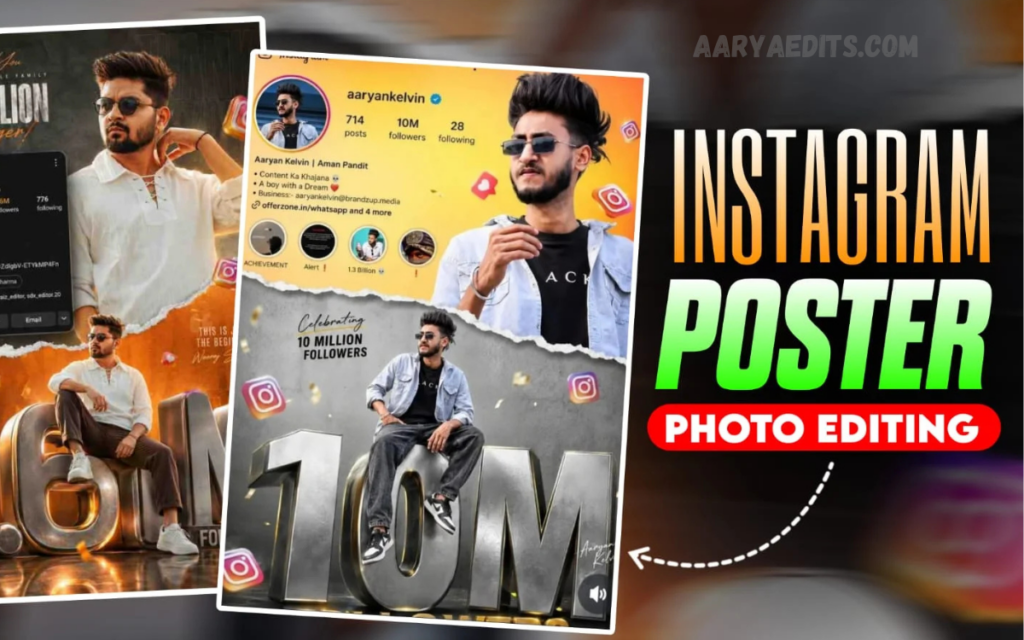
Try Here
AI photo editing is based on machine learning and deep image recognition systems. These systems analyze millions of images to understand patterns, lighting, and composition.
Key AI functions include:
Automatic Subject Detection
AI identifies people, objects, and backgrounds to apply targeted edits.
Smart Lighting Correction
It adjusts exposure, shadows, and highlights for balanced visuals.
Background Enhancement or Removal
AI can blur, replace, or completely transform backgrounds.
Style Transfer Technology
AI applies artistic styles inspired by paintings, films, or digital effects.
Noise Reduction and Sharpening
It removes image noise and enhances clarity without losing detail.
These technologies make Creative AI Instagram Photo Editing Styles more advanced and user-friendly.
Read Also: Orange and Teal Lightroom Preset: The Ultimate Guide to Cinematic Photo Editing
Tools Used for Creative AI Instagram Editing
Several AI-based tools are widely used by creators:
- Adobe Photoshop AI features
- Lightroom AI presets
- Remini AI Photo Enhancer
- Canva AI tools
- PicsArt AI editor
- Snapseed AI filters
Each tool offers different strengths, from professional editing to quick mobile enhancements.
Benefits of Using AI in Instagram Photo Editing
The use of AI in photo editing provides several advantages:
Professional Results Without Expertise
Even beginners can create high-quality visuals without learning complex software.
Faster Workflow
AI significantly reduces editing time, allowing creators to focus more on content strategy.
Consistent Branding
AI ensures uniform filters and tones across all posts.
Creative Freedom
Users can experiment with different styles without technical limitations.
Improved Audience Reach
Better visuals increase algorithm performance and visibility on Instagram.
Challenges of AI Photo Editing
Despite its advantages, AI editing also has limitations:
- Over-editing may reduce natural authenticity
- Some tools require premium subscriptions
- AI may misinterpret complex images
- Lack of full manual control in certain apps
Creators must balance AI automation with personal creativity to maintain originality.
Future of Creative AI Instagram Photo Editing Styles
The future of AI editing is highly advanced and personalized. Upcoming technologies are expected to include:
- Real-time AI editing during photo capture
- Voice-controlled editing commands
- Fully automated aesthetic feed generation
- AI-generated backgrounds based on user mood
- Hyper-realistic 3D image transformations
As AI continues to evolve, Creative AI Instagram Photo Editing Styles will become more immersive and intelligent, shaping the future of digital content creation.
Frequently Asked Questions
What are the most popular AI editing styles for Instagram?
Popular styles include cinematic, vintage film, pastel aesthetic, neon cyberpunk, minimal clean, and ultra HD portrait enhancement.
Are AI-edited photos good for Instagram growth?
Yes, high-quality AI-edited visuals attract more engagement, increase reach, and help build a strong personal or brand identity.
What apps are best for AI Instagram photo editing?
Some popular tools include Adobe Lightroom AI, Canva AI, PicsArt, Remini, Snapseed, and other AI-based editing platforms.
Can AI editing make my photos look professional?
Yes, AI enhances image quality, removes imperfections, and applies advanced effects that make photos look professionally edited.
Is AI photo editing free to use?
Many apps offer free basic features, but advanced AI tools and premium filters may require a subscription.
Does AI editing reduce photo originality?
If overused, AI can make photos look artificial, but balanced editing maintains originality while improving quality.
What is the future of AI Instagram photo editing?
The future includes real-time editing, fully automated aesthetic feeds, voice-controlled tools, and more personalized AI-generated styles.
Conclusion
Creative AI Instagram Photo Editing Styles are revolutionizing the way users create and share visual content. From cinematic effects to aesthetic pastel tones, AI has made professional editing accessible to everyone.
With continuous advancements in artificial intelligence, Instagram photo editing will become even more innovative, automated, and personalized.

