

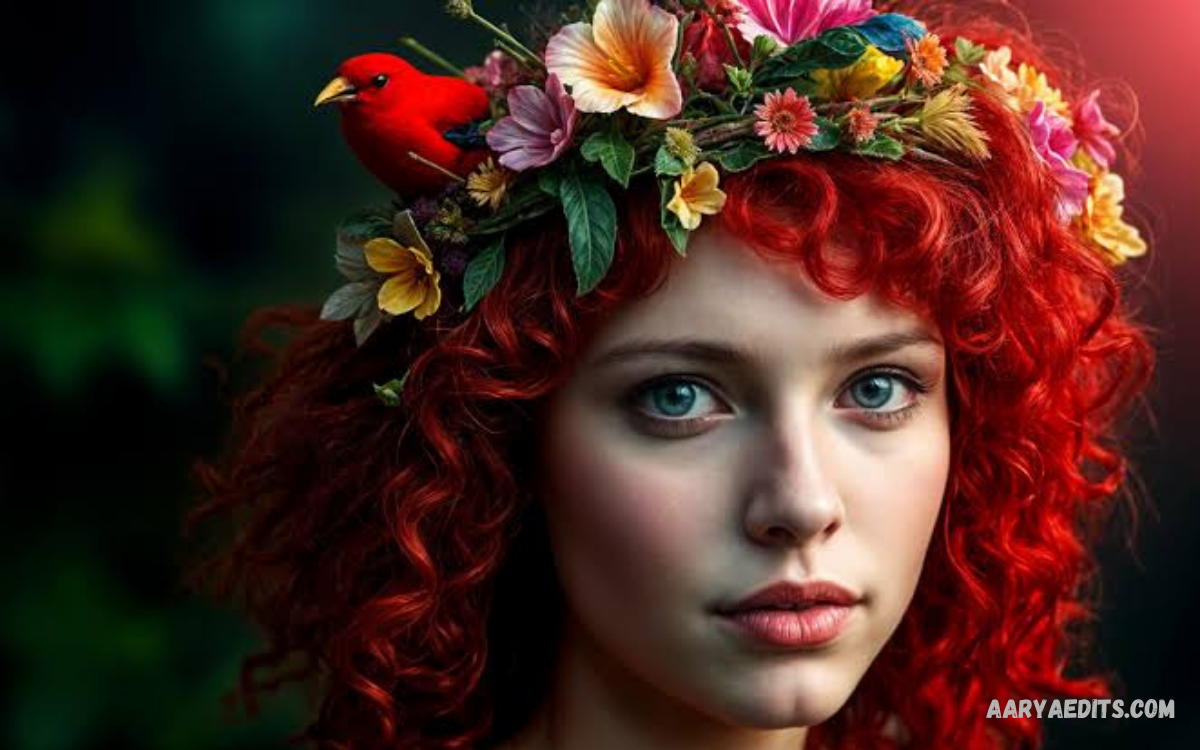
AI image editing has transformed modern photography by making advanced editing techniques faster, simpler, and more accessible. Artificial intelligence can analyze images, understand objects, improve visual quality, remove unwanted elements, and apply creative adjustments with minimal manual effort.
Traditional photo editing often requires experience with complex software, detailed selections, layers, masks, and numerous adjustment tools. AI-powered editors simplify these processes by automating repetitive tasks while giving users greater control over the final appearance of their images.
What Is AI Image Editing?
AI image editing refers to the use of artificial intelligence and machine learning technologies to modify, enhance, transform, or generate visual content. Instead of relying entirely on manual adjustments, AI analyzes image data and applies intelligent changes based on the user’s instructions.
Modern AI editors can recognize faces, objects, backgrounds, colors, lighting conditions, and image composition. This understanding allows the software to perform tasks that previously required considerable editing knowledge and time.
How AI Image Editing Works
AI image editing systems generally rely on machine learning models trained to recognize visual patterns and relationships within images. These models analyze pixels, objects, textures, edges, colors, and other visual characteristics before determining how an image should be modified.
Computer vision technology helps AI understand different parts of a photograph. For example, an editor can identify a person separately from the background, allowing users to remove the background without manually drawing around the subject.
Key Features of AI Image Editing
Automatic Background Removal
Background removal is one of the most useful AI editing features available today. AI can identify the primary subject and separate it from surrounding elements without requiring detailed manual selection.
This feature is especially useful for product photography, profile pictures, advertisements, thumbnails, online stores, and social media content. Users can replace the original background with a solid color, another image, or an AI-generated environment.
Object Removal
AI-powered object removal allows users to eliminate unwanted elements from photographs. The system analyzes the surrounding pixels and generates replacement content designed to blend naturally with the existing scene.
This capability can help remove distracting objects, unwanted signs, background clutter, or other visual elements. However, complex scenes may still require manual adjustments when the removed object covers important textures or detailed backgrounds.
Image Enhancement
AI enhancement can improve the appearance of low-resolution, blurry, noisy, or poorly illuminated photographs. Intelligent algorithms can sharpen details, reduce noise, improve contrast, and enhance overall image clarity.
AI upscaling can also increase the apparent resolution of an image while attempting to reconstruct missing visual information. Results vary depending on the original image because AI cannot always accurately recover details that were never captured.
Automatic Retouching
AI retouching can simplify portrait editing by detecting facial features and applying controlled adjustments. Common applications include improving lighting, reducing distractions, correcting minor imperfections, and balancing skin tones.
Professional users should apply retouching carefully because excessive adjustments can make photographs appear unnatural. Subtle corrections generally produce more realistic and visually appealing results.
Generative Fill
Generative fill allows users to expand or modify portions of an image using AI-generated content. Users can select an area and provide a description of what should appear there, allowing the system to generate content that fits the surrounding scene.
This technology can be useful when extending a photograph, replacing an object, creating additional background space, or adapting an image to a different aspect ratio. Results should always be reviewed because generated content can occasionally contain visual inconsistencies.
Lighting Correction
AI can analyze lighting conditions and automatically adjust brightness, shadows, highlights, exposure, and contrast. This makes it easier to improve photographs captured in difficult lighting conditions.
Intelligent lighting correction can save significant editing time, particularly when processing large collections of photographs. Manual controls remain useful when a specific artistic appearance is required.
Benefits of AI Image Editing
Faster Editing
The biggest advantage of AI image editing is efficiency. Tasks that previously required several manual steps can often be completed within seconds using automated tools.
This speed benefits photographers and content creators who need to process large numbers of images. Businesses can also produce marketing materials more quickly without spending excessive time on repetitive editing tasks.
Beginner-Friendly Editing
AI tools reduce the technical knowledge required for many common editing tasks. Users can often describe an intended change or select a simple editing option instead of learning complex professional workflows.
This accessibility makes advanced visual editing available to students, creators, small businesses, and casual photographers. Beginners can experiment with professional-style techniques while gradually developing traditional editing skills.
Improved Productivity
AI can automate repetitive processes such as background removal, image resizing, enhancement, and object cleanup. Editors can then spend more time on creative decisions rather than performing routine adjustments.
For professional workflows, automation can improve consistency across multiple images. Templates, presets, and AI-powered batch processing can further reduce production time.
Creative Possibilities
AI image editing expands the creative possibilities available to users. Images can be extended, transformed, restyled, enhanced, or combined with generated visual elements.
Creators can use these capabilities for posters, thumbnails, advertisements, concept designs, digital artwork, presentations, and social media campaigns. Responsible use allows AI to function as a creative assistant rather than replacing human direction.
AI Image Editing for Social Media
Social media platforms depend heavily on attractive and visually consistent content. AI editing tools help creators prepare images for different platforms by improving quality, changing dimensions, removing backgrounds, and creating attention-grabbing compositions.
Content creators can use AI to prepare thumbnails, profile images, promotional graphics, product posts, and campaign visuals. Automated resizing is particularly useful because different platforms often require different image dimensions.
AI Image Editing for Businesses
Businesses can use AI editing to improve product images, advertisements, promotional campaigns, catalogs, and website graphics. Professional-looking visuals can help products appear more consistent across online platforms.
E-commerce businesses can benefit from automated background removal and image enhancement. A consistent background and balanced presentation can make product catalogs easier to manage while reducing the time required for manual editing.
AI Image Editing for Photographers
Photographers can use AI as an additional tool within traditional editing workflows. Automated culling, enhancement, masking, noise reduction, and object removal can reduce repetitive work while allowing photographers to maintain creative control.
AI does not eliminate the importance of composition, lighting, color theory, storytelling, and photographic judgment. Instead, it can handle technical or repetitive tasks so photographers can concentrate on the artistic aspects of their work.
AI Image Editing vs Traditional Editing
Traditional editing provides precise control over individual adjustments and remains essential for advanced professional workflows. Users can manually control layers, masks, curves, color channels, selections, and other elements with high accuracy.
AI editing focuses more heavily on automation and intelligent assistance. It can complete complex tasks quickly, but the results may sometimes require additional manual correction.
Read Also: Free AI Photo Editor: Edit, Enhance, and Transform Photos Easily
Tips for Better AI Image Editing Results
Start with the highest-quality original image available because better source material generally produces better editing results. Blurry, heavily compressed, or extremely dark photographs can limit the accuracy of AI-based modifications.
Use clear and specific instructions when working with generative editing tools. Instead of requesting a vague change, describe the desired subject, environment, lighting, style, and placement when those details are important.
Privacy and Responsible AI Editing
Users should consider privacy before uploading personal or sensitive photographs to online AI editing services. Check the platform’s privacy policy and understand how uploaded images may be stored, processed, or used.
Copyright and ownership should also be considered when editing or generating visual content. Users should have appropriate rights to the original images and should follow the terms governing any AI-generated or modified material.
Future of AI Image Editing
AI image editing is expected to become increasingly integrated into cameras, smartphones, desktop applications, web platforms, and creative software. Future systems will likely provide more accurate object understanding, improved realism, faster processing, and better natural-language controls.
Real-time editing could become more common as hardware and AI models improve. Users may be able to make complex adjustments while capturing or previewing photographs rather than completing every modification afterward.
Frequently Asked Questions
What is AI image editing?
AI image editing uses artificial intelligence to automatically enhance, modify, or transform digital images. It can perform tasks such as background removal, object replacement, image enhancement, retouching, and generative editing.
Is AI image editing suitable for beginners?
Yes, many AI editing tools are designed with simple interfaces that allow beginners to perform advanced tasks without extensive technical knowledge. Users can often achieve useful results through automated features or natural-language instructions.
Can AI improve low-quality images?
AI can improve many aspects of low-quality images, including sharpness, noise, lighting, and apparent resolution. The quality of the result depends on the original photograph and the capabilities of the editing system.
Can AI remove objects from photos?
Yes, many AI editors can identify and remove unwanted objects from photographs. The system typically analyzes the surrounding area and generates replacement content that attempts to match the original scene.
Is AI image editing better than traditional editing?
Neither approach is universally better because both have different strengths. AI provides speed and automation, while traditional editing offers detailed control and precise manual adjustments.
Can AI edit photos for social media?
Yes, AI tools can prepare photographs for social media by improving quality, changing dimensions, removing backgrounds, and creating customized visual compositions. These features can help creators produce content more efficiently.
Is AI image editing free?
Some AI image editing tools provide free features or limited usage, while advanced capabilities may require a paid plan. Availability, limits, and pricing vary between platforms and can change over time.
Can AI create realistic images?
Modern generative AI can create highly realistic images based on descriptions and reference material. However, generated content can contain inaccuracies, so important images should be reviewed carefully before publication.
How can users get better AI editing results?
Using high-quality source images, writing specific instructions, and reviewing the final result can improve AI editing outcomes. Combining automated AI features with manual corrections can provide greater accuracy and control.
What is the future of AI image editing?
The future will likely include faster processing, more accurate image understanding, stronger generative capabilities, and deeper integration with cameras and creative applications. AI image editing is expected to become an increasingly standard component of digital visual workflows.
Conclusion
AI image editing has changed how people enhance, modify, and create visual content. Its ability to automate complex tasks, improve image quality, remove unwanted elements, and support creative experimentation makes it valuable for beginners and experienced professionals alike.
The best results come from combining AI automation with human creativity and careful review. As the technology continues to develop, AI image editing will likely become an increasingly important part of modern photography, design, marketing, and digital content creation.
