

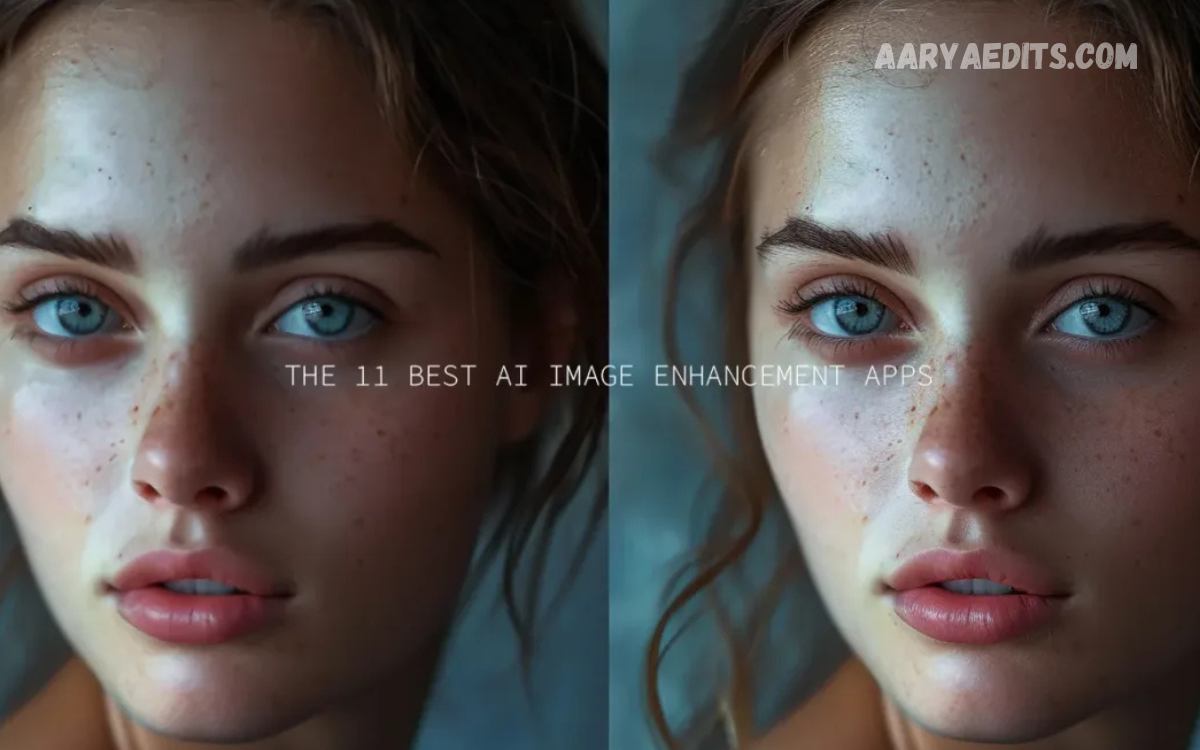
Artificial intelligence has transformed the way we edit and improve images, making professional-quality photo enhancement accessible to everyone. Whether you are a photographer, content creator, business owner, or casual user, modern AI-powered tools can automatically sharpen details, remove noise, enhance colors, restore old pictures, and increase image resolution with remarkable accuracy.
The best AI tools for photo enhancement use sophisticated machine learning algorithms to analyze images and apply intelligent improvements while preserving natural textures and details. From restoring faded family photographs to preparing high-quality visuals for social media and marketing campaigns, these platforms offer solutions for a wide range of needs.
Why AI Photo Enhancement Tools Matter?
AI-powered image editing solutions use machine learning models trained on millions of photographs. These systems recognize patterns, textures, facial details, and image structures to make intelligent improvements that appear natural and realistic.
Modern AI enhancement platforms provide several advantages:
- Faster editing workflows.
- Automated restoration processes.
- High-resolution image upscaling.
- Improved color correction.
- Noise reduction capabilities.
- Portrait retouching features.
- Background removal functions.
- Cost-effective alternatives to professional editing services.
Businesses, social media creators, photographers, and e-commerce brands increasingly rely on these technologies to maintain visual quality while reducing production time.
Adobe Photoshop
Adobe Photoshop remains one of the most powerful image editing platforms available. Its AI system, known as Adobe Sensei, introduces intelligent tools that simplify complex editing tasks while preserving creative control.
Key Features
- AI-powered object selection.
- Automatic sky replacement.
- Neural filters for portraits.
- Intelligent color correction.
- Advanced noise reduction.
- Generative fill capabilities.
- High-end retouching functions.
Best For
Professional photographers, designers, agencies, and creative teams require complete editing flexibility.
Advantages
- Industry-leading capabilities.
- Extensive feature ecosystem.
- Exceptional image quality.
- Professional workflow integration.
Limitations
- Subscription pricing.
- Steeper learning curve for beginners.
For users seeking comprehensive editing solutions, Photoshop remains among the best AI tools for photo enhancement.
Topaz Photo AI
Topaz Photo AI specializes in intelligent image enhancement through automated sharpening, denoising, and upscaling. It combines multiple enhancement functions within a single workflow.
Key Features
- AI image sharpening.
- Noise reduction.
- Resolution upscaling.
- Face recovery technology.
- Automatic subject detection.
- Batch processing support.
Best For
Photographers working with wildlife, landscapes, events, and low-light images.
Advantages
- Outstanding detail preservation.
- User-friendly interface.
- Excellent upscaling quality.
- Powerful automation tools.
Limitations
- Requires strong hardware for optimal performance.
- Premium one-time purchase cost.
Many professionals consider Topaz Photo AI one of the best AI tools for photo enhancement because of its exceptional image restoration capabilities.
Remini
Remini has gained popularity through its ability to restore blurry and low-quality photographs. The platform uses advanced neural networks to recreate facial details and improve image clarity.
Key Features
- Old photo restoration.
- Face enhancement technology.
- Video enhancement options.
- One-click image improvement.
- Mobile accessibility.
- Automatic sharpening.
Best For
Families preserving memories, social media users, and individuals restoring historical photographs.
Advantages
- Simple interface.
- Fast processing.
- Excellent portrait restoration.
- Mobile convenience.
Limitations
- Limited professional editing controls.
- Subscription requirements for advanced features.
Remini continues to rank among the best AI tools for photo enhancement for users focused on restoring personal memories.
Read Also: The Best Lightroom Presets for Instagram That Make Every Photo Go Viral
Luminar Neo
Luminar Neo combines professional editing capabilities with intelligent automation. The platform emphasizes creativity while reducing manual effort.
Key Features
- AI sky replacement.
- Relight AI technology.
- Portrait enhancement tools.
- Background removal.
- Automatic masking.
- Atmosphere effects.
Best For
Creative photographers, travel bloggers, and content creators.
Advantages
- Intuitive interface.
- Impressive creative features.
- Minimal learning requirements.
- Fast editing workflow.
Limitations
- Some advanced features require extensions.
- Heavy resource usage on older devices.
Luminar Neo represents an ideal balance between automation and artistic freedom.
Canva
Canva has expanded beyond graphic design by incorporating AI-powered photo enhancement capabilities. Its simplicity makes it accessible to users with limited editing experience.
Key Features
- One-click photo enhancement.
- Background removal.
- Magic Edit functions.
- Image resizing tools.
- Color adjustment features.
- Social media optimization.
Best For
Small businesses, marketers, educators, and social media managers.
Advantages
- Beginner-friendly environment.
- Cloud-based accessibility.
- Integrated design ecosystem.
- Collaborative workflows.
Limitations
- Limited advanced photography tools.
- Less control than professional software.
For quick enhancements and marketing content creation, Canva remains a practical choice.
Fotor
Fotor delivers accessible AI enhancement services through web-based and mobile platforms. The software focuses on simplicity and efficiency.
Key Features
- AI image upscaling.
- Portrait retouching.
- Automatic enhancement.
- Background removal.
- Noise reduction.
- Artistic effects.
Best For
Casual users, bloggers, and entrepreneurs.
Advantages
- Easy operation.
- Affordable plans.
- Multiple enhancement options.
- Fast cloud processing.
Limitations
- Limited professional customization.
- Watermarks in free versions.
Fotor continues to attract users seeking efficient photo improvement solutions.
Let’s Enhance
Let’s Enhance focuses primarily on image enlargement while preserving clarity and detail. Businesses often use the platform for e-commerce photography.
Key Features
- Resolution upscaling.
- Automatic color correction.
- Compression artifact removal.
- Print-quality optimization.
- Batch enhancement.
- Product image improvements.
Best For
Online stores, digital marketers, and printing professionals.
Advantages
- Excellent enlargement quality.
- Cloud-based convenience.
- Business-friendly workflows.
- Strong e-commerce applications.
Limitations
- Specialized functionality.
- Credit-based pricing models.
The platform ranks among the best AI tools for photo enhancement when high-resolution outputs are essential.
VanceAI
VanceAI offers multiple AI modules for image enhancement, restoration, and creative editing.
Key Features
- AI sharpening.
- Photo restoration.
- Noise reduction.
- Image enlargement.
- Background removal.
- Portrait enhancement.
Best For
Freelancers, small businesses, and digital creators.
Advantages
- Diverse tool collection.
- User-friendly interface.
- Web accessibility.
- Affordable pricing.
Limitations
- Processing limitations in free plans.
- Internet dependency for cloud functions.
Its comprehensive feature set makes VanceAI a competitive option in the AI editing landscape.
Key Factors When Choosing the Best AI Tools for Photo Enhancement
Selecting the right platform depends on individual requirements and creative goals.
Image Quality
Enhancement software should preserve natural textures and avoid artificial-looking outputs. High-quality algorithms maintain realism while improving clarity.
Ease of Use
Beginners benefit from intuitive interfaces and automated workflows. Professionals may prioritize deeper customization capabilities.
Processing Speed
Fast rendering improves productivity, especially for businesses handling large image collections.
Pricing Structure
Some tools operate through subscriptions, while others offer one-time purchases or credit-based systems. Evaluating long-term costs helps identify the most economical solution.
Platform Compatibility
Cloud-based platforms provide accessibility across devices, whereas desktop applications may deliver greater performance and control.
Specialized Features
Different users require different functionalities, including:
- Portrait enhancement.
- Product photography optimization.
- Historical image restoration.
- Social media content preparation.
- Print-quality upscaling.
Understanding these priorities ensures better software selection.
Benefits of Using AI for Photo Enhancement
Artificial intelligence continues to revolutionize image editing by delivering measurable advantages.
Time Efficiency
Tasks that previously required hours can now be completed within minutes through automated enhancement systems.
Improved Accessibility
Individuals without professional editing expertise can achieve impressive visual results.
Consistent Quality
AI tools apply standardized improvements, ensuring uniform branding across large image collections.
Cost Reduction
Businesses reduce outsourcing expenses by managing image enhancement internally.
Creative Freedom
Automation eliminates repetitive tasks, allowing creators to focus on artistic decisions rather than technical corrections.
These benefits explain why AI adoption continues to accelerate across creative industries.
Future Trends in AI Photo Enhancement
The evolution of artificial intelligence promises even more sophisticated editing capabilities.
Emerging developments include:
- Real-time enhancement during image capture.
- Improved facial reconstruction technologies.
- More accurate color restoration systems.
- Advanced generative editing features.
- Enhanced three-dimensional image understanding.
- Intelligent scene reconstruction.
As machine learning models become increasingly sophisticated, users can expect higher realism, faster processing, and broader creative possibilities.
Frequently Asked Questions
Can AI enhance old and damaged photographs?
Yes, many AI tools can restore old or damaged photos by removing scratches, correcting faded colors, sharpening details, and reconstructing facial features with impressive accuracy.
Which AI tool is best for increasing image resolution?
Topaz Photo AI and Let’s Enhance are among the most popular options for AI image upscaling because they enlarge photos while preserving clarity and minimizing quality loss.
Are AI photo enhancement tools suitable for beginners?
Absolutely. Platforms like Canva, Fotor, and Remini offer one-click enhancement features and user-friendly interfaces that make photo editing accessible to beginners.
Can AI remove noise from low-light photographs?
Yes, advanced AI software can effectively reduce digital noise in low-light images while preserving important textures and fine details, resulting in cleaner, sharper photographs.
Do professional photographers use AI photo enhancement software?
Many professional photographers use AI-powered tools to speed up workflows, improve image quality, automate repetitive tasks, and focus more on creative aspects of editing.
Are there free AI tools for photo enhancement?
Several platforms provide free versions or trial plans, including Canva, Fotor, and Remini. However, premium subscriptions usually unlock advanced enhancement features and higher processing limits.
What features should I look for in an AI photo enhancement tool?
Important features include image upscaling, noise reduction, portrait retouching, color correction, background removal, batch processing, and compatibility with your preferred devices and workflows.
Is AI photo enhancement better than manual editing?
AI enhancement significantly reduces editing time and delivers excellent results for most users. However, professional manual editing still offers greater creative control for complex or highly customized projects.
Conclusion
The best AI tools for photo enhancement have transformed digital imaging by combining speed, intelligence, and exceptional visual quality. Whether users require professional editing environments like Adobe Photoshop, specialized enhancement software such as Topaz Photo AI, or beginner-friendly platforms like Canva and Fotor, modern solutions provide options for every skill level and budget.
Selecting the ideal tool depends on specific goals, including portrait retouching, old photo restoration, social media content creation, or high-resolution image production.
