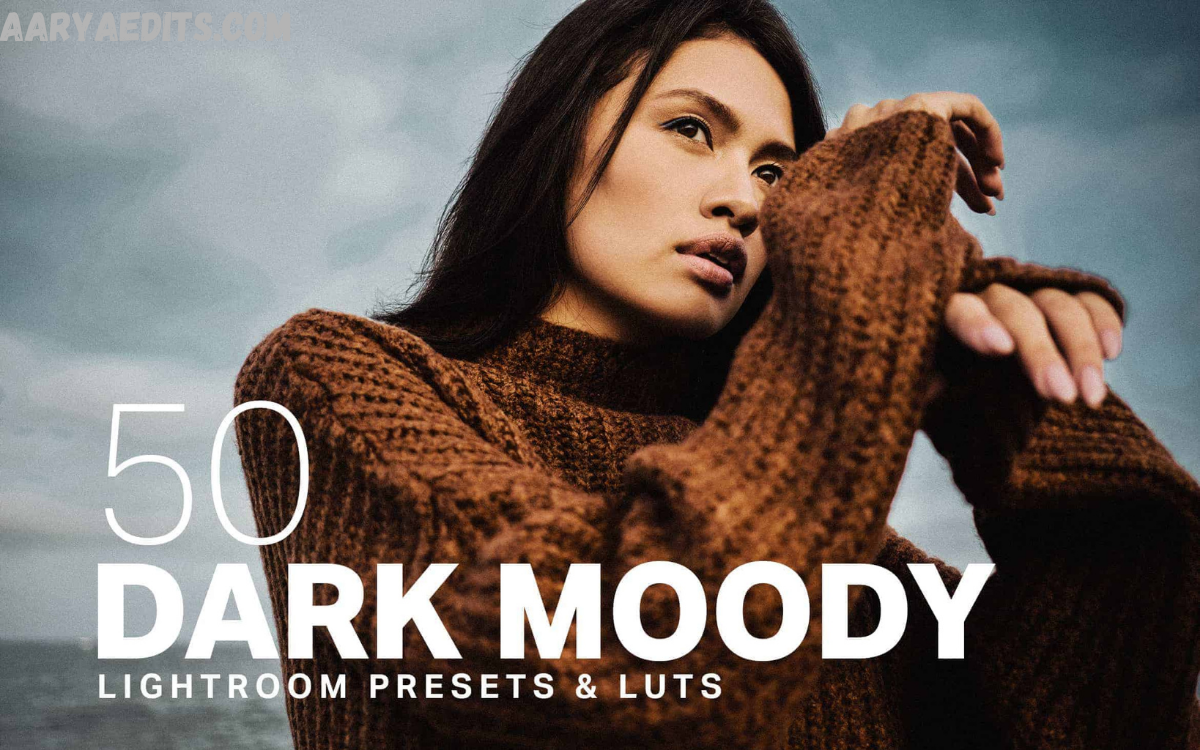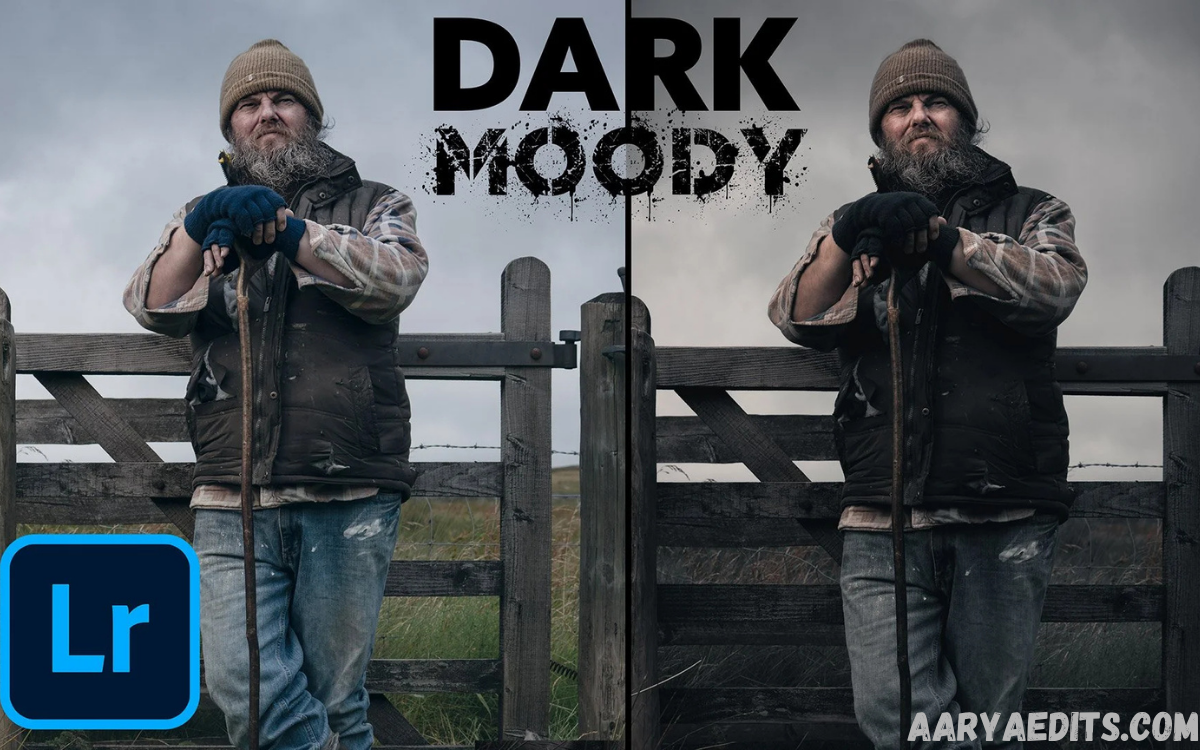
Photography is more than capturing a moment; it’s about telling a story through light, color, and emotion. One of the most effective ways to transform ordinary images into captivating works of art is by using Moody Lightroom Presets.
Whether you’re a professional photographer, travel blogger, social media influencer, wedding photographer, or content creator, Moody Lightroom Presets help streamline your editing workflow while maintaining a consistent visual identity.
What Are Moody Lightroom Presets?
Moody Lightroom Presets are pre-configured editing settings designed specifically for Adobe Lightroom. They automatically apply a combination of adjustments such as exposure, contrast, tone curves, white balance, HSL, split toning, sharpening, and color grading to produce dark, dramatic, and emotionally rich photographs.
Unlike bright and airy presets that emphasize light colors and soft exposure, Moody Lightroom Presets focus on creating depth, mystery, and cinematic appeal. They often include:
- Deep shadows
- Muted highlights
- Earthy color palettes
- Rich greens and browns
- Warm or cool cinematic tones
- Enhanced texture and clarity
- Soft blacks
- Film-inspired contrast
These presets are popular across numerous photography styles because they create timeless and visually compelling images.
Why Choose Moody Lightroom Presets?
Professional photographers prefer Moody Lightroom Presets because they save time while delivering consistent, high-quality edits.
Some major advantages include:
Faster Editing Workflow
Editing hundreds of images manually can consume hours. Moody Lightroom Presets dramatically reduce editing time by instantly applying professional adjustments.
Consistent Visual Style
Maintaining a recognizable editing style is essential for photographers and brands. Consistent tones create a polished portfolio and cohesive social media feed.
Professional Results
High-quality presets replicate advanced color grading techniques that normally require years of editing experience.
Easy Customization
Every preset serves as a starting point. Users can fine-tune exposure, white balance, contrast, and saturation according to each photograph.
Beginner-Friendly
Even users with little Lightroom experience can create professional-looking edits within minutes.
Read Also: AI-Powered Photo Restoration: Enhancing and Reviving Old Images with Modern Technology
Key Features of Moody Lightroom Presets
Premium Moody Lightroom Presets typically include numerous carefully balanced adjustments that improve both color and atmosphere.
Important features include:
Cinematic Color Grading
Inspired by movie color palettes, cinematic grading introduces dramatic blues, warm browns, muted greens, or vintage tones.
Rich Shadow Detail
Instead of crushing blacks completely, quality presets preserve shadow details while maintaining dramatic depth.
Natural Skin Tones
Portrait photographers appreciate presets that enhance mood without making skin appear unnatural.
Soft Highlight Recovery
Bright skies and reflective surfaces remain balanced through gentle highlight reduction.
Enhanced Texture
Subtle sharpening and clarity improve details without producing harsh or overprocessed results.
Film-Like Appearance
Many Moody Lightroom Presets imitate classic analog films using faded blacks, grain, and muted colors.
Types of Moody Lightroom Presets
There are various styles designed for different photography genres.
Forest Moody Presets
Perfect for:
- Hiking photography
- Outdoor portraits
- Landscape photography
- Nature photography
These presets emphasize:
- Deep greens
- Earth tones
- Misty atmosphere
- Dramatic contrast
Portrait Moody Presets
Designed specifically for:
- Fashion photography
- Lifestyle photography
- Professional portraits
They preserve realistic skin tones while adding depth and elegance.
Travel Moody Presets
Ideal for:
- Adventure photography
- Street photography
- Travel blogs
These presets enrich architecture, landscapes, and urban environments with cinematic color grading.
Wedding Moody Presets
Wedding photographers often use moody edits to create romantic storytelling with timeless elegance.
Features include:
- Soft highlights
- Warm skin tones
- Rich shadows
- Elegant contrast
Urban Moody Presets
Perfect for:
- City photography
- Street portraits
- Night photography
- Architecture
These presets enhance concrete textures, dramatic skies, and urban lighting.
Benefits for Professional Photographers
Professional photographers depend on efficient workflows.
Moody Lightroom Presets help by:
- Speeding up post-processing
- Maintaining brand consistency
- Increasing editing efficiency
- Delivering premium-quality images
- Improving client satisfaction
- Reducing repetitive adjustments
This allows photographers to focus more on creativity rather than repetitive editing tasks.
Best Photography Styles for Moody Lightroom Presets
These presets work exceptionally well across many genres.
Portrait Photography
Moody edits create emotional depth while naturally highlighting facial features.
Landscape Photography
Mountains, forests, lakes, and waterfalls appear richer with enhanced shadows and earthy tones.
Travel Photography
Travel images become more cinematic, making destinations appear dramatic and unforgettable.
Wildlife Photography
Dark backgrounds and rich natural colors help wildlife stand out beautifully.
Street Photography
Urban scenes gain stronger storytelling elements through dramatic color grading.
Product Photography
Luxury products often benefit from darker backgrounds and sophisticated editing styles.
How to Install Moody Lightroom Presets
Apply the Preset to Your Photos
Installing presets is straightforward.
Lightroom Desktop
- Open Adobe Lightroom.
- Navigate to the Presets panel.
- Click Import Presets.
- Select the preset files.
- Apply them to your photos.
Lightroom Mobile
- Download the preset files.
- Import the DNG files into Lightroom Mobile.
- Copy the settings.
- Paste them onto your chosen photo.
- Save the preset if desired.
Within minutes, your editing workflow becomes significantly faster.
Tips for Using Moody Lightroom Presets Effectively
Although presets provide excellent results instantly, a few adjustments can make your images even better.
Correct Exposure First
Always begin with a properly exposed image. Presets perform best when exposure is balanced.
Adjust White Balance
Fine-tuning temperature and tint ensures natural-looking colors.
Modify Contrast
Some images may benefit from slight increases or decreases in contrast.
Fine-Tune Shadows
Recovering or deepening shadows helps maintain detail under varying lighting conditions.
Adjust Saturation Carefully
Avoid oversaturating colors. Moody editing usually relies on restrained color palettes.
Crop for Better Composition
Strong composition complements dramatic editing.
Common Mistakes to Avoid
Many beginners make similar editing mistakes.
Avoid:
- Excessive contrast
- Oversaturated colors
- Crushed shadows
- Unrealistic skin tones
- Heavy sharpening
- Ignoring exposure adjustments
The best edits remain natural while enhancing emotion.
Moody Lightroom Presets for Social Media
Instagram, Pinterest, and other visual platforms reward consistent aesthetics.
Benefits include:
- Professional branding
- Higher engagement
- Attractive gallery layouts
- Memorable visual identity
- Improved audience recognition
Many successful influencers rely on consistent mood editing styles to build recognizable personal brands.
Choosing the Best Moody Lightroom Presets
Not every preset delivers professional quality.
Look for presets offering:
- Non-destructive editing
- Natural skin tones
- Adjustable settings
- Desktop and mobile compatibility
- RAW image optimization
- Professional color grading
- Detailed installation guides
- Regular updates
High-quality presets should enhance images rather than dramatically alter them.
RAW Images vs JPEG Images
Moody Lightroom Presets produce the best results on RAW files.
RAW advantages include:
- Greater dynamic range
- Better highlight recovery
- Superior color information
- More editing flexibility
- Reduced image degradation
JPEG images can still benefit from presets but offer less editing latitude.
Creating Your Own Moody Lightroom Presets
As your editing skills improve, consider building custom presets.
Develop your style by adjusting:
- Tone Curve
- HSL sliders
- Color Grading
- White Balance
- Calibration Panel
- Grain
- Sharpening
- Vignetting
Saving your favorite adjustments ensures consistency across future projects.
Why Moody Editing Remains Popular?
Photography trends constantly evolve, yet moody editing continues to dominate because it creates emotional storytelling.
Dark tones naturally evoke feelings of:
- Mystery
- Adventure
- Romance
- Nostalgia
- Sophistication
- Calmness
- Depth
Unlike temporary editing trends, cinematic color grading has remained timeless across professional photography.
Who Should Use Moody Lightroom Presets?
These presets are ideal for:
- Wedding photographers
- Portrait photographers
- Travel photographers
- Landscape photographers
- Influencers
- Bloggers
- Content creators
- Small business owners
- Social media marketers
- Photography enthusiasts
Anyone seeking consistent, dramatic editing can benefit from them.
Frequently Asked Questions
What are Moody Lightroom Presets?
Moody Lightroom Presets are pre-designed editing settings that apply dramatic tones, rich shadows, muted colors, and cinematic effects to your photos in Adobe Lightroom with just one click.
Are Moody Lightroom Presets suitable for beginners?
Yes, they are beginner-friendly. You can apply a preset instantly and then make minor adjustments like exposure or white balance to match your image.
Can I use Moody Lightroom Presets on Lightroom Mobile?
Yes, most premium Moody Lightroom Presets are compatible with both Lightroom Desktop and Lightroom Mobile, making it easy to edit photos on any device.
Do Moody Lightroom Presets work with RAW and JPEG images?
Yes, they work with both RAW and JPEG files. However, RAW images generally provide better editing flexibility and produce higher-quality results.
Can I customize a Moody Lightroom Preset after applying it?
Absolutely. Every preset is fully editable, allowing you to adjust exposure, contrast, colors, shadows, highlights, and other settings to suit your photo.
Which photography styles benefit the most from Moody Lightroom Presets?
These presets are ideal for portrait, landscape, travel, wedding, lifestyle, street, nature, and fashion photography, where a dramatic and cinematic look is desired.
Will using presets reduce image quality?
No. Lightroom Presets only modify editing settings and do not reduce the original image quality. Your original photo remains unchanged.
How do I install Moody Lightroom Presets?
You can import the preset files into Adobe Lightroom through the Presets panel on desktop or import DNG preset files into Lightroom Mobile and save them for future use.
Why are Moody Lightroom Presets so popular?
They are popular because they create a consistent, professional, and cinematic editing style while significantly reducing editing time for photographers and content creators.
Where can I get high-quality Moody Lightroom Presets?
You can purchase or download high-quality Moody Lightroom Presets from trusted photography marketplaces, professional preset creators, and reputable digital asset websites that offer desktop and mobile compatibility.
Conclusion
Moody Lightroom Presets have become an essential tool for photographers who want to create dramatic, cinematic, and emotionally engaging images with minimal editing time. They combine professional color grading, rich shadows, muted tones, and balanced contrast to transform ordinary photographs into visually compelling works of art.
Whether you’re editing portraits, landscapes, weddings, travel photography, or social media content, these presets provide a reliable foundation for achieving a polished and cohesive aesthetic.