

Creating viral reels is no longer just about recording great videos; it’s about using smart editing techniques that capture attention within the first few seconds. With millions of short-form videos uploaded daily across Instagram, TikTok, and YouTube Shorts, creative editing has become the key to standing out.
The latest trending reels editing ideas focus on keeping viewers entertained while delivering content in a fast, visually appealing format. Whether you’re a content creator, influencer, business owner, or social media marketer, mastering these editing trends can help your videos reach a larger audience and improve your chances of going viral.
Why Reels Editing Matters?
The average social media user scrolls through dozens of videos every minute. Your reel has only a few seconds to convince viewers to stop scrolling. High-quality editing creates excitement immediately and encourages viewers to continue watching.
Professional editing helps you:
- Increase audience retention.
- Improve engagement rates.
- Build a recognizable brand.
- Boost algorithm performance.
- Generate more shares and saves.
- Reach the Explore page.
- Increase follower growth.
Creative editing transforms ordinary footage into entertaining content that keeps viewers interested from beginning to end.
Start with a Powerful Hook
The first three seconds determine whether your reel succeeds or fails.
Effective hooks include:
- A surprising transformation.
- A bold question.
- Fast movement.
- Unexpected visuals.
- Eye-catching text.
- Emotional expressions.
- Dramatic before-and-after scenes.
Avoid slow introductions because viewers quickly move to the next video.
Use Fast Cuts
One of the biggest trends in viral reels is quick editing.
Instead of showing long clips, divide footage into multiple short scenes lasting one to three seconds. Fast-paced editing creates energy and keeps viewers engaged.
Fast cuts work especially well for:
- Travel videos
- Fashion content
- Fitness transformations
- Product showcases
- Tutorials
- Lifestyle vlogs
Professional creators rarely leave unnecessary pauses between clips.
Add Seamless Transitions
Smooth transitions make videos look polished and professional.
Popular transitions include:
- Spin transition
- Zoom transition
- Flash transition
- Whip pan
- Match cut
- Object transition
- Hand cover transition
- Motion blur transition
Transitions should support storytelling rather than distract from it.
Use Trending Audio
Music remains one of the strongest ranking signals on Instagram Reels and TikTok.
Trending songs increase discoverability because algorithms often recommend videos using popular audio.
Choose music that:
- Matches your content.
- Fits your editing pace.
- Supports the mood.
- Appeals to your target audience.
Always synchronize transitions with music beats for maximum impact.
Beat Sync Editing
Beat synchronization has become one of the most popular editing styles.
This technique changes scenes exactly when the music beat changes.
Benefits include:
- Better viewer satisfaction.
- Professional appearance.
- Improved watch time.
- More entertaining content.
Many editing apps now include automatic beat detection to simplify this process.
Speed Ramping
Speed ramping changes video speed dynamically.
You can:
- Slow dramatic moments.
- Speed up action sequences.
- Highlight important scenes.
- Create cinematic effects.
Travel creators, sports influencers, and automotive pages frequently use speed ramps to add excitement.
Cinematic Color Grading
Color grading enhances mood and consistency.
Popular color styles include:
- Warm golden tones
- Dark cinematic looks
- Bright lifestyle colors
- Moody blue grading
- Vintage film effects
- High-contrast editing
Consistent color grading helps build your visual identity.
Dynamic Text Animations
Animated text improves engagement by making important information easier to understand.
Use text for:
- Titles
- Tips
- Quotes
- Captions
- Call-to-actions
- Storytelling
Keep text readable and avoid excessive animation that distracts from the main video.
AI-Powered Editing
Artificial intelligence has changed video editing dramatically.
Modern AI tools can:
- Remove backgrounds.
- Generate subtitles.
- Improve video quality.
- Remove noise.
- Create automatic transitions.
- Suggest music.
- Detect highlights.
- Edit clips automatically.
AI editing saves time while maintaining professional quality.
Motion Blur Effects
Motion blur creates smoother movement during transitions.
This effect works particularly well for:
- Dance videos
- Sports content
- Fashion reels
- Travel videos
- Car cinematics
Proper motion blur creates a premium visual experience.
Read Also: Car Lightroom Presets: Everything You Need to Know
Zoom Effects
Zoom transitions remain extremely popular.
Popular zoom styles include:
- Zoom in
- Zoom out
- Punch zoom
- Digital zoom
- Snap zoom
These effects emphasize important moments without overwhelming the viewer.
Before-and-After Transformations
Transformation videos consistently perform well because they create curiosity.
Examples include:
- Home renovations
- Weight loss journeys
- Makeup transformations
- Room makeovers
- Fitness progress
- Photo editing
- Video editing comparisons
Build suspense by delaying the final reveal.
Storytelling Through Editing
Successful reels tell a story.
A simple storytelling structure includes:
Beginning
Introduce the problem.
Middle
Show the process.
End
Reveal the final result.
Even a 20-second reel can follow this structure effectively.
Use Captions
Many users watch reels without sound.
Captions help:
- Improve accessibility.
- Increase watch time.
- Deliver key messages.
- Reach international audiences.
Professional subtitles also improve viewer understanding.
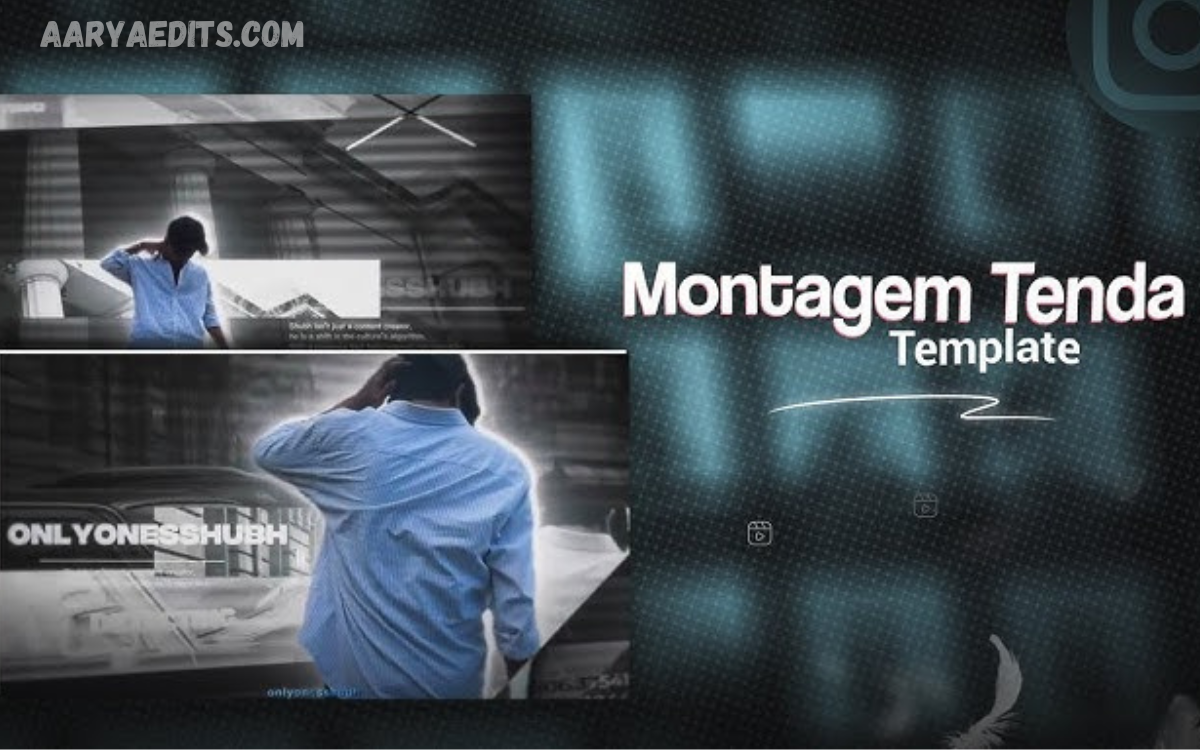
Match Trending Templates
Many creators use viral editing templates.
Templates help maintain:
- Trending pacing.
- Popular transitions.
- Effective timing.
- Professional appearance.
Customize templates with your own branding instead of copying them exactly.
Loop Your Reels
Loop editing encourages repeat views.
The ending connects naturally with the beginning, making viewers watch multiple times.
Higher replay rates often improve algorithm performance.
Green Screen Effects
Green screen editing allows creators to place themselves anywhere.
Popular uses include:
- Educational videos
- Reaction content
- News updates
- Tutorials
- Product reviews
This technique increases creativity without expensive equipment.
Split Screen Editing
Split screens compare multiple clips simultaneously.
Examples include:
- Before vs. after
- Day vs. night
- Beginner vs. expert
- Real vs. edited
- Expectations vs. reality
This style encourages viewers to compare scenes carefully.
Slow Motion Highlights
Slow motion emphasizes emotional moments.
Use it for:
- Sports achievements
- Wedding videos
- Product reveals
- Nature shots
- Travel landscapes
Avoid overusing slow motion because it reduces pacing.
Add Visual Effects Carefully
Effects should enhance your message rather than distract viewers.
Trending effects include:
- Light leaks
- Glow effects
- Lens flares
- Camera shakes
- Particle animations
- Fire effects
- Neon overlays
Balance creativity with simplicity.
Include Call-to-Actions
Encourage interaction naturally.
Examples include:
- Follow for more tips.
- Save this reel.
- Share with friends.
- Comment your opinion.
- Which edit is your favorite?
Calls-to-action increase engagement and strengthen audience relationships.
Maintain Brand Consistency
Professional creators maintain consistent:
- Fonts
- Colors
- Editing style
- Music selection
- Logo placement
- Thumbnail design
Consistency makes your content instantly recognizable.
Best Editing Apps
Professional creators frequently use:
- Adobe Premiere Pro
- CapCut
- VN Video Editor
- DaVinci Resolve
- Final Cut Pro
- InShot
- Adobe Premiere Rush
- Canva Video Editor
Choose software based on your experience level and editing needs.
Common Editing Mistakes
Avoid these common errors:
- Too many transitions.
- Low-quality footage.
- Poor lighting.
- Excessive filters.
- Unreadable text.
- Slow pacing.
- Copyrighted audio.
- Inconsistent branding.
- Long introductions.
- Over-editing every scene.
Professional editing emphasizes clarity rather than complexity.
Tips to Increase Viral Potential
Improve your reel performance by following these strategies:
- Keep videos between 15 and 45 seconds.
- Capture attention immediately.
- Follow current editing trends.
- Post consistently.
- Use high-resolution footage.
- Add engaging captions.
- Include trending hashtags.
- Optimize thumbnails.
- Analyze performance metrics.
- Experiment with different editing styles.
Continuous improvement is essential because social media trends change rapidly.
Future Trends in Reels Editing
The future of short-form video editing will include:
- AI-generated effects.
- 3D transitions.
- Interactive editing.
- Personalized video experiences.
- Automated storytelling.
- Voice-controlled editing.
- Advanced motion tracking.
- Virtual production techniques.
Creators who adopt new technologies early often gain a competitive advantage.
Frequently Asked Questions
What are trending reels editing ideas for viral content?
Trending reels editing ideas include beat-sync transitions, speed ramping, cinematic color grading, AI-powered effects, trending audio, text animations, and seamless cuts that help increase engagement and improve the chances of a reel going viral.
Which app is best for editing viral reels?
Popular apps for editing viral reels include CapCut, Adobe Premiere Pro, VN Video Editor, InShot, DaVinci Resolve, and Final Cut Pro. These tools offer professional features like transitions, effects, subtitles, and motion graphics.
How can I make my reels go viral?
Create high-quality videos with an attention-grabbing hook, use trending music, add smooth transitions, keep your content concise, include captions, post consistently, and encourage viewers to interact through likes, comments, and shares.
Does using trending audio increase reel views?
Yes. Trending audio can improve your reel’s discoverability because social media algorithms often recommend content that uses popular sounds, increasing the potential for higher reach and engagement.
How long should a viral reel be?
Most successful reels are between 15 and 45 seconds long. Short, engaging videos with fast-paced editing generally achieve better watch time and audience retention.
What editing techniques improve audience retention?
Fast cuts, beat-synced transitions, animated text, smooth motion effects, storytelling, speed ramping, and visual hooks keep viewers engaged and encourage them to watch until the end.
Can beginners create professional-looking reels?
Absolutely. Beginners can create high-quality reels using beginner-friendly editing apps like CapCut or InShot, along with free templates, trending effects, and simple editing techniques.
How important are captions in reels?
Captions improve accessibility, help viewers understand your content without sound, increase watch time, and enhance overall engagement across social media platforms.
How often should I post reels for better growth?
Posting consistently typically three to seven reels per week can help improve visibility, build audience trust, and increase your chances of reaching new viewers.
What are the biggest mistakes to avoid when editing reels?
Avoid slow introductions, excessive transitions, poor lighting, low-resolution footage, too much text, inconsistent branding, and overusing visual effects that distract from your main message.
Conclusion
Mastering Trending Reels Editing Ideas for Viral Content requires more than learning transitions or applying filters. Successful reels combine engaging storytelling, smooth editing, trending audio, strategic pacing, creative effects, and audience-focused content.
You are a beginner or an experienced content creator, continuously testing new editing styles and analyzing audience behavior will help you improve your results.
