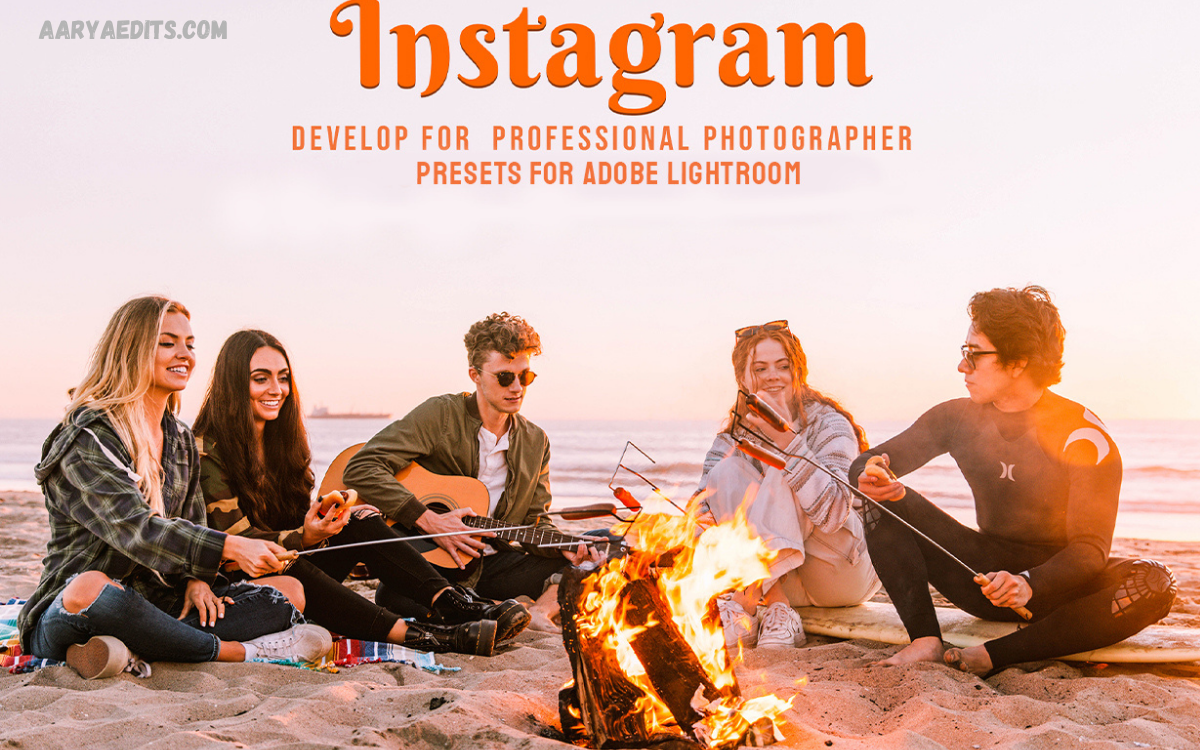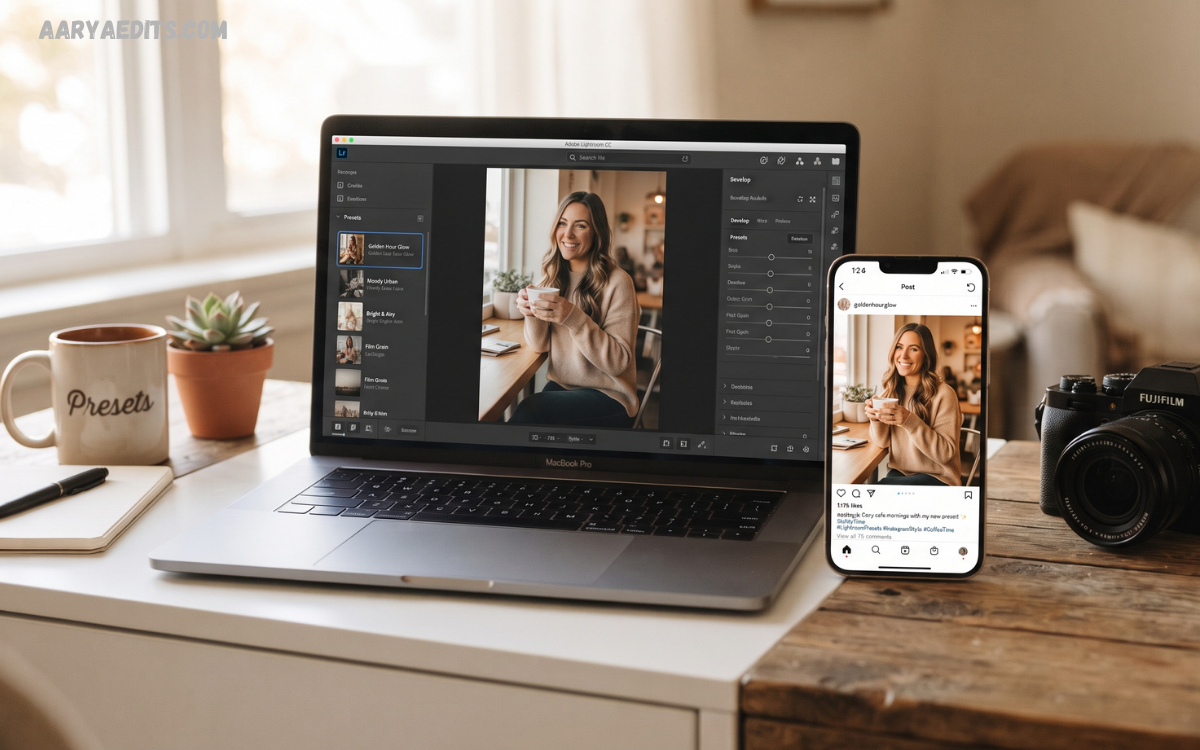
Lightroom Instagram Presets have transformed digital photography by making professional-quality editing accessible for creators, influencers, photographers, bloggers, brands, and social media enthusiasts. Instead of spending hours adjusting exposure, colors, contrast, highlights, shadows, and tones for every image, users can apply a preset that instantly creates a polished appearance.
Whether creating travel photography, fashion portraits, food photography, lifestyle content, landscapes, product images, or personal memories, Lightroom Instagram Presets provide a reliable starting point for editing. Modern presets work on desktop and mobile versions of Adobe Lightroom, allowing creators to edit images anywhere while preserving professional quality.
What Are Lightroom Instagram Presets?
Lightroom Instagram Presets represent saved editing settings that automatically apply adjustments such as exposure, contrast, highlights, shadows, whites, blacks, saturation, vibrance, color grading, sharpening, texture, clarity, tone curve, and more.
Every preset serves as a foundation rather than a finished edit. Photographers typically make additional adjustments depending on lighting conditions, camera settings, subject, and composition. This flexibility ensures every photograph maintains natural quality while reflecting a consistent editing style throughout an Instagram profile.
Why Lightroom Instagram Presets Matter
Instagram thrives on visual storytelling. A well-designed feed creates stronger first impressions, encourages profile visits, improves follower retention, and enhances brand identity. Lightroom Instagram Presets simplify visual consistency across hundreds of photographs.
Creators managing frequent uploads benefit significantly because editing time decreases while image quality remains high. Businesses also rely on presets to ensure products appear consistent across marketing campaigns, advertisements, and social media promotions.
Benefits of Lightroom Instagram Presets
Professional editing no longer requires years of experience. Presets simplify complex adjustments while preserving creative flexibility.
Major benefits include:
- Faster editing workflow
- Consistent Instagram aesthetic
- Improved color balance
- Enhanced storytelling
- Better engagement potential
- Professional image appearance
- Easy mobile editing
- Customizable adjustments
- Brand consistency
- Time-saving editing process
These advantages explain why influencers, photographers, travel creators, lifestyle bloggers, fashion professionals, and content marketers regularly depend on Lightroom Instagram Presets.
Types of Lightroom Instagram Presets
Different photography styles require different editing approaches. Choosing the correct preset improves overall image quality while supporting artistic vision.
Popular preset categories include:
Bright and Airy
Bright presets increase exposure, soften shadows, reduce contrast, and create clean, elegant images. Wedding photographers, family photographers, and lifestyle creators frequently prefer this editing style.
Moody Presets
Moody editing emphasizes darker shadows, rich colors, dramatic contrast, and cinematic tones. Travel photographers and portrait creators often select these presets for emotional storytelling.
Minimal Presets
Minimal editing reduces distractions while emphasizing simplicity. Neutral colors, balanced exposure, and subtle adjustments create timeless imagery.
Warm Presets
Warm Lightroom Instagram Presets introduce golden tones, orange highlights, and soft skin colors. These settings perform exceptionally well during sunrise and sunset photography.
Cool Tone Presets
Cool presets emphasize blue shadows and neutral highlights while creating modern urban aesthetics suitable for architecture, city photography, and winter landscapes.
Vintage Presets
Vintage editing recreates classic film photography through faded blacks, muted colors, grain effects, and nostalgic color grading.
Dark and Bold
Dark editing styles increase contrast while preserving rich colors. Fashion photography and luxury branding commonly use this dramatic appearance.
Lightroom Mobile vs Lightroom Desktop
Adobe Lightroom offers editing across desktop and mobile platforms. Both versions support Lightroom Instagram Presets while providing synchronized editing through cloud storage.
Lightroom Desktop offers greater control over masking, organization, RAW editing, and advanced color grading. Lightroom Mobile provides convenient editing during travel, allowing creators to publish professionally edited photographs directly from smartphones.
Many professionals combine both platforms, organizing photographs on desktop while performing quick adjustments through mobile devices.
How Do Lightroom Instagram Presets Work?
Every preset stores editing instructions rather than permanently modifying the original image. Lightroom applies saved settings while preserving the original photograph, enabling unlimited experimentation.
Users can apply multiple presets, compare editing styles, adjust individual sliders, reset edits, or create customized variations without damaging source files. This non-destructive workflow makes Lightroom an industry-leading editing solution.
Installing Lightroom Instagram Presets
Download
Installing presets remains straightforward regardless of platform.
Desktop installation generally includes:
- Download preset files
- Open Adobe Lightroom
- Import presets
- Organize preset collections
- Apply presets during editing
Mobile installation usually includes:
- Import preset files
- Save preset settings
- Apply presets
- Fine-tune adjustments
- Export edited images
Proper organization simplifies future editing sessions while improving productivity.
Choosing the Right Lightroom Instagram Presets
Selecting appropriate presets depends on photography style rather than popularity.
Consider:
- Lighting conditions
- Camera quality
- Subject type
- Skin tones
- Background colors
- Personal branding
- Feed consistency
- Image purpose
Testing several presets before committing helps identify editing styles matching long-term creative goals.
Read Also: Lightroom Nature Presets: Complete Guide to Stunning Landscape and Nature Photography
Editing After Applying Presets
Applying Lightroom Instagram Presets should begin the editing process rather than end it. Every photograph contains unique lighting characteristics requiring additional refinement.
Common adjustments include:
- Exposure correction
- White balance
- Contrast refinement
- Highlight recovery
- Shadow adjustments
- Crop optimization
- Straightening
- Noise reduction
- Skin tone correction
- Color grading
Small improvements create natural-looking photographs instead of over-edited images.
Creating Custom Lightroom Instagram Presets
Many professional photographers eventually develop personalized presets reflecting individual artistic preferences.
Creating custom presets involves editing representative photographs before saving preferred settings. Future images receive consistent editing while preserving personal creativity.
Custom presets strengthen visual branding because competing creators cannot duplicate unique editing styles exactly.
Best Photography Categories for Lightroom Instagram Presets
Nearly every photography niche benefits from presets.
Popular categories include:
- Portrait photography
- Travel photography
- Fashion photography
- Food photography
- Wedding photography
- Landscape photography
- Product photography
- Street photography
- Lifestyle photography
- Interior photography
Each niche benefits from tailored adjustments emphasizing relevant colors, lighting, and textures.
Common Editing Mistakes
Many beginners expect presets to produce perfect edits instantly. Reality differs because every photograph contains unique exposure, lighting, and composition.
Avoid these mistakes:
- Excessive saturation
- Over-sharpening
- Unrealistic skin tones
- Extreme clarity
- Poor white balance
- Heavy contrast
- Ignoring exposure
- Overusing filters
- Inconsistent editing
- Low-quality exports
Balanced editing consistently produces superior visual results.
Lightroom Instagram Presets for Branding
Successful brands recognize visual consistency as an essential marketing asset. Identical editing styles across Instagram posts strengthen recognition while reinforcing professionalism.
Businesses, influencers, online stores, restaurants, travel agencies, beauty brands, and photographers frequently create signature editing styles using customized Lightroom Instagram Presets. Consistent visual identity encourages audience trust and strengthens long-term engagement.
Lightroom Instagram Presets for Content Creators
Content creators publish photographs across multiple platforms daily. Efficient editing significantly increases productivity while maintaining professional quality.
Preset collections simplify content production by reducing repetitive adjustments. Combined with careful planning, creators maintain attractive Instagram feeds while dedicating additional time toward photography, storytelling, marketing, and audience interaction.
Expert Tips for Better Results
Professional editors recommend several techniques for maximizing preset performance.
Helpful practices include:
- Photograph using natural lighting
- Capture RAW files whenever possible
- Maintain consistent camera settings
- Fine-tune exposure individually
- Protect highlight details
- Correct white balance before editing
- Organize preset collections
- Create backup copies
- Update editing workflow regularly
- Export high-resolution images
Following these recommendations improves editing consistency while preserving image quality.
Future of Lightroom Instagram Presets
Photography editing continues evolving alongside artificial intelligence, cloud synchronization, mobile processing, and advanced masking technology. Lightroom Instagram Presets increasingly integrate intelligent subject detection, adaptive masking, automatic sky adjustments, and personalized editing recommendations.
Future developments will further simplify professional editing while preserving creative control. Rather than replacing photographers, these innovations enhance productivity, allowing creators to focus more on storytelling, composition, and artistic expression.
Frequently Asked Questions
What are Lightroom Instagram Presets?
Lightroom Instagram Presets are pre-configured editing settings that instantly apply color, exposure, contrast, and tone adjustments to photos, helping create a consistent Instagram aesthetic.
Are Lightroom Instagram Presets suitable for beginners?
Yes. Beginners can easily apply presets with a single click and then make small adjustments to match the lighting and subject of each photo.
Can Lightroom Instagram Presets be used on mobile devices?
Yes. Adobe Lightroom Mobile supports presets, allowing users to edit photos directly on smartphones and tablets with professional-quality results.
Do presets work with every photo?
Presets provide an excellent starting point, but each image may require minor adjustments to exposure, white balance, or contrast for the best final result.
Can I create my own Lightroom Instagram Presets?
Yes. After editing a photo, you can save your settings as a custom preset and reuse the same style on future images.
Do Lightroom Instagram Presets reduce image quality?
No. Presets only change editing settings and do not reduce the original image quality when used correctly.
Which photo styles work best with Lightroom Instagram Presets?
Presets work well for portraits, travel, fashion, food, landscapes, lifestyle, product photography, street photography, and Instagram content creation.
Are free Lightroom Instagram Presets worth using?
Many free presets offer excellent results. Testing different collections helps you find styles that match your editing preferences and photography needs.
Can Lightroom Instagram Presets improve Instagram engagement?
A consistent editing style creates a professional-looking feed, strengthens brand identity, and may encourage more profile visits and audience engagement.
How do I choose the best Lightroom Instagram Presets?
Select presets based on your photography style, lighting conditions, color preferences, and the overall aesthetic you want to maintain across your Instagram profile.
Conclusion
Lightroom Instagram Presets remain valuable tools for photographers, influencers, businesses, bloggers, and creators seeking professional-quality editing with greater efficiency. They reduce editing time, improve consistency, strengthen branding, and simplify workflow while allowing complete creative flexibility through customization.
Choosing appropriate presets, refining adjustments after application, organizing editing collections, and maintaining consistent visual identity help create impressive Instagram content that attracts audiences and supports long-term growth.