

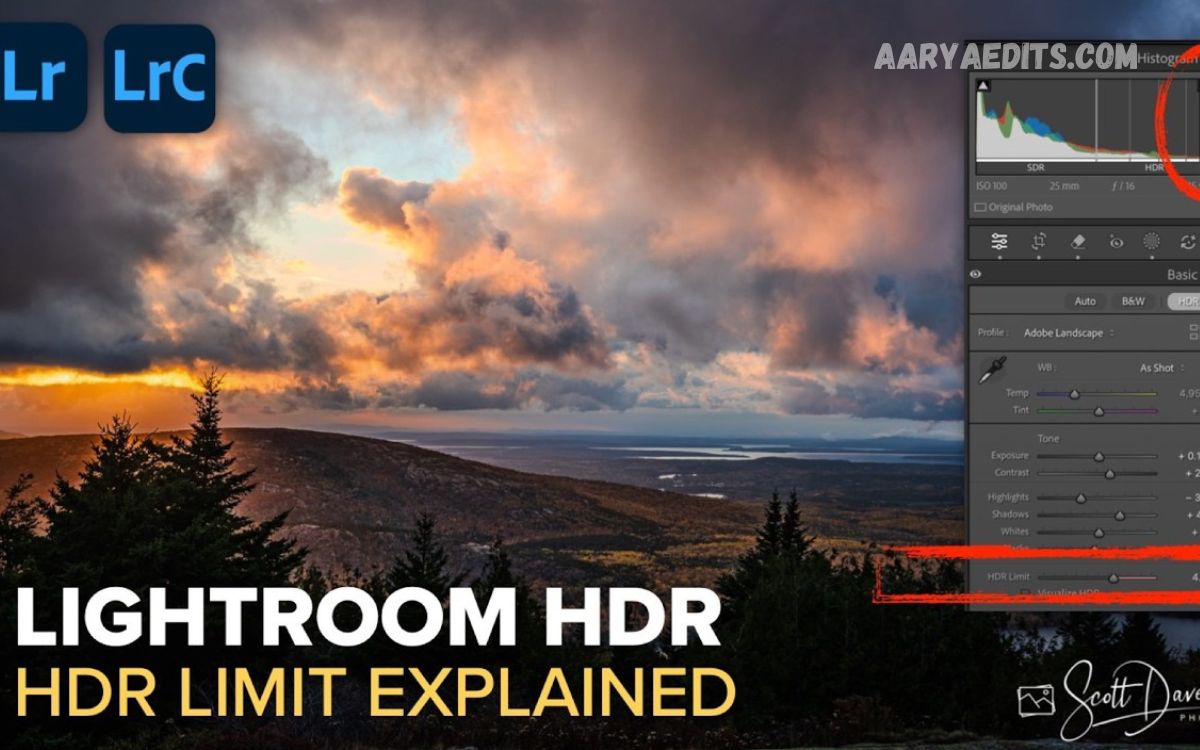
HDR (High Dynamic Range) photo editing is a technique that enhances an image’s overall quality by combining multiple exposures or adjusting a single photo to reveal more detail in both bright and dark areas. The goal is to create a balanced image that closely matches what the human eye naturally sees.
Modern HDR photo editing is no longer limited to professional photographers. With advanced editing software and AI-powered tools, anyone can create stunning HDR images using a smartphone or digital camera.
What Is HDR Photo Editing?
HDR (High Dynamic Range) photo editing is the process of combining multiple photos taken at different exposure levels into one balanced image.
Instead of choosing either bright highlights or dark shadows, HDR preserves details across the entire scene.
Typically, photographers capture:
- Underexposed image
- Normally exposed image
- Overexposed image
HDR software merges these images into one photo that contains details from every exposure.
Why HDR Photography Matters?
Traditional photography often struggles with scenes that contain both bright and dark areas.
Examples include:
- Sunset landscapes
- Bright windows inside buildings
- Mountain scenery
- City skylines
- Forests
- Beaches
- Architecture
Without HDR:
- Sky becomes overexposed
- Shadows become black
- Details disappear
HDR solves these problems by balancing light throughout the image.
How HDR Works
HDR photography follows a simple workflow.
Step 1: Capture Multiple Exposures
Take several photos of the same scene.
Example:
- -2 EV
- 0 EV
- +2 EV
Some photographers capture five or seven exposures for better accuracy.
Step 2: Merge Images
HDR software aligns all photos automatically.
It combines:
- Highlights
- Midtones
- Shadows
Step 3: Tone Mapping
Tone mapping compresses the high dynamic range into a normal image that displays correctly on screens.
This step determines:
- Brightness
- Contrast
- Saturation
- Local contrast
- Texture
Step 4: Final Editing
Finish with:
- Color correction
- Sharpening
- Noise reduction
- Cropping
- White balance adjustments
HDR vs Normal Photo
| Feature | HDR | Standard Photo |
|---|---|---|
| Shadow Detail | Excellent | Limited |
| Highlight Recovery | Excellent | Moderate |
| Color Accuracy | Better | Standard |
| Contrast | Balanced | Limited |
| Dynamic Range | High | Normal |
| Editing Flexibility | High | Lower |
Benefits of HDR Photo Editing
HDR editing offers many advantages.
Better Shadow Detail
Dark areas reveal hidden textures.
Better Highlights
Bright skies maintain cloud detail.
More Realistic Colors
HDR creates vibrant yet balanced colors.
Professional Appearance
Images look polished and visually appealing.
Greater Editing Flexibility
Photographers can recover information unavailable in a single exposure.
Best Scenes for HDR Photography
HDR performs best in high-contrast situations.
Ideal subjects include:
Landscapes
Mountains, rivers, forests, waterfalls.
Sunsets
Preserves colorful skies while maintaining foreground detail.
Sunrise Photography
Captures balanced lighting during early morning.
Architecture
Maintains indoor and outdoor brightness simultaneously.
Interior Photography
Especially useful for:
- Hotels
- Homes
- Restaurants
- Offices
Real Estate Photography
Professional real estate photographers frequently use HDR.
Properties appear brighter and more inviting.
When Not to Use HDR?
HDR is not suitable for every situation.
Avoid HDR when photographing:
- Sports
- Fast-moving subjects
- Wildlife
- Action scenes
- Strong wind movement
Movement between exposures creates ghosting.
HDR on Smartphones
Modern smartphones include HDR automatically.
Popular phones include:
- iPhone
- Samsung Galaxy
- Google Pixel
- Xiaomi
- OnePlus
The camera captures several images instantly.
Artificial intelligence merges them into one balanced photograph.
Most users never notice the process happening.
HDR Cameras
Many cameras support automatic HDR.
Popular brands include:
- Canon
- Nikon
- Sony
- Fujifilm
- Panasonic
Features may include:
- Auto Exposure Bracketing
- HDR Mode
- RAW HDR workflow
HDR Photo Editing Software
Many applications support HDR editing.
Adobe Lightroom
Perfect for beginners and professionals.
Features:
- HDR Merge
- RAW editing
- Color grading
- AI masking
Adobe Photoshop
Offers advanced HDR merging tools.
Suitable for experienced editors.
Aurora HDR
Designed specifically for HDR photography.
Offers:
- AI enhancement
- Tone mapping
- Batch editing
Photomatix Pro
One of the oldest HDR editing applications.
Known for natural-looking HDR processing.
Luminar Neo
Uses artificial intelligence for HDR enhancement.
Produces professional results quickly.
Read Also: Lightroom Presets Free Download 2026
HDR Editing Workflow
Professional photographers often follow this workflow.
Import Photos
Load bracketed exposures.
Align Images
Correct camera movement.
Remove Ghosting
Fix moving objects.
Merge HDR
Combine exposures.
Tone Mapping
Balance highlights and shadows.
Color Correction
Adjust:
- White balance
- Vibrance
- Saturation
Sharpen
Increase image clarity.
Export
Save as:
- JPEG
- TIFF
- PNG
HDR Editing Tips
Shoot in RAW
RAW files retain maximum detail.
Use a Tripod
Keeps every exposure perfectly aligned.
Enable Auto Exposure Bracketing
Most cameras automate exposure capture.
Avoid Overprocessing
Excessive HDR causes:
- Halos
- Unrealistic colors
- Artificial contrast
Natural HDR looks better.
Watch Noise Levels
Brightening shadows increases image noise.
Use noise reduction carefully.
Common HDR Mistakes
Too Much Saturation
Natural colors appear more professional.
Over-Sharpening
Creates unwanted artifacts.
Excessive Contrast
Produces unrealistic images.
Ignoring White Balance
Incorrect color temperature affects realism.
Using HDR Everywhere
Not every image benefits from HDR.
HDR Editing for Landscapes
Landscape photography benefits significantly from HDR.
Benefits include:
- Rich skies
- Detailed mountains
- Better water reflections
- Balanced forests
- Enhanced clouds
Professional travel photographers often rely on HDR.
HDR for Real Estate Photography
Real estate requires balanced interior lighting.
HDR helps display:
- Windows
- Furniture
- Flooring
- Ceiling details
- Room brightness
Buyers receive a realistic impression of the property.
HDR for Travel Photography
Travel destinations often contain strong sunlight.
HDR captures:
- Historic buildings
- Beaches
- Waterfalls
- City streets
- Famous landmarks
Travel blogs frequently use HDR for vibrant visuals.
HDR for Nature Photography
Nature photographers appreciate HDR because forests contain deep shadows.
HDR reveals:
- Leaves
- Tree bark
- Flowers
- Rivers
- Wildlife surroundings
HDR Editing Using Lightroom
Basic workflow:
- Import RAW files.
- Select bracketed images.
- Right-click.
- Choose HDR Merge.
- Adjust settings.
- Edit colors.
- Export.
This process takes only a few minutes.
HDR Editing Using Photoshop
Photoshop offers greater manual control.
Users can:
- Merge exposures
- Paint masks
- Blend manually
- Adjust local contrast
- Apply advanced sharpening
Professionals often combine Lightroom and Photoshop.
HDR Editing for Social Media
HDR images attract attention because they feature:
- Better colors
- More detail
- Higher clarity
- Balanced exposure
Instagram, Pinterest, Facebook, and photography websites often showcase HDR images.
Avoid excessive processing to maintain a natural appearance.
HDR Editing and AI
Artificial intelligence has transformed HDR editing.
Modern software now offers:
- Automatic sky detection
- AI masking
- Automatic exposure blending
- Smart tone mapping
- Noise reduction
- Detail enhancement
Editing time continues to decrease while quality improves.
Frequently Asked Questions
Is HDR photo editing difficult?
No. Modern software automates most steps, making HDR editing beginner-friendly.
Does HDR reduce image quality?
Proper HDR editing improves image quality by preserving more details and balanced exposure.
Can smartphones create HDR photos?
Yes. Most modern smartphones automatically capture and process HDR images.
Is HDR only for professional photographers?
No. Beginners can create excellent HDR photos using smartphones or entry-level cameras.
Should I always use HDR?
No. HDR works best in high-contrast scenes. Standard photography is often better for fast-moving subjects.
Can I create HDR from one RAW file?
Yes. Many editing programs can simulate an HDR effect using the wide exposure latitude of a single RAW image, though true HDR from multiple exposures typically provides a greater dynamic range.
Which file format is best for HDR editing?
RAW files are the best choice because they preserve the most image data, giving you greater flexibility during editing.
What is tone mapping in HDR?
Tone mapping compresses the high dynamic range into a format that standard displays can show while retaining details in highlights and shadows.
Does HDR increase file size?
HDR projects can be larger because they combine multiple exposures, but the exported JPEG or PNG can be optimized for web or print.
Which HDR software is best for beginners?
Adobe Lightroom is an excellent starting point due to its simple interface and automated HDR Merge feature. Aurora HDR and Luminar Neo are also beginner-friendly.
Conclusion
HDR photo editing is a powerful technique that enables photographers to capture scenes with greater detail and balance than standard photography often can. By combining multiple exposures, HDR preserves shadow detail, recovers bright highlights, and creates images that closely match what the human eye sees.
With today’s cameras, smartphones, and AI-powered editing software, HDR photography is easier than ever.
