

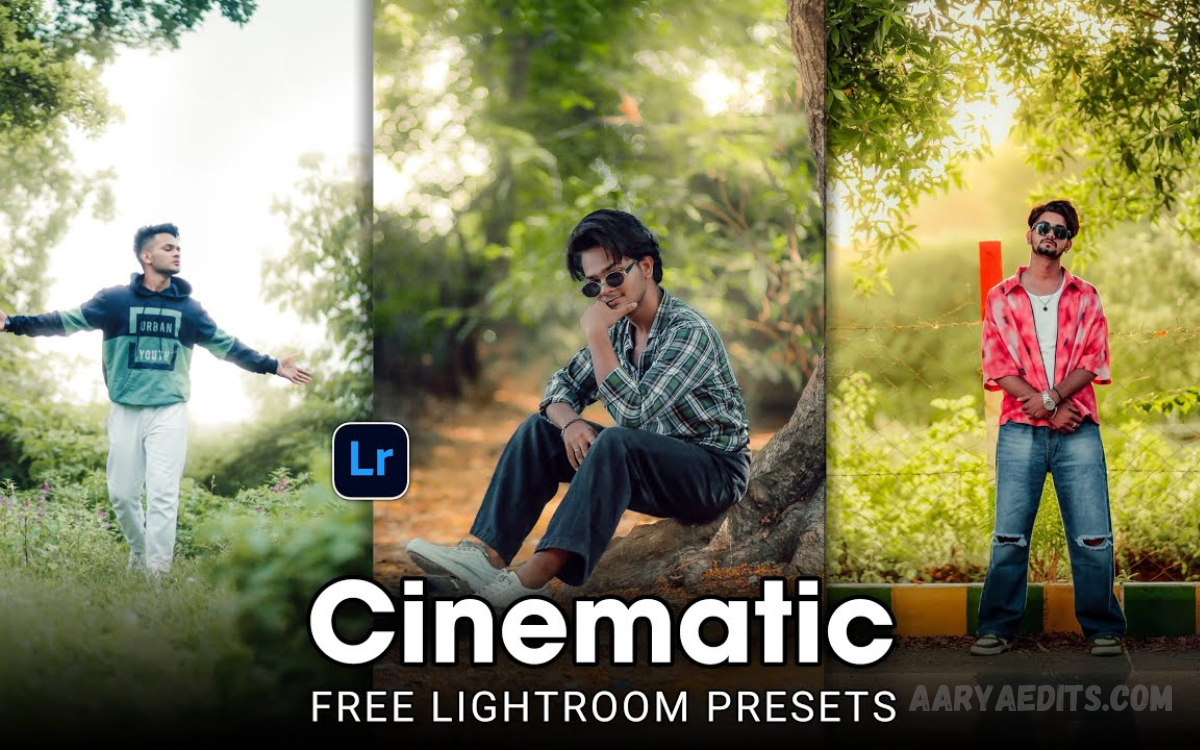
Photography has become an essential part of everyday life, whether for social media, personal memories, blogging, or professional projects. However, achieving a polished and professional look can often take time and editing skills.
By downloading free Lightroom presets, users can instantly improve colors, contrast, exposure, sharpness, and overall image quality without spending hours on manual adjustments. These presets are suitable for portraits, landscapes, travel photography, food photography, fashion shoots, and social media content.
What Are Lightroom Presets?
Lightroom presets are saved editing settings designed to achieve specific visual effects. Instead of adjusting dozens of controls manually, users apply preset files that instantly modify image appearance.
Presets contain adjustments for:
- Exposure
- Contrast
- Highlights
- Shadows
- White balance
- Saturation
- Vibrance
- Sharpness
- Color grading
- Tone curves
Each preset creates a unique visual style. Some focus on bright colors, while others produce cinematic, vintage, dark, moody, or professional effects.
Why Free Lightroom Presets Remain Popular?
Photography trends evolve continuously. Content creators require efficient editing solutions that deliver consistent results across large photo collections.
Major benefits include:
Instant Photo Enhancement
Manual editing may consume significant time. Presets provide immediate improvements without extensive adjustments.
Consistent Visual Style
Instagram accounts, blogs, portfolios, and photography websites benefit from cohesive visual branding. Consistent color grading creates a professional presentation.
Beginner-Friendly Editing
Complex editing tools often overwhelm beginners. Presets simplify workflows and improve learning experiences.
Faster Workflow
Professional photographers process hundreds of images after events, weddings, or commercial projects. Presets dramatically reduce editing time.
Creative Inspiration
Preset collections introduce new editing styles and creative possibilities.
Types of Free Lightroom Presets
Different photography genres require unique editing approaches. Various preset categories address specific needs.
Portrait Lightroom Presets
Portrait presets improve skin tones, facial details, lighting balance, and color harmony.
Benefits include:
- Natural skin appearance
- Smooth color grading
- Enhanced facial features
- Balanced exposure
Perfect for:
- Model photography
- Family photography
- Studio photography
- Lifestyle photography
Landscape Lightroom Presets
Landscape presets emphasize natural beauty through vibrant colors and enhanced details.
Features include:
- Rich sky colors
- Enhanced greenery
- Improved contrast
- Greater image depth
Suitable for:
- Mountains
- Beaches
- Forests
- Nature photography
Travel Lightroom Presets
Travel presets create vibrant and memorable visuals.
Benefits include:
- Bright colors
- Clear details
- Improved dynamic range
- Social media-ready appearance
Wedding Lightroom Presets
Wedding photography requires elegant editing styles.
Wedding presents often include:
- Soft tones
- Romantic colors
- Balanced highlights
- Professional finishing
Fashion Lightroom Presets
Fashion photographers rely on presets that emphasize clothing details and sophisticated color grading.
Benefits include:
- Premium appearance
- Sharp details
- Enhanced textures
- Modern aesthetics
Food Lightroom Presets
Food photography demands attractive colors and enhanced visual appeal.
Food presets help achieve:
- Rich textures
- Vibrant colors
- Better lighting
- Professional presentation
Read Also: Gemini AI Photo Prompts Free 2026 – Best AI Image Prompts Guide for Stunning Images
Popular Lightroom Preset Styles
Cinematic Presets
Cinematic presets create movie-inspired visuals.
Characteristics:
- Dramatic contrast
- Deep shadows
- Moody atmosphere
- Film-like appearance
Vintage Presets
Vintage styles replicate classic film photography.
Features include:
- Warm tones
- Faded colors
- Retro appearance
- Timeless aesthetics
Moody Presets
Moody presets emphasize emotional depth.
Benefits:
- Dark atmosphere
- Rich shadows
- Artistic appearance
- Professional color grading
Bright and Airy Presets
Bright presets produce clean and elegant visuals.
Common uses:
- Weddings
- Lifestyle photography
- Fashion content
- Social media posts
Instagram Presets
Instagram-focused presets optimize images for modern social platforms.
Advantages include:
- Trendy aesthetics
- Enhanced engagement
- Consistent branding
- Professional appearance
How Free Lightroom Presets Improve Photos
Preset technology enhances photographs through multiple adjustments.
Better Colors
Advanced color grading transforms dull images into vibrant visuals.
Enhanced Contrast
Contrast improvements create greater separation between image elements.
Improved Lighting
Exposure optimization balances bright and dark areas.
Sharper Details
Sharpening tools improve clarity and image quality.
Professional Appearance
Consistent editing styles elevate overall presentation.
How To Download Free Lightroom Presets
Downloading presets remains simple.
Step 1: Find Trusted Sources
Choose reputable websites offering secure preset downloads.
Step 2: Download Preset Files
Most presets arrive in:
- XMP format
- DNG format
Step 3: Save Files
Store preset files in organized folders for easy access.
Step 4: Import Into Lightroom
Use Lightroom’s import feature to add presets.
Step 5: Apply Presets
Select images and apply preferred presets instantly.
How To Install Lightroom Presets
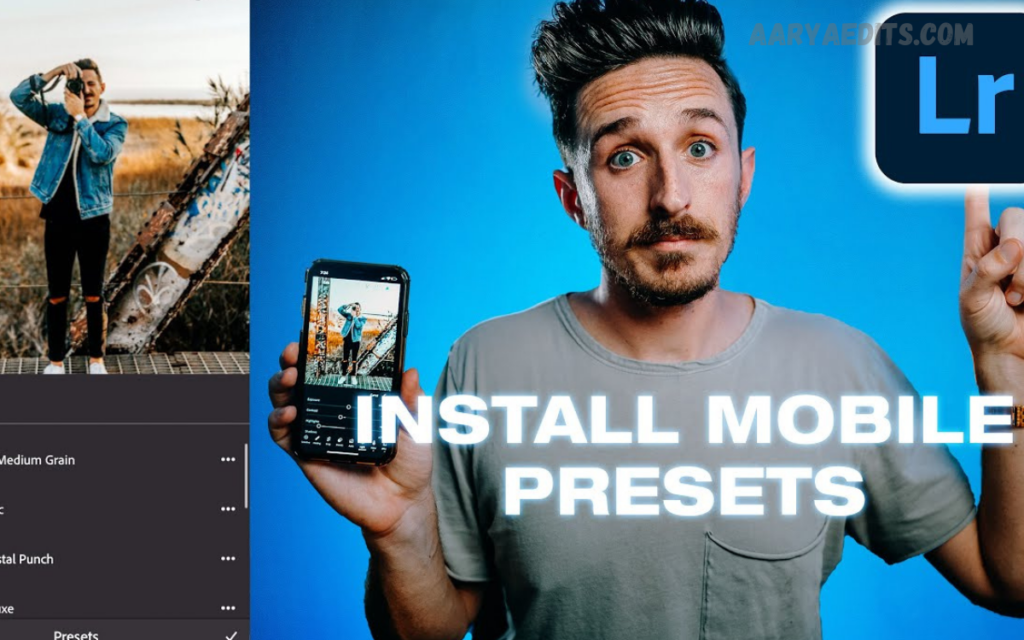
Download Lightroom Presets
Lightroom Desktop Installation
- Open Lightroom.
- Navigate to the Presets Panel.
- Click Import Presets.
- Select downloaded files.
- Complete installation.
Lightroom Mobile Installation
- Download DNG files.
- Import files into Lightroom Mobile.
- Save settings as presets.
- Apply presets to photos.
Best Uses For Lightroom Presets
Free Lightroom presets work effectively across numerous photography categories.
Social Media Content
High-quality visuals increase engagement and audience growth.
Photography Portfolios
Professional editing strengthens portfolio presentation.
Business Marketing
Businesses use edited images for advertising campaigns and branding.
E-Commerce Photography
Enhanced product images improve customer trust and conversion rates.
Blogging Content
Professional visuals increase reader engagement and website appeal.
Tips For Achieving Better Results
Presets provide excellent foundations, but additional adjustments often improve outcomes.
Start With High-Quality Images
Better source photos produce superior final results.
Adjust Exposure
Minor exposure refinements enhance preset performance.
Fine-Tune White Balance
Color temperature adjustments improve realism.
Modify Contrast
Additional contrast optimization strengthens visual impact.
Experiment With Different Presets
Testing multiple styles helps identify ideal aesthetics.
Common Mistakes To Avoid
Applying Incorrect Presets
Landscape presets may not perform well on portrait images.
Overediting
Excessive adjustments reduce natural appearance.
Ignoring Original Lighting
Different lighting conditions require customized editing.
Using Low-Resolution Images
Poor-quality source files limit editing potential.
Advantages of Free Lightroom Presets Over Manual Editing
Manual editing offers flexibility, but presets provide significant advantages.
| Feature | Lightroom Presets | Manual Editing |
|---|---|---|
| Speed | Excellent | Moderate |
| Consistency | Excellent | Variable |
| Beginner Friendly | Excellent | Challenging |
| Workflow Efficiency | Excellent | Moderate |
| Learning Curve | Low | High |
Many photographers combine presets with manual refinements for optimal results.
Future of Lightroom Presets
Photography trends continue evolving alongside artificial intelligence and advanced editing technologies. Modern presets increasingly incorporate sophisticated color grading, cinematic aesthetics, and social media optimization.
Future developments may include:
- AI-assisted preset recommendations
- Automatic scene recognition
- Personalized editing styles
- Enhanced mobile editing workflows
These innovations will further simplify professional photo editing.
Frequently Asked Questions
Do Lightroom presets work on mobile devices?
Yes, many presets are compatible with Lightroom Mobile and Lightroom Desktop.
Which preset style is best for Instagram?
Bright, airy, cinematic, and influencer-style presets are popular for Instagram content.
Can presets be customized after application?
Yes, users can adjust exposure, colors, contrast, and other settings after applying a preset.
Do presets reduce photo quality?
No. Properly designed presets enhance image quality without reducing resolution.
What file formats do Lightroom presets use?
Most presets use XMP and DNG file formats.
Are Lightroom presets suitable for professional photographers?
Yes. Many professionals use presets to speed up editing workflows and maintain consistency.
How many presets should photographers have?
A collection of 10–30 high-quality presets usually covers most photography styles and editing needs.
Conclusion
Free Lightroom presets offer one of the fastest and most effective ways to instantly enhance photographs. Beginners benefit from simplified editing workflows, while professionals enjoy improved efficiency and consistent visual branding. Portraits, landscapes, travel photography, weddings, fashion content, food photography, and social media images all benefit from high-quality presets.
With thousands of free Lightroom presets available for download, photographers can explore countless creative styles at no cost. Instant improvements, professional aesthetics, faster editing workflows, and consistent image quality make Lightroom presets essential tools for modern content creation.
