

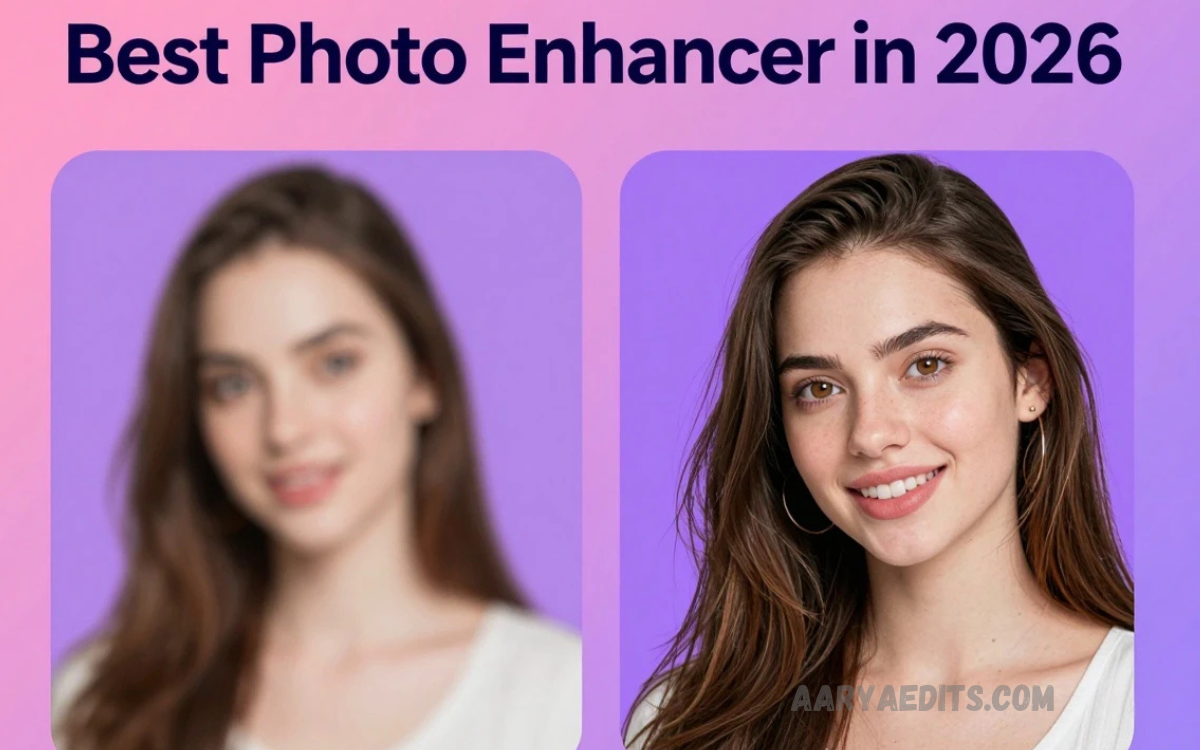
High-quality images play a crucial role in social media, websites, marketing, and personal branding. However, not every photo turns out perfectly due to low resolution, poor lighting, or camera limitations. This is where a Free AI Photo Enhancer becomes a powerful solution.
Free AI photo enhancers are designed to make photo editing fast, simple, and accessible for everyone. You are a content creator, blogger, photographer, or business owner; these tools help transform dull or blurry images into sharp, professional-looking visuals.
What is a Free AI Photo Enhancer
A Free AI Photo Enhancer is an online or software-based tool that uses artificial intelligence algorithms to automatically analyze and improve image quality. It enhances resolution, sharpens edges, corrects colors, reduces noise, and restores missing details
Unlike traditional editing tools that require manual adjustments, AI enhancers work automatically by detecting patterns in images and applying intelligent corrections
Key capabilities include
- Image upscaling without quality loss
- Noise reduction for clearer visuals
- Color correction and lighting adjustment
- Face enhancement in portraits
- Background improvement and sharpening
These features make it ideal for users who want professional results without technical skills
Why is AI Photo Enhancement Important?
High-quality images are no longer optional. They are essential for online success. Whether it is a blog post, product listing, Instagram post, or YouTube thumbnail, visual clarity matters
AI photo enhancement is important because it
- Improves audience engagement
- Increases click-through rates
- Builds brand credibility
- Enhances product presentation
- Saves time compared to manual editing
Businesses especially benefit from better visuals, as it directly impacts sales and customer trust
How Free AI Photo Enhancer Works
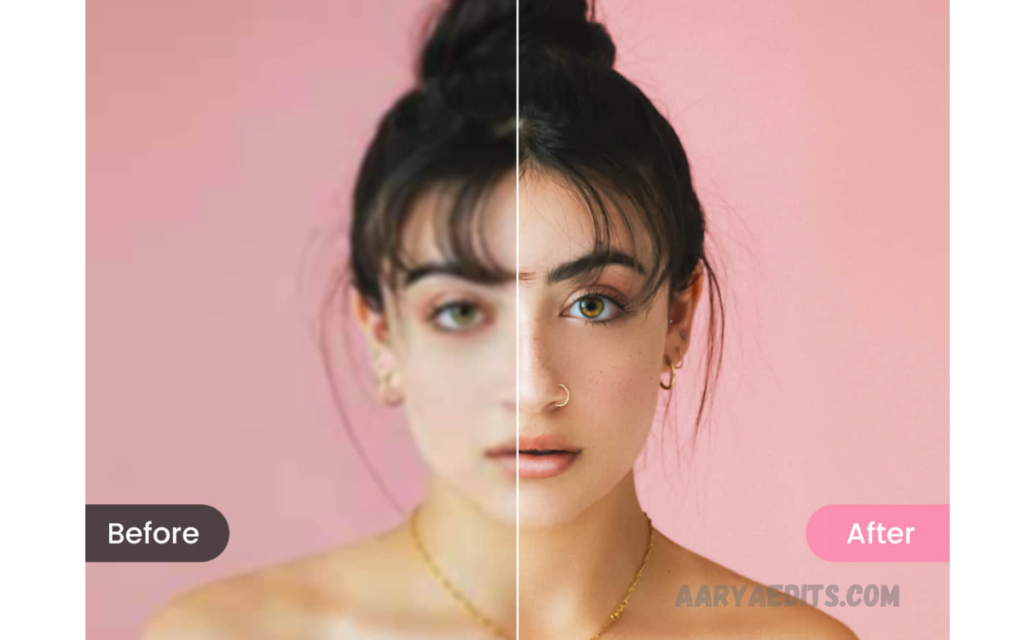
Free AI Photo Enhancer
AI photo enhancers use deep learning and neural networks trained on millions of images. These systems learn how high-quality images should look and then apply similar improvements to low-quality photos
Basic working process
- Image uploaded by user
- AI scans image structure and details
- Detection of issues like blur, noise, and low resolution
- Automatic correction and enhancement
- Output a high-quality, improved image
Some advanced tools even reconstruct missing pixels, making images look naturally sharp
Benefits of Using Free AI Photo Enhancer
1. Instant Results
Enhancement happens within seconds without manual editing
2. No Editing Skills Required
Anyone can use it without Photoshop knowledge
3. Cost-Effective
Many tools are completely free or offer free versions
4. High Quality Output
Produces professional-level images suitable for commercial use
5. Time Saving
Reduces hours of manual editing to a few clicks
6. Accessibility
Available online, so no installation is required in many cases
Read Also: Top 10 Free AI Photo Editors for Beginners in 2026 – Best Easy-to-Use AI Tools
Best Use Cases of AI Photo Enhancer
AI photo enhancement is useful in multiple industries and personal scenarios
Social Media Content Creation
Influencers and creators improve post quality for better engagement
E-Commerce Product Images
Online sellers enhance product photos to increase sales
Photography
Photographers restore old or low-quality shots
Marketing and Advertising
Agencies create visually appealing campaigns
Personal Use
Users improve old memories or family photos
Features to Look for in a Free AI Photo Enhancer
Not all tools offer the same quality. Selecting the right one is important
1. Upscaling Capability
Ability to increase resolution without pixel loss
2. Face Enhancement
Important for portrait photography
3. Noise Reduction
Removes grainy or low-light noise
4. Color Correction
Improves brightness, contrast, and saturation
5. Batch Processing
Allows multiple image enhancements at once
6. Output Quality Options
HD Full HD or 4K support
Best Free AI Photo Enhancer Tools (Overview)
While many tools are available online, some stand out due to performance and ease of use
1. Remini AI
Popular mobile app known for powerful face enhancement and photo restoration
2. Fotor AI Enhancer
Web-based tool offering one-click enhancement and editing features
3. Let’s Enhance
Specialized in image upscaling and professional quality improvement
4. VanceAI
Provides multiple AI tools, including sharpening, denoising, and upscaling
5. Canva AI Photo Enhancer
Easy integration with design tools for social media content creation
Each tool has unique strengths depending on user requirements
Step-by-Step Guide to Enhance Photos Using AI Tools
Using a Free AI Photo Enhancer is simple and beginner-friendly
Step 1: Open the AI enhancer website or app
Step 2: Upload your image
Step 3: Select the enhancement type if available
Step 4: Click enhance or start processing
Step 5: Download the improved image
Within seconds, your image becomes clearer, sharper, and more professional
Advantages Over Traditional Editing Software
Traditional software like Photoshop requires skills, time, and manual effort. AI tools eliminate these barriers
Comparison
- Manual editing: Time-consuming and complex
- AI enhancement: Fast, automatic, and simple
AI tools also reduce human error and maintain consistency across images
Limitations of AI Photo Enhancers
Despite powerful features, there are some limitations
- Some tools require an internet connection
- Free versions may have watermark restrictions
- Over-enhancement may look unnatural in some cases
- Limited manual control compared to professional software
However, continuous AI improvements are reducing these issues
Future of AI Photo Enhancement
The future of AI photo enhancement looks extremely promising. Advanced models will soon deliver
- Real-time video enhancement
- 8K image upscaling
- More realistic facial reconstruction
- Fully automated professional editing workflows
AI will continue replacing traditional editing methods in many areas.
Frequently Asked Questions
Can AI improve blurry photos?
Yes, AI tools can significantly reduce blur by reconstructing missing details and sharpening edges, making photos look clearer and more focused.
Do AI photo enhancers increase image resolution?
Yes, most AI enhancers can upscale images to higher resolutions, such as HD, Full HD, or even 4K, without losing quality.
Are AI-enhanced images good for professional use?
Yes, enhanced images are widely used in social media, marketing, e-commerce, and content creation, depending on the tool’s output quality.
Do I need editing skills to use these tools?
No, AI photo enhancers are designed for beginners. Most tools use a simple upload-and-one-click enhancement process.
Which is the best Free AI Photo Enhancer tool?
Popular options include Remini, Fotor AI, Let’s Enhance, VanceAI, and Canva AI, each offering different features for various needs.
Can AI restore old or damaged photos?
Yes, many AI tools can restore old photos by improving contrast, removing scratches, and rebuilding missing details.
Is it safe to upload photos to AI enhancers?
Most trusted platforms are safe, but it is always recommended to use reputable tools and check their privacy policies before uploading personal images.
Conclusion
The Free AI Photo Enhancer: Best Tools to Improve Image Quality Instantly has transformed how people edit and enhance images. It offers a fast, simple, and effective solution for turning low-quality photos into high-resolution professional visuals
You are a content creator, business owner, or casual user. AI photo enhancers help you achieve better results without technical skills or expensive software. As technology continues to evolve, these tools will become even more powerful and essential in digital content creation
