

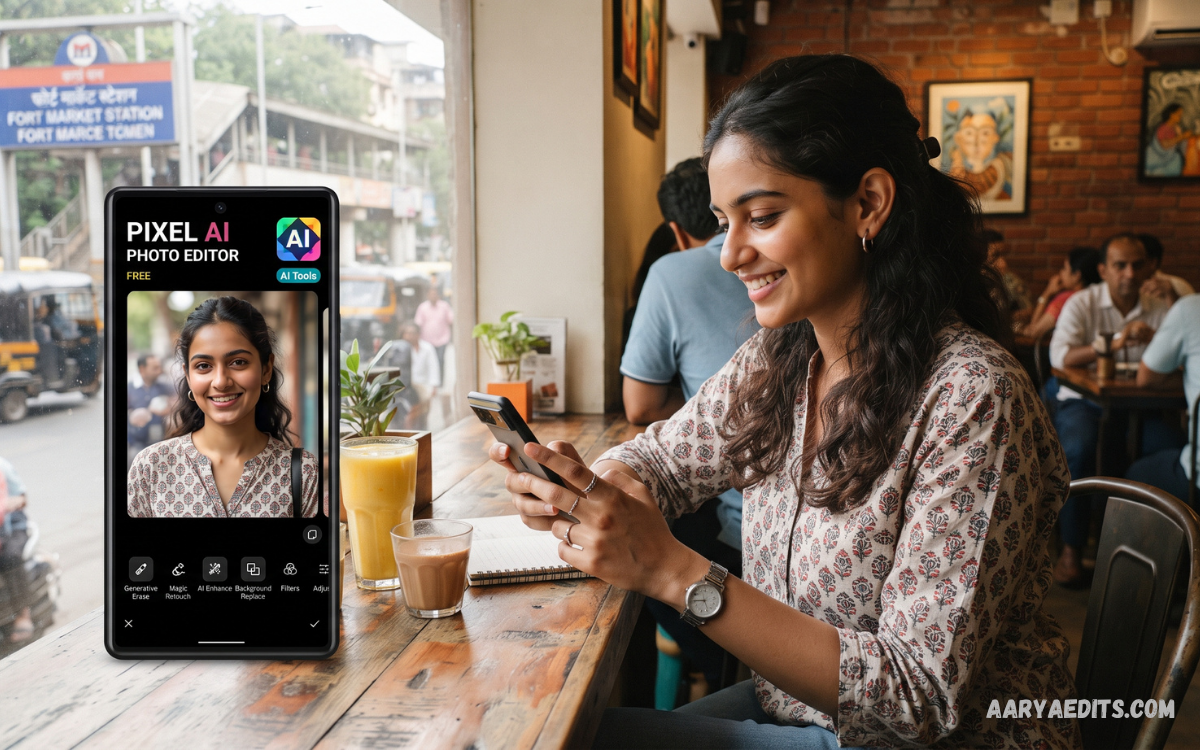
Finding a free AI photo editing app in India has become easier as artificial intelligence continues transforming mobile photography. Modern AI editors can improve image quality, remove unwanted objects, change backgrounds, enhance portraits, and create creative effects with minimal manual effort.
Indian smartphone users increasingly rely on photo editing apps for Instagram posts, WhatsApp status updates, YouTube thumbnails, product photography, travel images, and personal memories. AI technology makes these tasks faster by automatically identifying subjects, correcting lighting, improving details, and applying intelligent adjustments.
What Is a Free AI Photo Editing App?
A free AI photo editing app uses artificial intelligence to simplify photo enhancement and creative editing. Instead of manually adjusting every setting, users can rely on automated tools that analyze an image and recommend or apply suitable changes.
Typical AI features include object removal, background replacement, image enhancement, portrait retouching, noise reduction, color correction, image restoration, and creative transformations. Some apps also understand written instructions, allowing users to describe an edit instead of searching through complicated menus.
Why Are AI Photo Editing Apps Popular in India?
India has a large and diverse smartphone audience that uses mobile devices for photography, social media, education, business, entertainment, and content creation. A capable AI editor can help users produce polished images without requiring professional photography or graphic-design experience.
Another important advantage is convenience. Users can capture an image, upload it to an AI editor, describe the desired improvement, and receive a result within minutes instead of spending considerable time learning advanced editing software.
Best Free AI Photo Editing Apps in India
Google Photos
Google Photos is one of the easiest choices for users who want AI-powered editing without installing a specialized editing application. Its editing ecosystem includes intelligent tools designed to remove distractions, improve images, and perform creative modifications.
Google introduced “Help me edit” in India, allowing users to describe edits through text or voice. The feature can handle requests such as removing unwanted elements and applying creative transformations, making AI editing accessible to beginners.
Snapseed
Snapseed remains a strong option for users who want detailed control over their photographs while keeping the editing process simple. The application provides professional-style adjustments, filters, selective editing, healing, curves, cropping, and other tools suitable for mobile photography.
Its biggest advantage is control. Instead of depending entirely on automatic AI changes, users can make precise adjustments to brightness, contrast, colors, details, and specific areas of an image.
Canva
Canva combines photo editing with graphic design, making it useful for social-media creators, students, bloggers, marketers, and small businesses. Its AI-powered tools can help users remove backgrounds, enhance visuals, create designs, and prepare images for different platforms.
Canva is particularly useful when a photo needs additional design elements. Users can combine photographs with text, graphics, templates, logos, and layouts for Instagram posts, YouTube thumbnails, advertisements, presentations, and business promotions.
Adobe Photoshop Express
Adobe Photoshop Express provides a mobile-focused editing experience for users who want more advanced image adjustments without opening the full desktop version of Photoshop. Its tools can assist with image correction, filters, retouching, noise reduction, and other everyday editing tasks.
Adobe is also expanding AI-powered editing across its creative ecosystem. Current Adobe AI tools can perform tasks such as removing distractions, replacing backgrounds, adjusting visual styles, and editing images through natural-language prompts.
Remini
Remini focuses heavily on AI enhancement and restoration. It can be useful for improving blurry, low-resolution, or older photographs where users want greater clarity and detail.
Old family photographs can benefit from restoration tools because AI processing can improve visible details and reduce some forms of blur or degradation. However, AI enhancement may sometimes generate details that were not clearly present in the original image, so users should compare the result with the source photograph.
Picsart
Picsart combines photo editing, creative effects, templates, stickers, background tools, and AI-powered features in one platform. This makes it attractive to users who want highly creative edits rather than simple brightness or color corrections.
The application supports a broad range of creative workflows, although its free and premium features can differ. Google Play currently lists data practices involving categories such as personal information and photos or videos, while also indicating encryption in transit and an option to request data deletion.
Key Features to Look For
AI Background Removal
Background removal is one of the most practical AI editing features available today. Artificial intelligence can identify the main subject and separate it from the surrounding environment without requiring detailed manual selection.
This feature is valuable for product photography, profile images, online stores, advertisements, and social-media graphics. Users can replace distracting backgrounds with plain colors, professional environments, or creative scenes.
Object Removal
AI object removal helps eliminate unwanted people, signs, cables, furniture, or other distractions from photographs. The software analyzes the surrounding pixels and generates a replacement area designed to match the original environment.
Results depend on image complexity. Simple backgrounds generally produce better results, while complicated patterns, crowds, and overlapping subjects can create visible editing artifacts.
AI Photo Enhancement
AI enhancement can automatically improve brightness, sharpness, contrast, color balance, and visible details. This is useful for images captured in poor lighting or with older smartphone cameras.
Users should avoid excessive enhancement because extremely strong processing can make photographs appear artificial. A professional result usually requires a balance between correction and preserving the original appearance.
AI Portrait Editing
Portrait AI tools can detect faces and apply targeted improvements. Depending on the application, these tools may adjust lighting, reduce distractions, improve clarity, or modify specific facial elements.
Natural editing is usually more effective than extreme retouching. The objective should be improving image quality while maintaining realistic details and avoiding an artificial appearance.
Background Replacement
AI background replacement allows users to change the environment surrounding a subject. This can be useful for product photography, creative posts, professional profiles, and promotional graphics.
A good background replacement should match the original lighting, perspective, shadows, and subject edges. High-quality applications use AI to make these elements appear more consistent.
How to Choose the Best Free AI Photo Editing App in India
The best application depends on the type of editing required. Someone who wants simple automatic improvements may prefer Google Photos, while a social-media creator may benefit more from Canva or Picsart.
Photographers who want detailed manual control can consider Snapseed or Adobe’s editing tools. Users interested primarily in restoration and enhancement may prefer an application such as Remini.
Privacy and Security Considerations
Privacy should be an important part of choosing a free AI photo editing app in India. AI editing services may process photographs on cloud servers, meaning users should understand how uploaded images and associated data are handled.
Before uploading private photographs, review the application’s privacy policy and app-store data-safety information. Avoid uploading sensitive documents, confidential images, passwords, identity information, or other private material unless the service is appropriate for that use.
Read Also: AI Photo Editing Software: Transform Your Photos With Artificial Intelligence
Free AI Photo Editing Apps for Social Media
AI editors are particularly useful for social-media content because creators often need quick, consistent images. Background removal, automatic enhancement, portrait editing, templates, resizing, and object removal can reduce the amount of manual work required.
Instagram posts, YouTube thumbnails, Facebook graphics, WhatsApp status images, and promotional content can all benefit from AI-assisted workflows. Canva is especially useful when photo editing needs to be combined with typography and graphic design.
Free AI Photo Editing for Small Businesses
Small businesses can use AI editing applications to create better product photographs without investing in expensive photography equipment. Background removal and replacement can make product images cleaner and more suitable for online catalogs.
AI tools can also help businesses prepare social-media advertisements, promotional banners, seasonal campaigns, and product announcements. Consistent editing across multiple photographs can create a more professional visual identity.
Tips for Getting Better AI Editing Results
Always start with the highest-quality original photograph available. A sharp, well-lit image gives AI systems more useful information and generally produces better results.
Use simple and specific editing instructions when an application supports text prompts. Instead of requesting a vague transformation, describe the object to remove, the background to create, or the visual improvement required.
Are Free AI Photo Editors Good Enough for Professional Work?
Free AI editors can be highly capable for social media, personal photography, basic marketing, and many small-business tasks. Professional photographers and designers may still require advanced software when projects demand precise color management, layered editing, RAW workflows, detailed masking, or extensive retouching.
The best approach is to select an application according to the project’s requirements rather than choosing a tool simply because it has “AI” in its name. AI should improve the workflow, not replace careful creative judgment.
Frequently Asked Questions
What is the best free AI photo editing app in India?
Google Photos is a strong choice for users who want simple AI editing, while Snapseed is useful for detailed manual control. Canva is better suited to users who combine photo editing with social-media and graphic-design work.
Can I edit photos with AI for free?
Yes, several applications provide free AI-assisted editing features. However, advanced tools, additional credits, premium templates, or high-end features may require payment depending on the application.
Which AI photo editor is best for Android users in India?
Google Photos, Snapseed, Canva, Adobe Photoshop Express, Remini, and Picsart are among the options worth considering. The best choice depends on whether the priority is enhancement, creative editing, social-media design, restoration, or professional adjustments.
Can AI remove unwanted objects from photos?
Yes, modern AI editors can identify and remove many unwanted objects from photographs. Results are generally strongest when the unwanted object is surrounded by a relatively simple background.
Can AI change a photo background?
Yes, many AI editing applications can remove an existing background and replace it with another environment. Some tools can also generate or modify backgrounds using text instructions.
Are free AI photo editing apps safe?
Safety depends on the individual application, developer, permissions, and privacy practices. Download apps from trusted sources, review privacy information, and avoid uploading sensitive photographs unnecessarily.
Can AI improve blurry photos?
AI enhancement tools can improve certain blurry or low-resolution photographs by reconstructing and sharpening visible details. Results vary depending on the original image, and AI-generated details should not automatically be considered accurate representations.
Do AI photo editors work without an internet connection?
Some basic editing functions can work offline, while advanced AI processing often requires an internet connection. Check the application’s current requirements because functionality can vary between tools and devices.
Which AI photo editor is best for Instagram?
Canva and Picsart are strong options for Instagram content because they combine photo editing with templates, layouts, text, effects, and creative design tools. Google Photos and Snapseed can be better when the main requirement is improving the photograph itself.
Is AI photo editing better than traditional editing?
AI editing is faster for repetitive tasks such as object removal, enhancement, and background replacement. Traditional editing still provides greater manual control, making a combination of AI automation and human adjustments useful for professional results.
Conclusion
A free AI photo editing app in India can turn ordinary smartphone photographs into polished visuals with significantly less manual effort. Google Photos offers convenient AI editing, Snapseed provides detailed control, Canva combines editing with design, Adobe tools target professional workflows, Remini focuses on enhancement, and Picsart provides extensive creative features.
No single application is perfect for every user or every photograph. Compare free features, export quality, device compatibility, privacy practices, AI capabilities, and usage limits before choosing the right editor for your needs.
