Artificial intelligence has transformed digital content creation, giving filmmakers, marketers, designers, photographers, advertisers, and content creators powerful tools to generate cinematic visuals within minutes.
A well-crafted Cinematic AI Prompt does much more than describe a scene. It establishes lighting, composition, camera movement, atmosphere, lens selection, color grading, subject placement, mood, environmental details, textures, and visual storytelling.
What Is a Cinematic AI Prompt?
A Cinematic AI Prompt is a structured text instruction designed to generate images or videos that resemble professional film production. Instead of asking AI to create a basic picture, the prompt provides detailed creative direction, similar to instructions from a film director or cinematographer.
Professional cinematic prompts typically include:
- Subject details
- Environment
- Lighting style
- Camera angle
- Lens choice
- Composition
- Depth of field
- Mood
- Color palette
- Texture
- Weather conditions
- Rendering quality
- Visual effects
Rather than writing:
“A man standing in a city.”
A professional prompt becomes:
“A confident businessman standing alone in a rainy futuristic city at night, illuminated by neon reflections, cinematic lighting, shallow depth of field, an 85mm lens, dramatic composition, volumetric fog, ultra-realistic film grain, and teal and orange color grading; high detail; award-winning cinematography.”
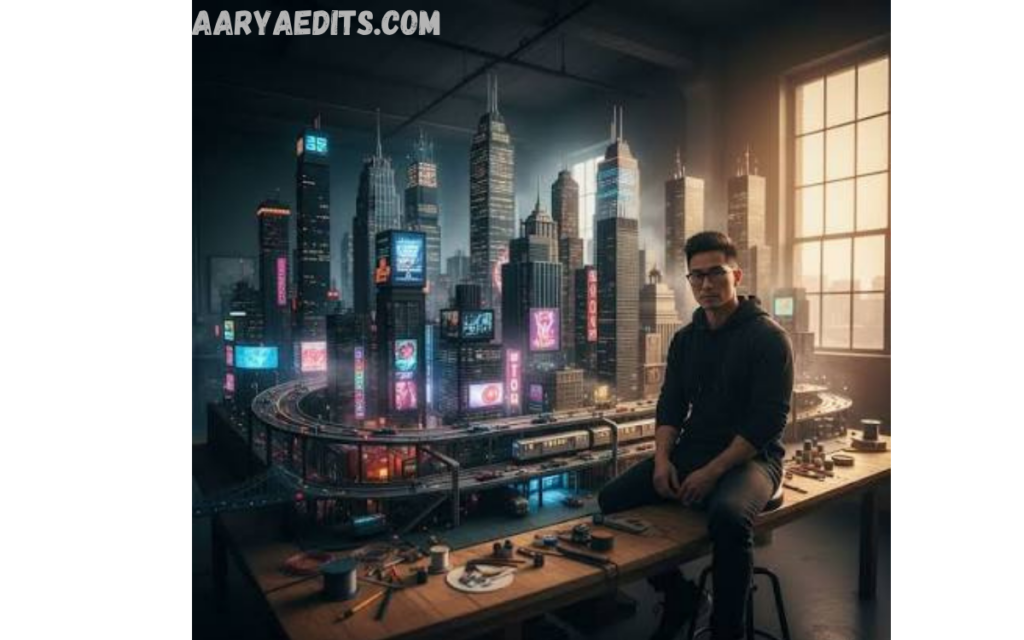
The second prompt provides significantly richer visual direction.
Why Do Cinematic AI Prompts Matter?
AI image generators interpret language literally. Generic prompts produce generic images, while detailed prompts guide the model toward more accurate artistic outcomes.
A professional Cinematic AI Prompt improves:
- Image realism
- Storytelling quality
- Emotional impact
- Consistent visual style
- Character accuracy
- Lighting precision
- Professional composition
- Marketing effectiveness
Businesses increasingly rely on AI-generated visuals for advertisements, branding campaigns, presentations, social media, and creative concept development. High-quality prompts reduce editing time while increasing creative consistency.
Core Components of a Professional Cinematic AI Prompt
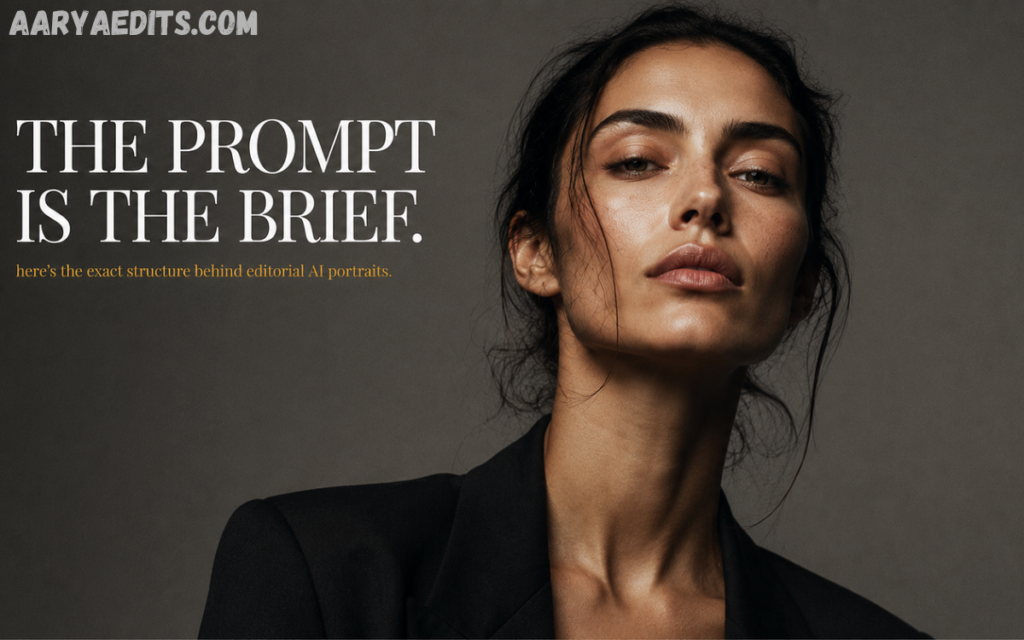
Subject Description
The subject serves as the focal point of the scene.
Include:
- Age
- Gender
- Clothing
- Facial expression
- Pose
- Occupation
- Physical characteristics
- Accessories
Example:
“An experienced detective wearing a dark trench coat, confident posture, holding a flashlight.”
Specificity creates stronger results.
Environment
The background shapes the narrative.
Examples include:
- Ancient castle
- Cyberpunk street
- Mountain village
- Luxury office
- Desert landscape
- Dense rainforest
- Modern apartment
- Space station
Environmental details increase immersion.
Lighting
Lighting defines cinematic quality more than almost any other factor.
Professional lighting options include:
- Golden hour
- Blue hour
- Soft window lighting
- Studio lighting
- Neon lighting
- Volumetric lighting
- Rim lighting
- Low-key lighting
- High-key lighting
- Dramatic spotlight
- Candlelight
Professional prompts almost always specify lighting.
Camera Angle
Camera perspective changes emotional impact.
Common options:
- Eye level
- Bird’s-eye view
- Low angle
- High angle
- Dutch angle
- Over-the-shoulder shot
- Close-up
- Extreme close-up
- Medium shot
- Wide shot
These perspectives mimic real filmmaking techniques.
Lens Selection
Lens choice influences depth, perspective, and realism.
Examples include:
- 24mm
- 35mm
- 50mm
- 85mm
- 135mm
- Wide-angle lens
- Telephoto lens
- Macro lens
Professional prompts often specify the lens because AI models understand photographic terminology.
Read Also: Free Online Photo Editing Course: Learn Professional Editing Skills
Composition
Composition controls visual balance.
Professional techniques include:
- Rule of thirds
- Leading lines
- Symmetry
- Framing
- Negative space
- Center composition
- Dynamic perspective
Composition elevates AI-generated imagery beyond simple illustrations.
Mood
Mood defines emotional tone.
Examples:
- Suspenseful
- Hopeful
- Romantic
- Dark
- Epic
- Peaceful
- Mysterious
- Futuristic
- Inspirational
Emotional consistency improves storytelling.
Color Grading
Professional filmmakers use color grading to create recognizable visual styles.
Popular grading styles include:
- Teal and orange
- Warm cinematic tones
- Cold blue tones
- Desaturated look
- Vintage film
- Noir
- Moody contrast
- HDR cinematic grading
Adding color grading significantly enhances realism.
Building a Cinematic AI Prompt Step by Step
Professionals usually organize prompts logically.
A simple framework:
Subject + Environment + Action + Lighting + Camera + Lens + Composition + Mood + Quality
Example:
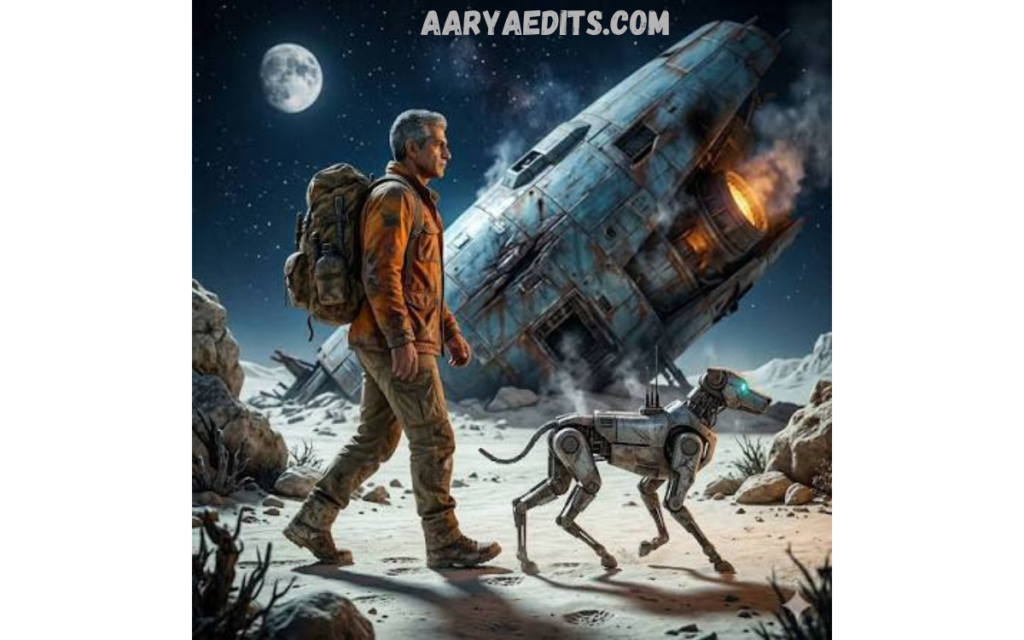
Example
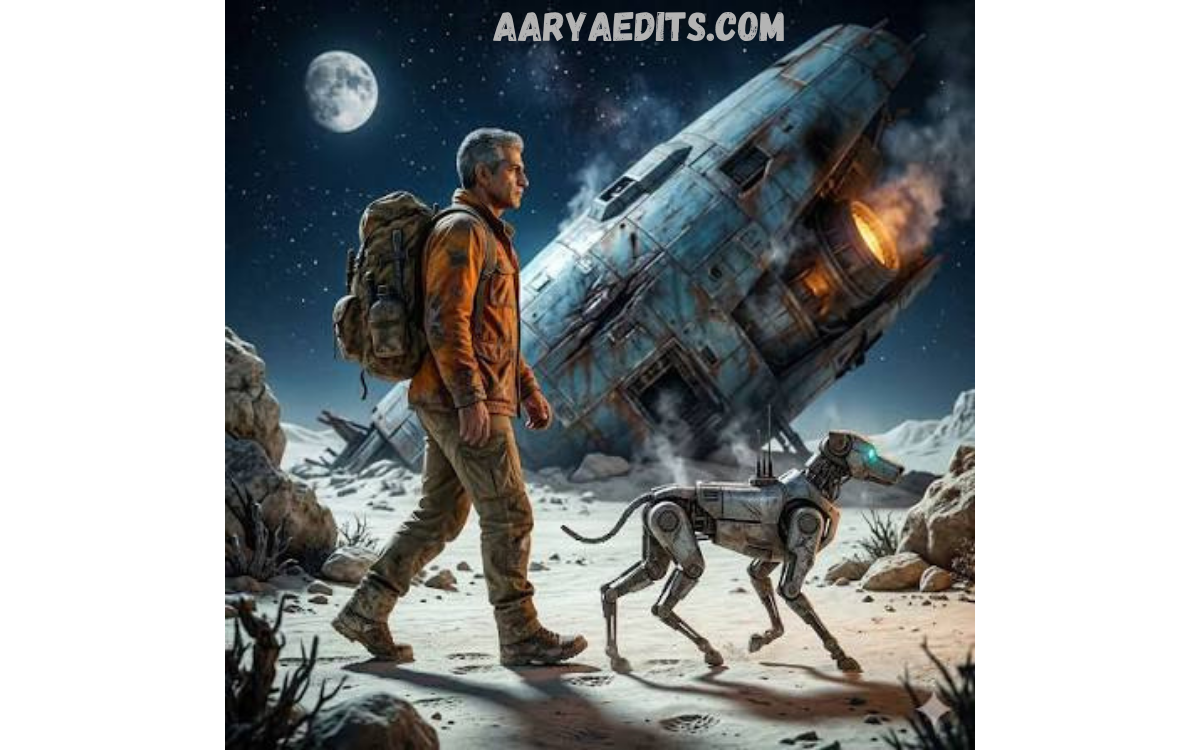
“A fearless astronaut walking across a frozen alien planet, glowing crystal formations surrounding the landscape, dramatic sunrise lighting, cinematic composition, 35mm lens, ultra-realistic textures, volumetric fog, film grain, high dynamic range, award-winning science fiction cinematography.”
This structured approach consistently produces stronger outputs.
Best Practices for Professionals
Be Specific
Specific prompts outperform vague instructions.
Instead of:
“Beautiful woman.”
Use:
“Elegant woman in a tailored emerald evening gown standing beneath crystal chandeliers inside a luxurious ballroom, soft cinematic lighting, realistic skin texture, shallow depth of field.”
Specificity improves precision.
Think Like a Cinematographer
Professional prompts describe scenes as though planning an actual film shoot.
Consider:
- Camera placement
- Lighting direction
- Subject movement
- Scene atmosphere
- Lens selection
This mindset naturally improves image quality.
Layer Visual Details
Professional prompts include multiple descriptive layers.
Example layers:
- Clothing
- Background
- Weather
- Lighting
- Camera
- Mood
- Colors
- Texture
- Visual effects
Layering enriches the generated output.
Maintain Logical Consistency
Avoid conflicting instructions.
Incorrect:
“Bright, sunny night.”
Better:
“Moonlit night illuminated by neon signs and soft blue ambient lighting.”
Consistency helps AI interpret the scene accurately.
Prioritize Visual Storytelling
Every cinematic image should communicate a story.
Ask:
- What happened before this moment?
- What emotion should viewers experience?
- What is the character trying to accomplish?
Story-driven prompts create memorable visuals.
Common Mistakes
Many beginners make predictable errors.
Overly Short Prompts
Minimal instructions limit AI performance.
Contradictory Details
Conflicting descriptions confuse the model.
Ignoring Lighting
Lighting dramatically affects realism.
No Camera Information
Professional results benefit from photographic terminology.
Missing Emotional Direction
Emotion creates stronger visual narratives.
Example Professional Cinematic AI Prompt
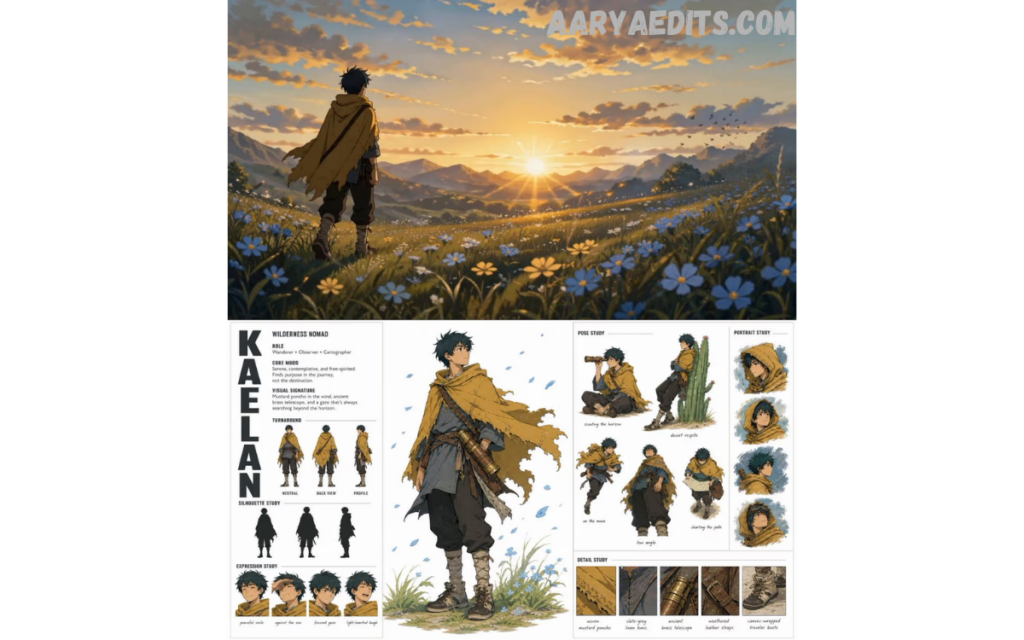
Just click.
“A determined female explorer standing on the edge of an ancient jungle temple at sunrise, soft golden cinematic lighting illuminating weathered stone ruins, mist drifting through dense rainforest trees, realistic skin textures, flowing expedition clothing, dramatic clouds, cinematic composition following the rule of thirds, captured with an 85mm lens, shallow depth of field, volumetric lighting, ultra-high resolution, film grain, vibrant color grading, highly detailed, realistic photography.”
This prompt combines technical direction with creative storytelling.
Industries Using Cinematic AI Prompts
Professional cinematic prompting has become valuable across multiple industries.
Film Production
Filmmakers use AI for:
- Storyboards
- Scene planning
- Concept visualization
- Production design
- Character development
Marketing
Brands create:
- Advertising visuals
- Promotional campaigns
- Product launches
- Website graphics
- Digital billboards
Publishing
Publishers generate:
- Book covers
- Editorial illustrations
- Magazine artwork
- Promotional materials
Gaming
Studios create:
- Environment concepts
- Character art
- Promotional images
- Loading screens
- Fantasy landscapes
Architecture
Architects visualize:
- Interior concepts
- Exterior designs
- Landscape projects
- Real estate marketing
Optimizing Prompts for Better Results
Professional prompt engineering is iterative.
Improve prompts by:
- Adding richer environmental details
- Refining lighting descriptions
- Adjusting camera perspective
- Enhancing emotional tone
- Improving color grading
- Including realistic textures
- Specifying rendering quality
- Removing unnecessary repetition
Small refinements often produce significant visual improvements.
The Future of Cinematic AI Prompt Engineering
AI image generation continues to evolve rapidly. Future models will better understand complex narratives, cinematic direction, visual continuity, and advanced filmmaking terminology. As capabilities expand, prompt engineering will remain a valuable professional skill, enabling creators to translate creative vision into highly detailed AI-generated imagery.
Professionals who master the Cinematic AI Prompt today will be well-positioned to produce consistent, high-quality visual content across advertising, entertainment, education, publishing, and digital media.
Frequently Asked Questions
What is a Cinematic AI Prompt?
A Cinematic AI Prompt is a detailed text instruction that guides an AI model to create images or videos with a cinematic appearance. It typically includes information about the subject, setting, lighting, camera angle, lens type, composition, mood, and color grading to achieve professional-quality results.
Why is a Cinematic AI Prompt important?
A well-written Cinematic AI Prompt helps AI generate more realistic, visually appealing, and story-driven content. Detailed prompts reduce ambiguity, improve image quality, and create consistent results suitable for marketing, filmmaking, social media, and creative projects.
What elements should a Cinematic AI Prompt include?
An effective Cinematic AI Prompt should include the subject, environment, lighting, camera perspective, lens selection, composition, mood, color palette, visual effects, and desired image quality. These elements work together to produce cinematic and realistic visuals.
Can beginners create effective Cinematic AI Prompts?
Yes. Beginners can achieve impressive results by following a structured prompt format and gradually adding more detail. Learning basic photography and cinematography concepts can further improve prompt quality.
Which AI tools work best with Cinematic AI Prompts?
Many popular AI image generators support Cinematic AI Prompts, including Midjourney, DALL·E, Stable Diffusion, Adobe Firefly, Flux, and other advanced text-to-image platforms.
How can I improve my Cinematic AI Prompt?
Improve your prompt by using clear, specific descriptions, defining lighting and camera settings, adding emotional context, selecting a cinematic color grade, and refining it through testing and iteration.
Do Cinematic AI Prompts work for video generation?
Yes. Many AI video generation platforms use Cinematic AI Prompts to create scenes with realistic motion, camera movements, lighting, and cinematic storytelling, making them valuable for trailers, advertisements, and short films.
What are common mistakes to avoid when writing a Cinematic AI Prompt?
Common mistakes include using vague descriptions, providing conflicting instructions, ignoring lighting and camera details, overloading the prompt with unnecessary keywords, and failing to define the desired mood or visual style.
How does a Cinematic AI Prompt benefit professional creators?
Professional creators use Cinematic AI Prompts to produce high-quality concept art, advertising visuals, film storyboards, product campaigns, social media content, and creative presentations with greater efficiency, consistency, and visual impact.
Conclusion
The cinematic AI prompt has become an essential skill for professionals seeking to create visually striking AI-generated images. Success depends on combining artistic vision with technical precision, using detailed descriptions that guide the AI through every aspect of a scene, from subject and setting to lighting, composition, mood, and camera perspective.
Effective prompts are clear, structured, and story-driven. By thinking like a director, cinematographer, and visual storyteller, professionals can generate images that rival traditional concept art and photography while dramatically accelerating creative workflows.