

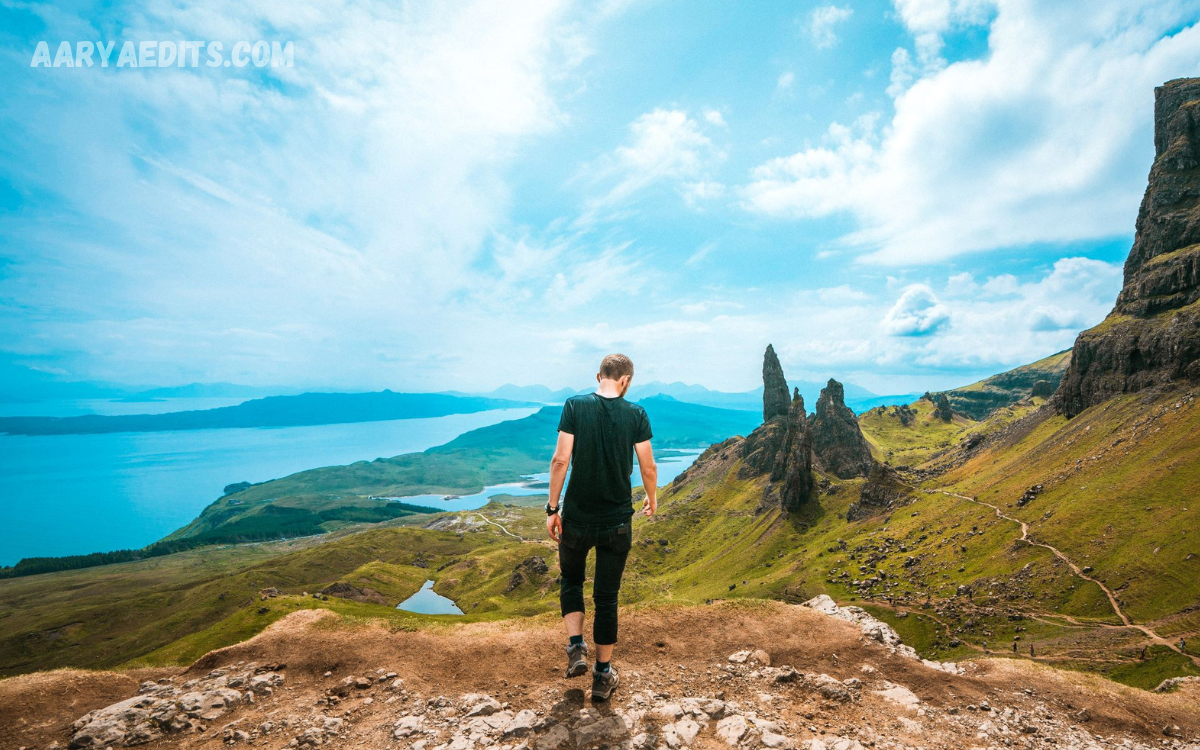
Creating eye-catching Instagram photos is no longer limited to professional photographers or expensive editing software. With free Instagram Lightroom presets, anyone can transform ordinary images into stunning, scroll-stopping content in just a few clicks. .
Lightroom presets are perfect for influencers, content creators, bloggers, photographers, and small business owners who want professional-looking photos without spending hours editing each image manually.
Why Use Free Instagram Lightroom Presets?
Using Free Instagram Lightroom Presets for Stunning Photo Edits offers numerous advantages for beginners and professionals alike.
Save Time
Editing dozens of photos individually can consume hours. Presets automate much of the process, allowing creators to edit entire photo collections within minutes.
Professional Results
Professionally designed presets produce polished images with balanced lighting, attractive colors, and cinematic effects that elevate your content instantly.
Consistent Instagram Feed
A consistent editing style creates a recognizable visual identity. Followers immediately recognize your content because every image shares similar colors and tones.
Beginner Friendly
You don’t need advanced editing knowledge. One click applies complex color grading automatically.
Fully Customizable
After applying a preset, you can fine-tune exposure, shadows, or colors according to each photo’s lighting conditions.
Popular Types of Free Instagram Lightroom Presets
Different photography styles require different editing approaches. Fortunately, free presets are available for nearly every niche.
Bright and Airy Presets
These presets create soft whites, clean backgrounds, natural skin tones, and fresh colors. They’re perfect for:
- Lifestyle photography
- Weddings
- Home décor
- Food photography
- Fashion
Moody Presets
Moody presets enhance dark shadows, muted colors, and dramatic contrast.
Ideal for:
- Street photography
- Urban photography
- Portraits
- Coffee shops
- Rainy scenes
Vintage Film Presets
Inspired by classic film photography, vintage presets feature:
- Warm tones
- Soft grain
- Muted colors
- Retro aesthetics
- Faded highlights
Perfect for nostalgic storytelling.
Travel Presets
Travel presets make skies bluer, landscapes greener, and sunsets warmer.
Best for:
- Beaches
- Mountains
- Nature
- City tours
- Adventure photography
Minimal Presets
Minimal presets reduce distractions while emphasizing clean compositions.
Common characteristics include:
- Neutral whites
- Soft shadows
- Balanced contrast
- Elegant appearance
Vibrant Presets
These presets enhance colorful scenes without making images appear unrealistic.
Excellent for:
- Festivals
- Flowers
- Landscapes
- Street markets
- Tropical destinations
Benefits of Using Lightroom Mobile
Many creators edit entirely on smartphones.
Lightroom Mobile offers:
- Cloud syncing
- RAW photo editing
- Advanced color grading
- Selective editing
- Healing tools
- AI masking
- Easy preset importing
Because it’s available on Android and iPhone, editing becomes convenient anywhere.
How to Install Lightroom Presets
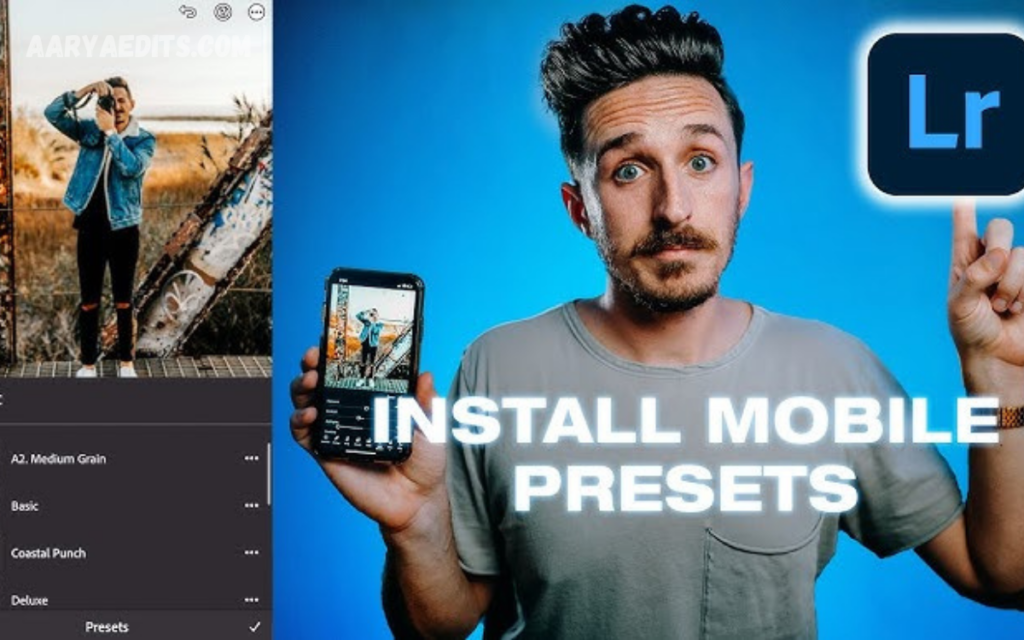
Dowload & Install
Installing presets takes only a few minutes.
Step 1
Download the preset files.
Step 2
Open Adobe Lightroom.
Step 3
Import the preset file.
Step 4
Save it to your preset collection.
Step 5
Select any photo.
Step 6
Apply the preset.
Step 7
Adjust exposure if necessary.
Now every image can receive professional edits instantly.
Tips for Better Photo Editing
Even the best preset benefits from small adjustments.
Start with High-Quality Photos
Good editing begins with sharp, well-lit images.
Use:
- Natural lighting
- Proper exposure
- High resolution
- Clean composition
Adjust Exposure
Every image has different lighting.
Increase or decrease exposure after applying the preset for natural-looking results.
Fine-Tune White Balance
Correct white balance ensures realistic skin tones and accurate colors.
Warm images slightly for sunsets.
Cool images for snowy or modern aesthetics.
Read Also: Best Mobile Lightroom Presets ZIP Files for Professional Photo Editing
Lightroom Mobile Editing Tutorial: Complete Beginner to Pro Guide (2026)
Don’t Overdo Saturation
Oversaturated photos appear artificial.
Professional edits maintain vibrant yet realistic colors.
Crop Carefully
Use Instagram-friendly ratios like:
- 4:5 Portrait
- 1:1 Square
- 16:9 Landscape
A strong composition improves engagement.
Best Photography Niches for Lightroom Presets
Almost every photography category benefits from presets.
Portrait Photography
Smooth skin tones, balanced highlights, and natural colors create professional portraits.
Fashion Photography
Enhance clothing textures while maintaining accurate colors.
Food Photography
Increase warmth and contrast to make meals look more appetizing.
Travel Photography
Boost skies, oceans, forests, and architecture for eye-catching travel content.
Product Photography
Clean backgrounds and balanced lighting improve product presentation for online stores.
Lifestyle Photography
Maintain soft colors while emphasizing authentic everyday moments.
Common Editing Mistakes to Avoid
Even experienced editors sometimes make mistakes.
Avoid:
- Overexposure
- Excessive sharpening
- Unrealistic skin tones
- Too much contrast
- Heavy clarity
- Over-saturated colors
- Ignoring white balance
Professional editing aims for natural enhancement rather than unrealistic effects.
Building a Consistent Instagram Aesthetic
Consistency helps build a memorable brand.
Choose one editing style and use similar presets across all photos.
Maintain consistency in:
- Colors
- Brightness
- Composition
- Subject matter
- Filters
- Overall mood
A cohesive feed encourages visitors to follow your account.
Lightroom Presets vs Manual Editing
Both approaches have advantages.
Lightroom Presets
Advantages:
- Faster workflow
- Professional appearance
- Easy consistency
- Beginner friendly
Manual Editing
Advantages:
- Greater creative control
- Customized adjustments
- Better for unique lighting situations
Many professionals combine both methods by applying a preset first and then making manual refinements.
Free vs Premium Lightroom Presets
Free presets provide excellent value.
Advantages include:
- No cost
- Beginner friendly
- Large online selection
- Great for learning
Premium presets often offer:
- Advanced color grading
- More refined skin tones
- Specialized photography styles
- Professional support
- Regular updates
Beginners can confidently start with free options before investing in premium collections.
Tips for Creating Viral Instagram Photos
Beautiful edits alone don’t guarantee success.
Combine quality editing with:
- Strong composition
- Authentic storytelling
- Consistent posting
- Trending hashtags
- Engaging captions
- High-resolution images
- Natural lighting
- Creative perspectives
Together, these elements increase visibility and audience engagement.
Why Content Creators Love Lightroom Presets?
Influencers and photographers use presets because they simplify editing while maintaining professional quality.
Benefits include:
- Faster content production
- Consistent branding
- Better audience recognition
- Increased editing efficiency
- Improved visual storytelling
Whether managing a personal profile or a business account, presets help creators maintain a polished and professional appearance.
Frequently Asked Questions
What are free Instagram Lightroom presets?
Free Instagram Lightroom presets are pre-designed editing settings that automatically enhance your photos by adjusting colors, lighting, contrast, and other image properties with a single click.
Are Lightroom presets free to use?
Yes, many creators and photography websites offer free Lightroom presets. While premium presets include additional features and styles, free presets can still produce professional-quality photo edits.
Can I use Lightroom presets on my phone?
Absolutely. Adobe Lightroom Mobile supports presets on both Android and iPhone devices, making it easy to edit photos anywhere.
Do Lightroom presets work on every photo?
Yes, but results may vary depending on the original lighting, exposure, and colors of the image. You may need to make minor adjustments after applying a preset for the best outcome.
Are Lightroom presets suitable for beginners?
Yes. Lightroom presets are beginner-friendly because they simplify the editing process and allow users to achieve professional-looking results without advanced editing skills.
How do I install free Lightroom presets?
Download the preset file, import it into Adobe Lightroom, save it to your presets library, and apply it to your photos with a single click.
Can I customize a Lightroom preset after applying it?
Yes. After applying a preset, you can adjust exposure, contrast, white balance, saturation, shadows, highlights, and other settings to match your photo perfectly.
Which Lightroom preset style is best for Instagram?
The best style depends on your content. Bright and airy presets work well for lifestyle and fashion, moody presets suit portraits, while vibrant presets are ideal for travel and nature photography.
Do Lightroom presets reduce image quality?
No. Lightroom presets do not reduce image quality. They simply modify editing settings while preserving the original resolution when exported correctly.
Why should I use free Instagram Lightroom presets for stunning photo edits?
Using Free Instagram Lightroom Presets for Stunning Photo Edits helps save editing time, maintain a consistent Instagram aesthetic, improve photo quality, and create professional-looking images that attract more engagement.
Conclusion
Using Free Instagram Lightroom Presets for Stunning Photo Edits is one of the smartest ways to enhance your photography without spending hours on manual editing. These presets deliver professional-quality results, improve workflow efficiency, and help create a cohesive Instagram aesthetic that attracts followers and strengthens your personal or business brand.
From bright and airy edits to moody cinematic tones, vintage film looks, vibrant travel enhancements, and minimalist styles, free Lightroom presets offer endless creative possibilities for every type of photographer.
