

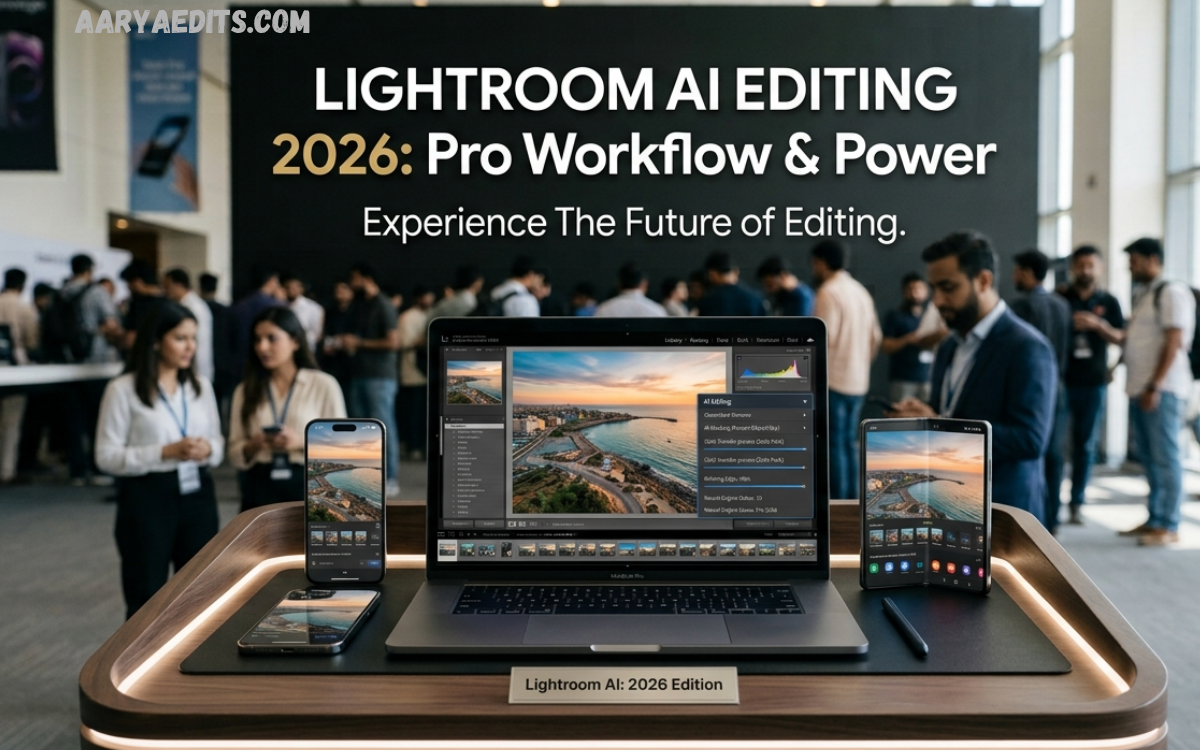
Lightroom AI Editing 2026 represents a major evolution in digital photography, bringing advanced artificial intelligence features into professional photo workflows. Adobe Lightroom continues transforming how photographers, content creators, influencers, and designers enhance images with faster, smarter, and more accurate editing solutions.
Modern photographers need powerful tools that improve image quality while preserving natural details. Traditional editing methods often require hours of manual adjustments, including exposure correction, color grading, masking, noise reduction, and background improvements.
What Is Lightroom AI Editing 2026?
Lightroom AI Editing 2026 is an advanced photo editing approach that combines Adobe Lightroom’s professional editing environment with artificial intelligence capabilities. The technology uses machine learning algorithms to analyze photographs and automatically suggest improvements based on image content.
AI editing features can identify important elements within an image, including faces, skies, objects, colors, and lighting patterns. Instead of manually adjusting every setting, photographers can use intelligent recommendations to create balanced and visually appealing images.
Advanced AI Features in Lightroom 2026
Lightroom AI Editing 2026 introduces several intelligent features that improve photography workflows. These tools help users perform complex editing tasks with fewer manual steps.
AI-Powered Automatic Enhancements
Automatic enhancement technology analyzes images and applies optimized adjustments based on exposure, contrast, highlights, shadows, and color balance.
The AI system understands different photography styles and adjusts images according to visual requirements. A dark image can receive improved brightness, while an overexposed photo can regain lost details.
Professional photographers can use automatic enhancements as a starting point before applying personalized adjustments.
Intelligent Subject Detection
Subject detection remains one of the most powerful Lightroom AI editing features for 2026. Artificial intelligence identifies people, animals, vehicles, products, and other important subjects within photographs.
This technology allows users to create accurate selections without manually drawing masks. Photographers can quickly adjust specific areas, such as brightening faces, improving clothing colors, or enhancing product details.
AI Sky Replacement and Enhancement
Landscape photographers often spend significant time improving skies. Lightroom AI Editing 2026 makes this process faster through intelligent sky recognition and enhancement.
AI technology detects sky areas automatically and allows users to modify colors, brightness, contrast, and atmosphere. Photographers can create dramatic landscapes while preserving realistic details.
Advanced AI Noise Reduction
Low-light photography often creates unwanted grain and reduced image clarity. Lightroom AI Editing 2026 uses intelligent noise reduction technology to improve image quality while protecting important details.
The AI system analyzes textures and removes digital noise without making photographs appear artificial or blurry.
This feature benefits photographers working with night photography, indoor events, concerts, and mobile camera images.
AI Portrait Editing Tools
Portrait photography receives major improvements through Lightroom AI Editing 2026. AI technology recognizes facial features and provides precise editing options.
Users can enhance skin tones, improve lighting, adjust facial details, and create professional portrait results.
Unlike basic filters, AI portrait editing maintains natural appearance by analyzing image structure and preserving realistic textures.
Benefits of Lightroom AI Editing 2026 for Photographers
Faster Editing Workflow
One of the biggest advantages of Lightroom AI Editing 2026 is speed. Professional photographers managing hundreds or thousands of images can complete editing tasks much faster.
AI automation reduces repetitive work, allowing creators to spend more time capturing photographs and developing creative concepts.
Professional Quality Results
AI-powered adjustments help users achieve consistent professional results. Intelligent recommendations improve colors, lighting, sharpness, and composition without requiring advanced technical knowledge.
Beginners can create impressive images while experienced photographers can enhance their existing workflow.
Improved Accuracy
Manual selections and adjustments can sometimes create uneven results. Lightroom AI Editing 2026 improves accuracy through advanced image analysis.
AI-powered masking detects edges, subjects, and details more precisely, reducing editing mistakes.
Better Creative Control
Although AI provides automatic solutions, users maintain complete creative control. Photographers can modify AI-generated adjustments according to personal preferences.
The combination of automation and customization creates a flexible editing environment.
Lightroom AI Editing 2026 for Social Media Creators
Social media platforms require attractive visuals that capture audience attention quickly. Lightroom AI Editing 2026 helps creators produce high-quality images for Instagram, YouTube thumbnails, blogs, and digital marketing campaigns.
Content creators can use AI tools to improve colors, create consistent branding styles, and develop professional-looking image collections.
AI presets and intelligent adjustments help maintain a recognizable visual identity across multiple platforms.
Lightroom AI Presets and Smart Editing Styles
Presets remain popular among photographers because they provide quick editing solutions. Lightroom AI Editing 2026 improves presets through intelligent customization.
Traditional presets apply identical adjustments to every image, but AI-powered presets analyze individual photographs and adapt settings according to lighting and subject conditions.
This creates more natural results while reducing manual corrections.
Popular AI editing styles include:
- Cinematic color grading
- Moody photography effects
- Professional portrait enhancement
- Wedding photography styles
- Travel photography improvements
- Product photography optimization
Mobile Photography and Lightroom AI Editing 2026
Smartphone cameras continue improving, creating demand for advanced mobile editing solutions. Lightroom AI Editing 2026 provides powerful features for mobile photographers.
Users can capture images with smartphones and enhance them using AI-powered tools directly from mobile devices.
Mobile editing benefits include:
- Automatic image correction
- Smart object detection
- AI color improvements
- Quick social media preparation
- Professional editing without desktop software
These features make advanced photography accessible to everyday users.
Read Also: Professional AI Background Remover Solutions
How Lightroom AI Editing 2026 Changes Professional Photography
Artificial intelligence is changing professional photography by improving efficiency and creativity. Photographers no longer need to spend excessive time completing repetitive editing tasks.
Wedding photographers can process large image collections faster. Product photographers can improve consistency across catalogs. Travel photographers can enhance images quickly before publishing online.
Lightroom AI Editing 2026 allows professionals to focus on creative decisions rather than spending hours performing technical adjustments.
Lightroom AI Editing 2026 vs Traditional Editing
Traditional editing depends heavily on manual adjustments. Photographers need detailed knowledge of exposure, colors, masking, and image processing.
Lightroom AI Editing 2026 introduces automation that reduces complexity while maintaining professional quality.
Traditional Editing:
- Requires more manual effort
- Takes longer for large projects
- Needs advanced technical skills
- Involves repetitive adjustments
AI Editing:
- Provides intelligent recommendations
- Saves editing time
- Improves accuracy
- Supports creative experimentation
Both approaches remain valuable. Professional users can combine manual expertise with AI assistance for maximum results.
Tips for Using Lightroom AI Editing 2026 Professionally
To achieve the best results with Lightroom AI Editing 2026, photographers should follow effective editing practices.
Start With High-Quality Images
AI tools perform better when working with high-resolution images containing accurate details.
Use AI Suggestions as a Foundation
AI recommendations provide a strong starting point, but personal adjustments create unique results.
Maintain Natural Appearance
Avoid excessive editing. Professional photography requires balance between enhancement and realism.
Create Custom AI Workflows
Developing personalized editing workflows improves productivity and maintains consistent visual style.
Future of AI Photography Editing
The future of photography editing will continue moving toward intelligent automation. Artificial intelligence will become more advanced, offering deeper image understanding, improved creative suggestions, and faster processing.
Future Lightroom AI Editing 2026 developments may include:
- More accurate image restoration
- Advanced AI-generated effects
- Automated storytelling edits
- Improved mobile editing capabilities
- Personalized editing assistants
AI technology will continue supporting photographers by reducing technical limitations and expanding creative possibilities.
Frequently Asked Questions
What is Lightroom AI Editing 2026?
Lightroom AI Editing 2026 is an advanced photo editing system that uses artificial intelligence to improve image quality, automate adjustments, and provide smarter editing tools for photographers and creators.
How does AI improve photo editing in Lightroom 2026?
AI improves photo editing by analyzing images, detecting subjects, adjusting lighting, enhancing colors, reducing noise, and creating accurate selections automatically.
Is Lightroom AI Editing 2026 useful for beginners?
Yes, Lightroom AI Editing 2026 is suitable for beginners because AI-powered tools simplify complex editing processes and help users create professional-looking images without advanced skills.
Can professional photographers use Lightroom AI Editing 2026?
Professional photographers can use Lightroom AI Editing 2026 to speed up workflows, process large image collections, improve accuracy, and maintain consistent editing quality.
Does Lightroom AI Editing 2026 support portrait editing?
Yes, Lightroom AI Editing 2026 includes AI-powered portrait editing features that help improve skin tones, facial details, lighting, and overall portrait quality.
Can Lightroom AI Editing 2026 improve low-light photos?
Lightroom AI Editing 2026 can enhance low-light images through intelligent noise reduction, detail recovery, and exposure improvements while maintaining natural image quality.
Are Lightroom AI presets available in 2026?
Yes, AI-powered presets in Lightroom 2026 help users apply smart editing styles that automatically adjust according to image conditions and photography requirements.
Is Lightroom AI Editing 2026 available on mobile devices?
Yes, Lightroom AI Editing 2026 features are designed to support mobile photographers, allowing users to edit and enhance images using smartphones and tablets.
What makes Lightroom AI Editing 2026 different from traditional editing?
Lightroom AI Editing 2026 uses artificial intelligence to automate repetitive tasks, improve editing accuracy, and provide intelligent recommendations compared with manual editing methods.
Will AI replace professional photo editors in the future?
AI will not completely replace professional photo editors. Instead, Lightroom AI Editing 2026 works as a powerful assistant that helps creators save time and focus on creativity.
Conclusion
Lightroom AI Editing 2026 represents a powerful transformation in modern photography. By combining artificial intelligence with professional editing tools, Lightroom provides faster workflows, accurate adjustments, and creative flexibility.
Photographers, designers, and content creators can use AI-powered features to improve image quality while maintaining personal artistic vision. From automatic enhancements and smart masking to advanced portrait editing and noise reduction, Lightroom AI Editing 2026 offers solutions for every level of user.
