Mobile photography has become more powerful than ever. Whether you’re a content creator, photographer, influencer, or business owner, creating visually appealing images is essential for standing out online. One of the most effective tools for improving photo quality quickly is Lightroom Mobile Presets.
Lightroom Mobile Presets help users apply professional editing styles with a single tap, making photo enhancement faster, more consistent, and easier. From bright and airy aesthetics to cinematic tones and moody effects, presets allow photographers to achieve stunning results.
What Are Lightroom Mobile Presets?
Lightroom Mobile Presets are pre-configured editing settings that can be applied to photos in Adobe Lightroom Mobile. These settings contain adjustments for exposure, contrast, highlights, shadows, color grading, sharpness, and other editing parameters.
Instead of manually adjusting every slider for each image, users can apply a preset with a single tap and instantly transform the appearance of a photograph. This significantly reduces editing time while maintaining a consistent visual style across multiple images.
Why Lightroom Mobile Presets Are So Popular?
The popularity of Lightroom Mobile Presets continues to grow because they simplify the editing process while delivering impressive results. Mobile users can achieve professional-quality edits without needing advanced photo editing skills.
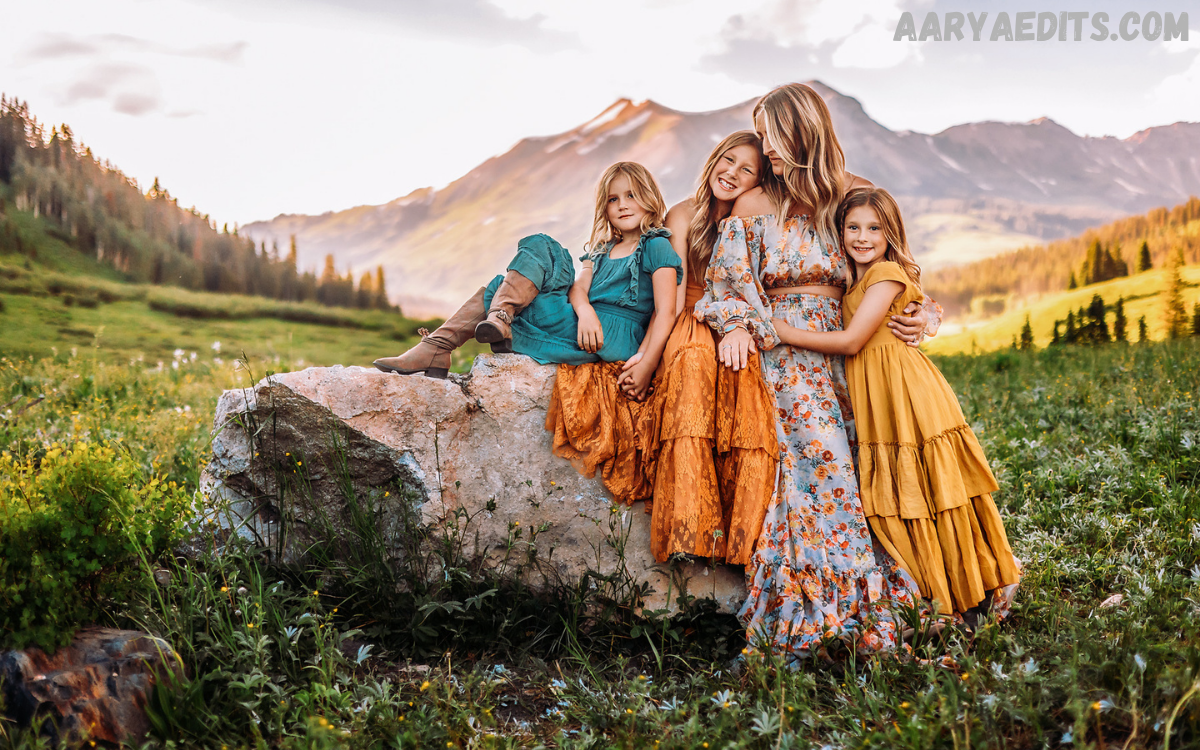
Another major advantage is consistency. Whether you’re managing a personal portfolio, Instagram feed, travel blog, or e-commerce brand, presets help create a cohesive visual identity. Consistent imagery often improves audience engagement and strengthens brand recognition.
Key Benefits of Using Lightroom Mobile Presets
Faster Editing Workflow
One of the biggest benefits of Lightroom Mobile Presets is speed. Rather than editing every image from scratch, users can apply a preset instantly and make minor adjustments if necessary.
This streamlined workflow is particularly valuable for photographers handling large batches of images. It allows more time for shooting, content creation, and business growth instead of spending hours on repetitive editing tasks.
Consistent Visual Style
Consistency is crucial for professional photography and social media branding. Presets help ensure that photos maintain a similar color palette, contrast level, and overall aesthetic.
A cohesive image collection looks more polished and professional. Whether you’re creating content for a business or building a personal brand, consistency helps establish trust and visual recognition.
Beginner-Friendly Editing
Lightroom Mobile Presets are ideal for beginners who may not fully understand exposure, white balance, tone curves, or color grading. Presets provide a starting point that simplifies the learning process.
Users can also study how presets affect images and gradually learn editing techniques. Over time, this helps improve both technical skills and creative confidence.
Professional Results on Mobile Devices
Modern smartphones are capable of capturing exceptional photographs. When paired with quality presets, mobile images can achieve a polished, professional appearance.
This accessibility allows creators to produce high-quality visual content without investing in expensive editing software or desktop equipment.
How Lightroom Mobile Presets Work?
Lightroom Mobile Presets store a collection of editing adjustments within a reusable file. When applied to a photo, Lightroom automatically adjusts various settings based on the preset’s configuration.
These adjustments may include exposure correction, color enhancements, contrast optimization, saturation changes, split toning, sharpening, noise reduction, and other creative effects. The exact results vary depending on the original image and lighting conditions.
Read Also: Free Lightroom Presets Download – Enhance Your Photos Instantly
Types of Lightroom Mobile Presets
Portrait Presets
Portrait presets are designed to enhance skin tones, improve lighting balance, and create flattering results. They often feature soft highlights and natural color adjustments.
These presets are commonly used by portrait photographers, influencers, beauty creators, and lifestyle bloggers who want clean and professional-looking images.
Travel Presets
Travel presets emphasize landscapes, architecture, and destination photography. They typically enhance colors, improve dynamic range, and create visually striking scenes.
Many travel photographers use these presets to highlight natural beauty while maintaining realistic and engaging image quality.
Moody Presets
Moody presets feature darker tones, reduced brightness, and dramatic color grading. They create an artistic atmosphere that works well for urban photography, storytelling, and creative projects.
These presets remain popular among photographers seeking a cinematic or emotional visual style.
Bright and Airy Presets
Bright and airy presets increase brightness, soften shadows, and create clean, elegant imagery. They are frequently used in weddings, fashion, and lifestyle photography.
Their fresh and inviting appearance makes them especially effective for social media content and brand marketing.
Cinematic Presets
Cinematic presets draw inspiration from movie color grading techniques. They often include teal-and-orange tones, enhanced contrast, and dramatic mood adjustments.
These presets help create visually engaging images that stand out in crowded digital spaces.
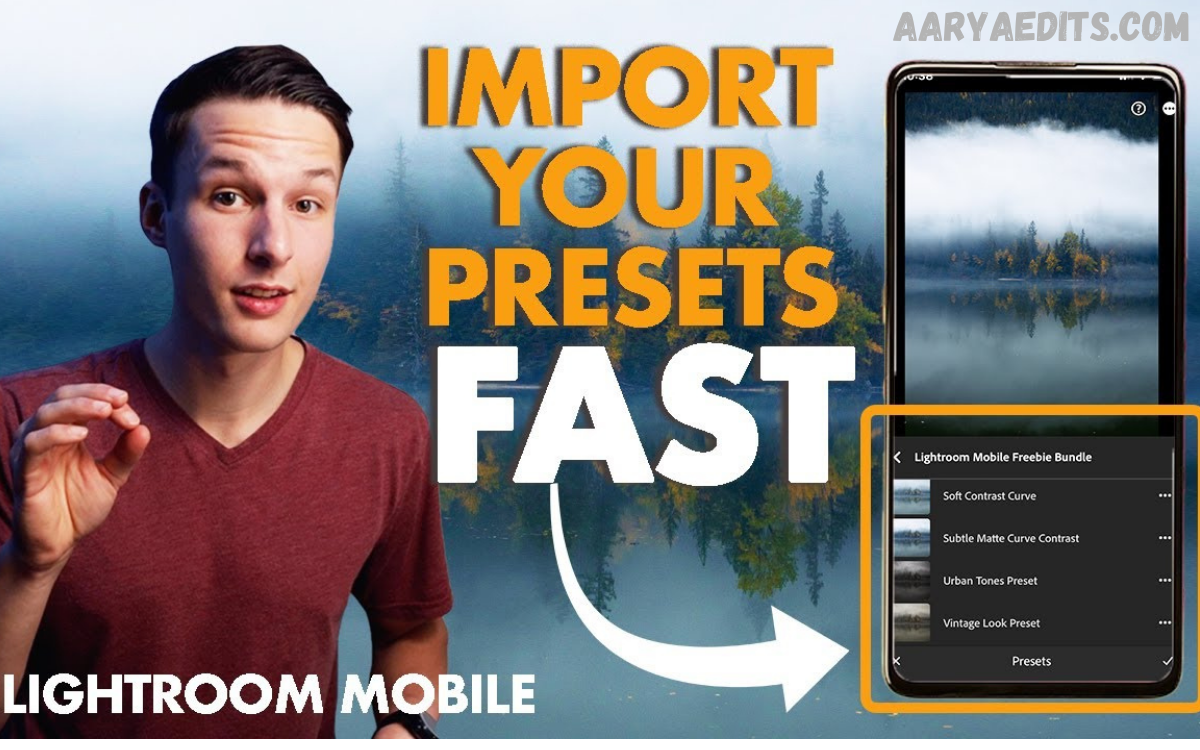
How to Install Lightroom Mobile Presets
Download Presets Now
Installing Lightroom Mobile Presets is generally straightforward. Most presets are distributed as DNG files or preset files compatible with Lightroom.
Users typically import the preset file into Lightroom Mobile, open the image containing the preset settings, save those settings as a new preset, and then apply it to future photos. The process only takes a few minutes and can significantly improve editing efficiency.
Once installed, presets remain accessible within the Lightroom Mobile application, making them easy to use whenever new photos are imported for editing.
Tips for Getting the Best Results
Start with High-Quality Images
Even the best preset cannot fully correct poor image quality. Photos captured with proper lighting and exposure typically respond better to editing.
Whenever possible, use natural light and ensure important subjects are properly exposed before applying presets.
Adjust Exposure After Applying a Preset
Because every image has unique lighting conditions, exposure adjustments are often necessary after applying a preset.
Small modifications to brightness, shadows, and highlights can help optimize the final result while preserving the preset’s intended style.
Fine-Tune White Balance
White balance plays a major role in determining how colors appear in a photograph. Sometimes a preset may look too warm or too cool, depending on the original image.
Making subtle white balance adjustments helps maintain accurate skin tones and natural-looking colors.
Avoid Over-Editing
While presets can dramatically improve images, excessive editing may reduce image quality and realism.
Focus on enhancing the photo rather than completely transforming it. Balanced editing typically produces the most professional and visually appealing results.
Choosing the Right Lightroom Mobile Presets
Selecting the right preset depends on your photography style, subject matter, and creative goals. A preset that works perfectly for portraits may not be ideal for landscapes or product photography.
It’s important to test multiple presets and evaluate their performance across different lighting conditions. The most effective presets enhance images consistently while requiring minimal adjustments.
Lightroom Mobile Presets for Social Media Content
Social media platforms place a strong emphasis on visual presentation. Consistently edited images often attract more attention and improve overall profile aesthetics.
Lightroom Mobile Presets help creators maintain a recognizable visual identity across posts, stories, and marketing campaigns. This consistency can strengthen audience engagement and make content appear more professional.
For brands and influencers, presets also simplify content production by reducing editing time while ensuring a cohesive look throughout their online presence.
Common Mistakes to Avoid
Many users expect presets to deliver perfect results instantly without any adjustments. While presets provide an excellent starting point, most images benefit from minor customization.
Another common mistake is using the same preset for every photograph regardless of lighting conditions. Different scenes often require different editing approaches, and flexibility is essential for achieving optimal results.
The Future of Lightroom Mobile Presets
As mobile photography continues to evolve, Lightroom Mobile Presets are becoming increasingly sophisticated. Creators now have access to advanced color grading styles, AI-powered enhancements, and professional editing workflows directly on their smartphones.
The demand for efficient editing solutions is expected to continue growing, making presets an important tool for photographers, businesses, and content creators seeking high-quality results with minimal effort.
Frequently Asked Questions
What are Lightroom Mobile Presets?
Lightroom Mobile Presets are saved editing settings that can be applied to photos with a single tap, allowing users to achieve consistent and professional-looking edits quickly.
Do Lightroom Mobile Presets work on all photos?
Presets work on most photos, but results vary depending on lighting, exposure, and image quality. Minor adjustments are often needed for the best outcome.
Are Lightroom Mobile Presets suitable for beginners?
Yes. Presets simplify the editing process and help beginners achieve professional-looking results without advanced editing knowledge.
Can I customize a preset after applying it?
Yes. Lightroom allows users to modify exposure, contrast, colors, and other settings after applying a preset.
Do I need a professional camera to use Lightroom Mobile Presets?
No. Presets can be applied to photos taken with smartphones, tablets, or professional cameras imported into Lightroom Mobile.
Why do some presets look different on different photos?
Every image has unique lighting, colors, and exposure levels. These factors influence how a preset appears when applied.
Are Lightroom Mobile Presets useful for social media?
Yes. Presets help create a consistent visual style, improve content quality, and enhance the overall appearance of social media profiles.
Conclusion
Lightroom Mobile Presets have transformed the way photographers and content creators edit images on mobile devices. They offer a fast, efficient, and beginner-friendly method for achieving professional-quality results while maintaining a consistent visual style.
Whether you’re editing portraits, travel photos, lifestyle content, or brand imagery, Lightroom Mobile Presets can significantly improve your workflow and creative output.