

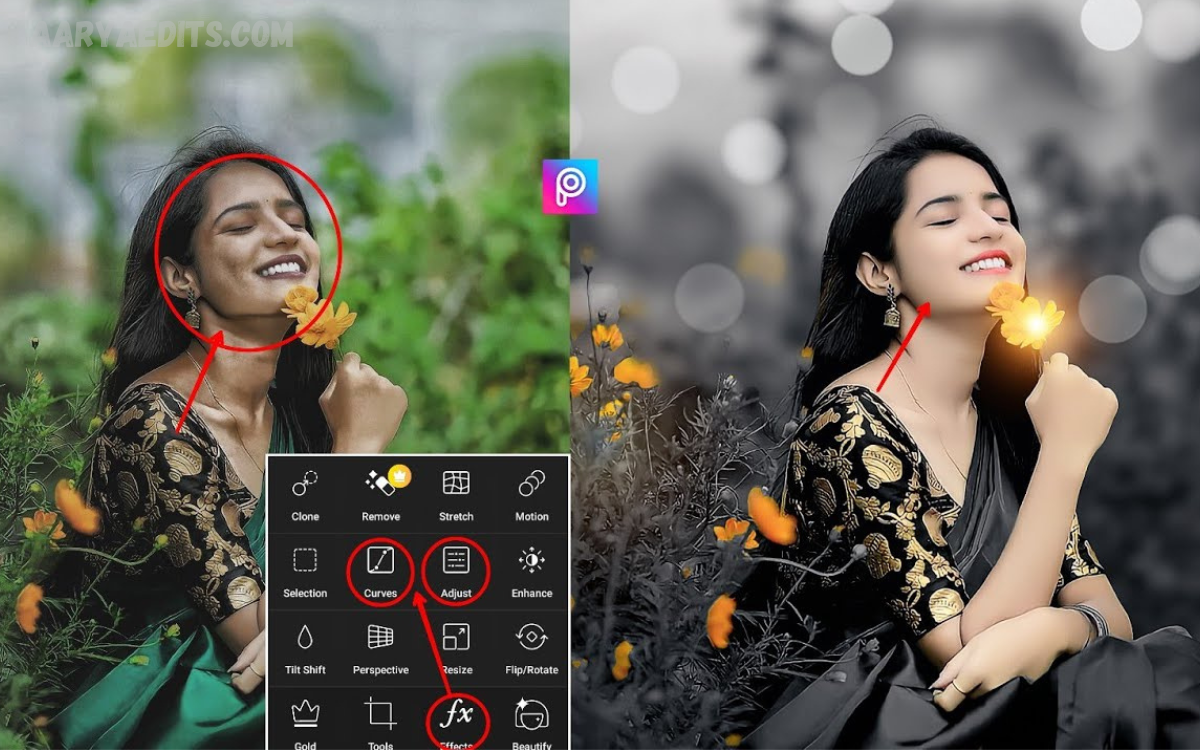
PicsArt editing continues to dominate the world of mobile creativity, setting new benchmarks for digital art and photo enhancement. With rapidly evolving AI tools and smarter editing features, PicsArt has become a central hub for creators who want professional-quality visuals without complex software.
One of the biggest trends in 2026 is AI portrait enhancement, which lets users automatically refine facial details, lighting, and background blur with a single tap. Another popular style is neon glow edits, inspired by futuristic and cyberpunk themes, giving images a vibrant digital nightlife look.
AI-Powered Editing Revolution
One of the most significant transformations in PicsArt editing is the integration of AI. In 2026, artificial intelligence plays a major role in automatic enhancement, background generation, and object replacement.
AI tools now allow users to:
- Enhance portrait lighting instantly
- Remove unwanted objects with precision
- Generate realistic backgrounds
- Adjust skin tone naturally
- Improve image sharpness automatically
This trend makes editing faster and more professional, even for beginners. Instead of manually adjusting every detail, users rely on smart AI suggestions that deliver high-quality results in seconds.
Cinematic Color Grading Style
Cinematic editing is one of the most dominant trends in PicsArt Trending Editing Styles 2026. This style focuses on creating movie-like visuals with deep contrast, dramatic lighting, and balanced tones.
Key features include:
- Warm orange and teal tones
- Soft shadows and highlights
- Film grain effects
- Moody atmosphere
- Depth and storytelling visuals
Creators use this style to turn simple photos into cinematic frames that look like movie scenes. It is widely used for travel photography, portraits, and lifestyle content.
Neon Glow and Cyberpunk Effects
The futuristic aesthetic continues to dominate social media in 2026. Neon glow editing is inspired by cyberpunk cities, digital environments, and virtual reality visuals.
This style includes:
- Bright neon outlines
- Glowing light effects
- Dark background contrast
- Purple, blue, and pink color schemes
- Futuristic city vibes
This trend is especially popular among gamers, tech influencers, and digital artists who want bold and eye-catching visuals.
How to Edit Free in PicsArt
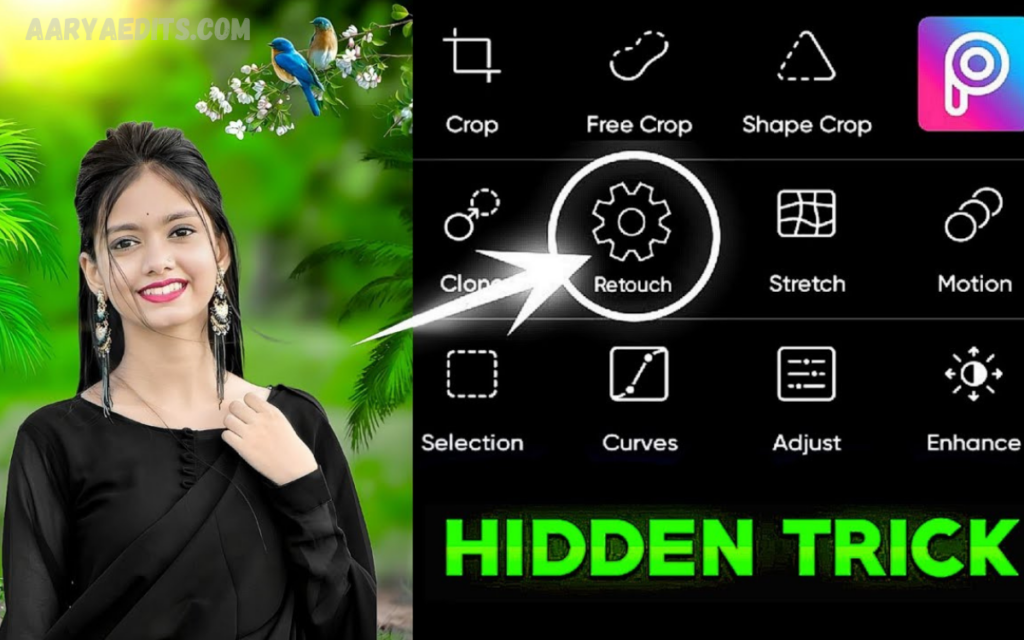
Download Free
You can edit photos for free using PicsArt without paying for premium features if you use the free tools properly.
Install and Open App
- Download PicsArt from the Play Store or App Store
- Open the app and sign up or continue as a guest
- Tap “+” button to start editing
Select Your Photo
- Choose an image from the gallery
- Or use free stock images inside the app
Use Free Editing Tools
PicsArt free tools include:
- Crop and resize
- Brightness and contrast
- Filters and effects
- Background remove (limited free use)
- Stickers and text
Apply Free Filters
- Go to the “Effects” section
- Select free filters like beauty, blur, and HDR
- Adjust intensity for a natural look
Add Text and Stickers
- Tap Text option
- Choose font style
- Add quotes or captions
- Use free stickers for decoration
Save Without Watermark
- Tap the download button
- Choose “Save without watermark”
Minimal Aesthetic Editing
While bold styles are popular, minimal editing is also a strong trend in 2026. This style focuses on simplicity, clean design, and soft color tones.
Key elements include:
- Light pastel filters
- Soft brightness adjustments
- Clean backgrounds
- Subtle shadows
- Natural skin tones
Minimal aesthetic editing is widely used for professional branding, personal profiles, and lifestyle influencers who prefer a clean and elegant visual identity.
Read Also: Best AI Image Generator Online Tools for High-Quality Image Creation in 2026
3D Pop Out and Depth Effects
3D editing has become more advanced in PicsArt Trending Editing Styles 2026. This effect creates a sense of depth and realism, making images appear as if they are coming out of the screen.
Popular techniques include:
- Layer separation
- Shadow depth creation
- Floating object effects
- 3D text overlays
- Perspective manipulation
This style is widely used for posters, thumbnails, and social media posts that require high engagement.
Glitch and Digital Distortion Effects
Glitch editing is another trending style inspired by digital errors and tech aesthetics. It gives images a futuristic broken-screen effect.
Features include:
- RGB color splitting
- Pixel distortion
- Static noise overlays
- Digital wave effects
- Retro tech visuals
This editing style is popular among music artists, tech creators, and modern designers who want edgy and experimental visuals.
Double Exposure Creativity
Double exposure remains a classic but evolving trend in PicsArt editing. It combines two images into one artistic composition.
Common combinations:
- Portrait + nature landscapes
- Faces + city skylines
- Human figures + abstract textures
- Silhouettes + galaxy effects
This technique creates deep storytelling visuals and is widely used for artistic expression and branding.
AI Avatar and Cartoon Transformation
AI-powered transformation tools allow users to turn photos into cartoons, anime, or digital avatars.
Trending formats:
- Anime-style portraits
- 3D cartoon characters
- Sketch drawings
- Fantasy avatars
- Gaming character designs
This trend is highly viral on social media platforms because it allows users to reimagine themselves in creative and fun ways.
Motion Blur and Dynamic Action Style
Motion-based editing is becoming increasingly popular for creating energy and movement in static images.
Techniques include:
- Directional blur
- Speed effects
- Light trails
- Action freeze frames
- Sports-style motion enhancement
This style is commonly used in sports photography, dance edits, and high-energy content creation.
Vintage Retro Film Style
Even in 2026, retro aesthetics remain strong. Vintage editing gives photos a nostalgic and emotional feel.
Key characteristics:
- Faded colors
- Film scratches
- Sepia tones
- Old camera grain
- Soft focus effects
This style is perfect for storytelling content, emotional posts, and artistic photography.
Typography and Graphic Overlay Trends
Modern PicsArt editing also focuses heavily on typography. Creative text placement is now a core part of visual design.
Popular trends:
- Bold 3D text
- Neon typography
- Minimal quote designs
- Layered text effects
- Motion text overlays
These elements help creators deliver messages more powerfully and improve engagement.
Social Media Viral Editing Style
Editing is strongly influenced by social media trends. Viral content depends on eye-catching visuals and fast emotional impact.
Key features:
- High contrast thumbnails
- Bright color grading
- Click-worthy compositions
- Emotional storytelling visuals
- Trend-based filter usage
Creators focus on making content that grabs attention within seconds.
Frequently Asked Questions
Can beginners use PicsArt Trending Editing Styles 2026?
Yes, PicsArt is beginner-friendly with one-tap AI tools and ready-made filters for fast editing.
What is cinematic editing in PicsArt?
It is a style that adds movie-like color tones, contrast, shadows, and mood to photos for professional storytelling.
What are neon glow effects?
Neon glow effects add bright digital lights, cyberpunk colors, and futuristic vibes to images.
Is AI editing important in PicsArt 2026?
Yes, AI editing is the biggest trend because it automates background removal, enhancement, and photo retouching.
What is minimal aesthetic editing?
It is a clean, simple style that uses soft colors, light filters, and natural tones for elegant visuals.
Can PicsArt create cartoon or anime photos?
Yes, AI tools can easily convert images into cartoon, anime, sketch, or digital avatar styles.
Is PicsArt good for professional editing?
Yes, it is widely used by influencers, designers, and content creators for high-quality social media visuals.
Conclusion
PicsArt Trending Editing Styles 2026 represent a powerful combination of AI technology, artistic creativity, and social media influence. From cinematic grading and neon cyberpunk visuals to minimal aesthetics and AI avatars, every style reflects a unique creative direction.
With the tools offered by PicsArt, users can transform ordinary images into professional-level artwork without needing advanced design skills.
