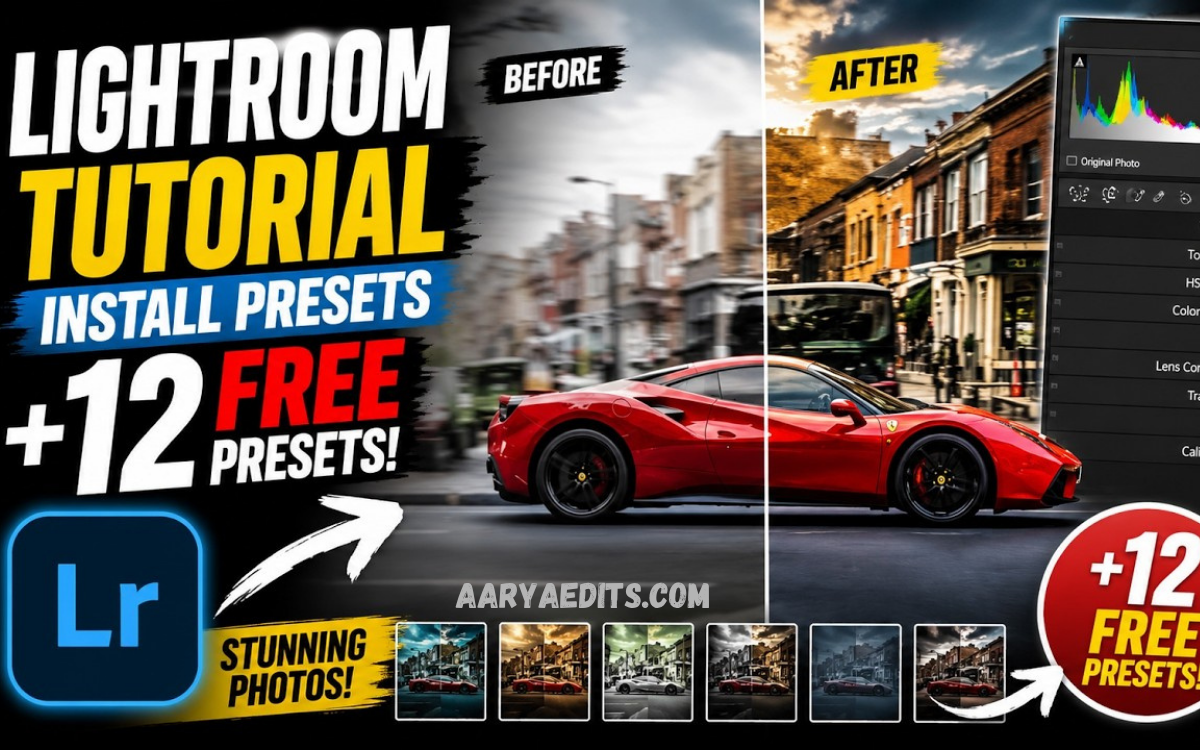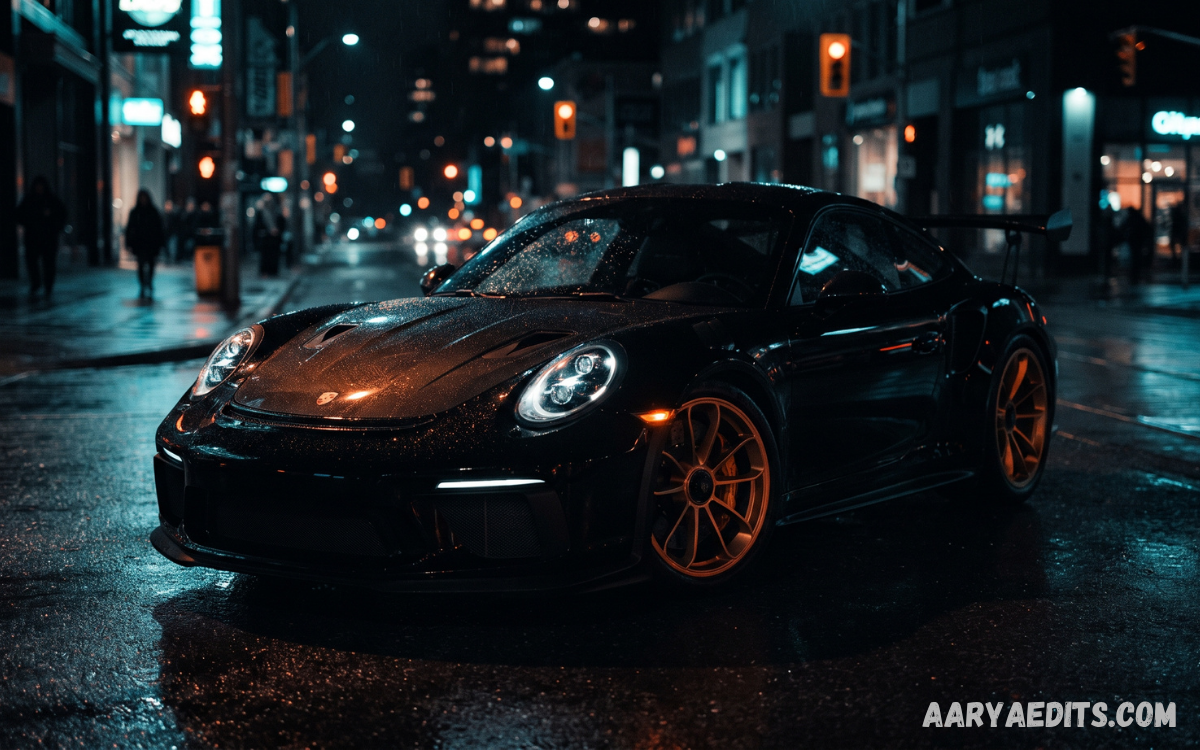
Car photography has evolved into one of the most competitive creative fields, driven by automotive enthusiasts, photographers, influencers, dealerships, and content creators seeking premium-quality visuals. Every image must capture not only a vehicle’s design but also its personality, performance, and craftsmanship.
Adobe Lightroom offers powerful editing capabilities, and presets simplify complex adjustments into a single click. Whether photographing luxury sports cars, classic vehicles, motorcycles, SUVs, off-road trucks, or modified street cars, the right preset dramatically enhances contrast, colors, sharpness, reflections, and overall visual appeal.
What Are Car Lightroom Presets?
Car Lightroom presets are pre-configured editing settings created specifically for automotive photography. Instead of adjusting every editing slider manually, photographers can apply a preset that instantly modifies exposure, highlights, shadows, contrast, color grading, white balance, clarity, texture, vibrance, sharpening, and other image properties.
Professional photographers often create customized presets for different vehicle categories and lighting conditions. A sports car photographed during sunset requires different adjustments than an off-road vehicle photographed in cloudy weather. Presets simplify these workflows while maintaining consistency across large photo collections.
Why Car Lightroom Presets Matter
Automotive photography demands precision because vehicles contain reflective paint, metallic finishes, chrome details, glass surfaces, carbon fiber, and complex lighting reflections. Manual editing every image consumes significant time, especially during commercial shoots involving hundreds of photographs.
Car Lightroom presets accelerate editing without sacrificing image quality. They ensure consistent branding, maintain professional color grading, improve workflow efficiency, and reduce repetitive editing tasks. Many automotive influencers, dealerships, advertising agencies, and professional photographers rely on presets to maintain recognizable editing styles across websites, social media platforms, magazines, and promotional campaigns.
Benefits of Using Car Lightroom Presets
One of the biggest advantages of Lightroom presets is editing speed. Instead of spending several minutes adjusting every photograph, photographers apply a preset and perform only minor refinements. This allows professionals to deliver projects faster while maintaining exceptional quality.
Another major benefit involves visual consistency. Businesses require uniform branding across product catalogs, dealership listings, marketing campaigns, and social media feeds. Presets ensure every photograph follows the same editing style regardless of shooting location or lighting conditions. This consistency strengthens brand identity while creating a polished portfolio.
Essential Features of Professional Car Lightroom Presets
Professional automotive presets usually include advanced color grading designed to emphasize paint colors without oversaturation. Metallic finishes appear richer while maintaining realistic tones. Shadows become deeper without losing important details, and highlights remain balanced to preserve reflections across vehicle surfaces.
Most premium presets also enhance clarity, texture, sharpness, and local contrast. These adjustments reveal body lines, wheels, headlights, grilles, and carbon fiber details while minimizing distracting elements. Professional presets frequently include lens corrections, noise reduction, and subtle vignettes that naturally guide viewer attention toward the vehicle.
Types of Car Lightroom Presets
Different photography situations require different editing approaches. Bright outdoor environments often benefit from vibrant presets that emphasize blue skies, green landscapes, and glossy paint finishes. Urban presets usually increase contrast while highlighting modern architectural backgrounds.
Night photography presets focus on recovering shadow details while enhancing city lights, headlights, and neon reflections. Luxury presets emphasize elegant color grading with smooth tonal transitions, while cinematic presets introduce dramatic contrast and mood suitable for advertising campaigns. Vintage presets recreate nostalgic automotive aesthetics inspired by classic film photography.
How to Install Car Lightroom Presets
Download
Installing Lightroom presets is straightforward for both desktop and mobile versions. After downloading preset files, users import them directly into Lightroom through the Develop or Presets panel. Once imported, presets appear within the preset library and become available for immediate use.
Mobile Lightroom users can install presets through DNG files or exported preset packages. After importing, photographers simply open an image, select the desired preset, and apply it instantly. Synchronizing Adobe Creative Cloud ensures presets remain accessible across multiple devices for seamless editing.
Choosing the Right Preset
Selecting an appropriate preset depends on vehicle color, lighting conditions, background, weather, camera settings, and intended audience. Bright red sports cars often require different color grading than white luxury sedans or black performance vehicles.
Photographers should evaluate whether a preset enhances natural colors without introducing unrealistic saturation or excessive contrast. High-quality presets improve image quality while preserving authentic paint tones, accurate reflections, and balanced lighting across every vehicle component.
Customizing Lightroom Presets
Professional photographers rarely depend exclusively on one-click editing. Instead, presets provide a strong starting point before additional refinements improve the final image. Exposure adjustments compensate for varying lighting conditions, while white balance corrections maintain accurate color temperature.
Local adjustments further enhance specific vehicle areas. Photographers may brighten headlights, darken distracting backgrounds, increase wheel sharpness, or soften reflections using Lightroom’s masking tools. This flexibility transforms standard presets into customized editing workflows suitable for commercial-quality automotive photography.
Best Camera Settings Before Editing
Successful editing begins with proper camera settings. Shooting in RAW format preserves significantly more image information than JPEG files, allowing greater flexibility during post-processing. RAW files retain additional dynamic range, making highlight recovery and shadow adjustments more effective.
Using low ISO settings minimizes digital noise while maximizing image clarity. Appropriate aperture selection ensures sharp vehicle details, whereas tripod stabilization supports long-exposure night photography. High-quality source images enable Lightroom presets to perform at their full potential.
Read Also: Vintage Lightroom Presets: The Ultimate Guide for Professional Photographers
Editing Workflow Using Car Lightroom Presets
Professional editing workflows begin with importing RAW images into Lightroom. Photographers first organize files using folders, keywords, star ratings, and color labels before selecting the strongest photographs for editing.
After applying a preset, photographers review exposure, crop composition, straighten perspective, remove distractions, correct lens distortion, and perform localized adjustments. Final sharpening, export optimization, and color profile selection ensure photographs remain suitable for websites, print advertisements, social media, or commercial publications.
Common Mistakes to Avoid
Many beginners apply presets without evaluating whether adjustments match existing lighting conditions. Excessive contrast may hide important details, while extreme saturation produces unrealistic paint colors that reduce image quality.
Ignoring white balance represents another common error. Even premium presets cannot fully compensate for incorrect color temperature. Professionals always inspect highlights, reflections, shadows, and skin tones when people appear alongside vehicles, making final adjustments before exporting completed images.
Car Lightroom Presets for Social Media
Instagram, Facebook, Pinterest, TikTok, and automotive blogs prioritize visually engaging content. Professionally edited vehicle photographs generate stronger engagement because clean colors, dramatic lighting, and balanced contrast immediately attract viewer attention.
Consistent editing also strengthens personal branding. Followers quickly recognize a photographer’s editing style, increasing credibility and encouraging long-term audience growth. Automotive influencers frequently build recognizable visual identities through carefully designed Lightroom presets.
Car Lightroom Presets for Commercial Photography
Automotive dealerships require consistent vehicle presentations across inventory listings, brochures, advertisements, and online marketplaces. Uniform editing increases professionalism while improving buyer confidence during vehicle comparisons.
Commercial photographers also benefit from presets during large-scale shoots involving hundreds of vehicles. Faster editing reduces production costs while maintaining exceptional quality across entire automotive catalogs, dealership websites, and manufacturer marketing campaigns.
Creating Your Own Car Lightroom Presets
Many professionals eventually develop personalized presets based on years of editing experience. Creating custom presets involves adjusting exposure, curves, HSL controls, color grading, sharpening, masking preferences, and lens corrections before saving these settings as reusable templates.
Personalized presets reflect unique artistic styles while accelerating future editing sessions. Photographers continually refine these presets as camera technology, lighting preferences, and client requirements evolve, ensuring consistent quality across every automotive project.
Future Trends in Automotive Photo Editing
Artificial intelligence continues transforming Lightroom through intelligent masking, automatic subject detection, adaptive presets, and machine learning enhancements. These technologies simplify complex editing while preserving creative flexibility for professional photographers.
Future car Lightroom presets will likely incorporate AI-assisted color matching, advanced reflection control, automatic sky enhancements, intelligent paint recognition, and personalized editing recommendations.
Frequently Asked Questions
What are Car Lightroom Presets?
Car Lightroom Presets are pre-configured editing settings designed to enhance automotive photos with one click. They adjust exposure, contrast, colors, clarity, sharpness, and other settings to create professional-looking results.
Are Car Lightroom Presets suitable for beginners?
Yes. Beginners can use presets to achieve high-quality edits quickly while learning how different Lightroom adjustments affect their images. Presets also serve as a great starting point for manual editing.
Do Car Lightroom Presets work on Lightroom Mobile?
Yes. Most modern Car Lightroom Presets are compatible with both Adobe Lightroom Desktop and Lightroom Mobile. Always check compatibility before downloading or purchasing a preset pack.
Can I customize a preset after applying it?
Absolutely. Every preset remains fully editable after application. You can adjust exposure, white balance, colors, contrast, highlights, shadows, and other settings to match your specific photo.
Which image format works best with Car Lightroom Presets?
RAW images deliver the best results because they retain more detail and dynamic range. However, presets can also be applied to JPEG images with good results.
Will one preset work for every car photo?
Not always. Different lighting conditions, vehicle colors, weather, and backgrounds require different adjustments. Minor tweaks after applying a preset usually produce the best outcome.
Can Car Lightroom Presets improve night car photography?
Yes. Specialized night presets enhance shadows, reduce noise, improve highlights, and make headlights, city lights, and reflections appear more vibrant while maintaining image quality.
Are free Car Lightroom Presets worth using?
Many free presets provide excellent results, especially for beginners. Premium presets often offer more refined color grading, better optimization, and greater consistency for professional work.
Do presets reduce image quality?
No. Lightroom Presets do not reduce image quality. They simply modify editing parameters. Export settings determine the final image quality.
How can I choose the best Car Lightroom Presets?
Choose presets based on your photography style, vehicle type, lighting conditions, and editing goals. Testing several presets and customizing them to fit your images will help you achieve the best professional results.
Conclusion
Understanding Car Lightroom Presets: Everything You Need to Know gives photographers a significant advantage in today’s competitive automotive photography industry. Presets simplify editing, improve efficiency, strengthen visual consistency, and help professionals deliver outstanding results without repetitive manual adjustments.
Whether editing luxury supercars, vintage classics, family SUVs, motorcycles, race cars, or commercial vehicle inventories, mastering Lightroom presets enhances both productivity and artistic quality.