

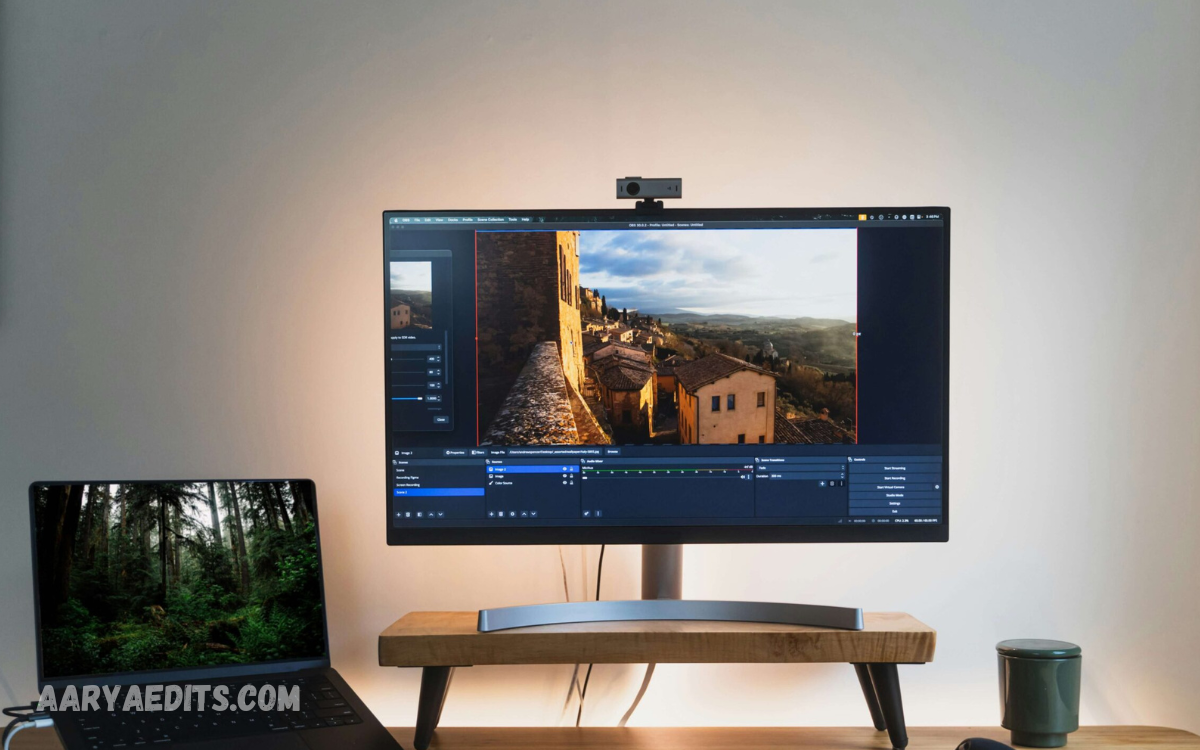
Photo editing is one of the most valuable digital skills in today’s creative world. Whether you want to enhance personal photos, create eye-catching social media content, design marketing materials, or start a freelance career, learning professional photo editing can open countless opportunities.
Throughout this course, you will learn the fundamentals of photo editing, including color correction, background removal, image retouching, lighting adjustments, cropping, filters, and advanced editing techniques using popular editing software and online tools.
What Is a Free Online Photo Editing Course?
A free online photo editing course is a digital learning program that teaches image editing techniques through video lessons, tutorials, assignments, and practical exercises. These courses are designed to help learners understand both basic and advanced editing concepts without requiring expensive classroom training.
Most courses include:
- Image correction
- Color enhancement
- Photo retouching
- Background removal
- Object removal
- Skin retouching
- Lighting adjustments
- Image resizing
- Social media design
- Export settings
Many online courses also provide downloadable practice files so students can edit real images as they follow tutorials.
Why Learn Photo Editing?
Learning professional photo editing offers countless personal and professional benefits.
Improve Your Creativity
Photo editing allows you to transform ordinary images into visually appealing artwork. You learn how to adjust colors, lighting, shadows, and compositions to create stunning visuals.
Build a Freelance Career
Thousands of businesses hire freelance photo editors to edit product images, wedding photos, portraits, and marketing materials. Learning editing skills opens opportunities on freelance platforms.
Enhance Social Media Content
Professional editing helps content creators produce attractive Instagram posts, YouTube thumbnails, Facebook ads, and Pinterest graphics that receive more engagement.
Start an Online Business
Photo editing skills are useful for:
- Product photography
- E-commerce stores
- Digital marketing
- Blogging
- Graphic design
- Personal branding
Skills You Will Learn
A quality free online course teaches numerous professional techniques.
Basic Photo Editing
Beginners learn:
- Cropping
- Straightening
- Brightness adjustment
- Contrast correction
- Saturation
- Exposure
- Sharpness
These fundamental skills improve almost every image.
Color Correction
Professional editors know how to create natural and vibrant colors.
You’ll learn:
- White balance
- Color grading
- Tone adjustment
- Curves
- Hue & Saturation
- Color matching
Color correction is one of the biggest differences between amateur and professional editing.
Background Removal
Background removal is one of the highest-paying editing skills.
You’ll learn:
- Remove unwanted backgrounds
- Replace backgrounds
- Transparent PNG creation
- Product image editing
- Green screen editing
These skills are especially useful for eCommerce businesses.
Portrait Retouching
Portrait editing focuses on improving people’s appearance while maintaining natural beauty.
Topics include:
- Skin smoothing
- Acne removal
- Eye enhancement
- Teeth whitening
- Hair retouching
- Face shaping
Professional portrait editing requires subtle adjustments rather than excessive effects.
Advanced Editing Techniques
Advanced lessons often cover:
- Layer masks
- Blend modes
- Frequency separation
- Dodge and burn
- Composite editing
- Object removal
- Sky replacement
- Advanced selections
These techniques are widely used by professional photographers.
Read Also: Professional Photo Editing Tutorial: A Complete Step-by-Step Guide
Best Free Photo Editing Software
One advantage of online learning is that many powerful editing tools are completely free.
GIMP
GIMP is one of the most popular free alternatives for professional image editing.
Features include:
- Layers
- Masks
- Brushes
- Filters
- Advanced selection tools
- Professional retouching
Photopea
Photopea runs directly inside a web browser.
Benefits include:
- No installation
- PSD support
- Layer editing
- Smart objects
- Advanced design tools
It works similarly to premium editing software.
Canva
Canva is excellent for beginners who want simple editing combined with graphic design.
Useful for:
- Social media posts
- Presentations
- Marketing graphics
- Thumbnails
- Posters
Pixlr
Pixlr offers fast online editing tools suitable for beginners.
Popular features include:
- AI background remover
- Filters
- Templates
- Quick retouching
- Easy interface
Who Should Join This Course?
A free online photo editing course is suitable for nearly everyone.
Ideal learners include:
- Students
- Bloggers
- YouTubers
- Graphic designers
- Freelancers
- Business owners
- Photographers
- Digital marketers
- Social media managers
- Content creators
No previous editing experience is required.
Career Opportunities After Learning Photo Editing
Professional editing skills are in high demand worldwide.
Possible careers include:
Freelance Photo Editor
Work with international clients while earning from home.
Projects include:
- Wedding editing
- Portrait editing
- Product photos
- Real estate images
Graphic Designer
Photo editing complements graphic design by helping create advertisements, banners, brochures, and social media content.
Social Media Manager
Businesses constantly require edited images for Facebook, Instagram, TikTok, LinkedIn, and Pinterest.
Professional editing significantly improves social media performance.
E-commerce Product Editor
Online stores require professionally edited product images.
Common tasks include:
- Background removal
- Shadow creation
- Color correction
- Product enhancement
Photographer
Learning editing transforms average photographs into stunning professional images.
Many photographers spend as much time editing as taking photographs.
How to Practice Photo Editing
Watching videos alone isn’t enough.
To improve quickly:
Edit Photos Every Day
Practice builds muscle memory and creativity.
Copy Professional Edits
Recreate edits made by experienced professionals to understand their workflow.
Download Free Practice Images
Use royalty-free photos to experiment with different editing styles.
Join Editing Communities
Sharing work helps receive constructive feedback and discover new techniques.
Tips for Becoming a Professional Photo Editor
Success requires more than learning software.
Build a Portfolio
Create before-and-after examples that demonstrate your editing abilities.
A strong portfolio attracts freelance clients.
Learn Color Theory
Understanding color relationships improves editing quality dramatically.
Study:
- Warm colors
- Cool colors
- Color harmony
- Contrast
- Mood creation
Master Keyboard Shortcuts
Professional editors work quickly by using shortcuts instead of relying entirely on menus.
This increases productivity.
Stay Updated
Editing software constantly introduces new AI-powered features.
Continue learning through tutorials and practice.
Common Mistakes Beginners Make
Avoid these frequent mistakes:
- Over-editing images
- Excessive skin smoothing
- Oversaturated colors
- Poor cropping
- Low-resolution exports
- Ignoring lighting
- Incorrect white balance
- Heavy sharpening
- Inconsistent color grading
Natural-looking edits almost always appear more professional.
Benefits of Learning Online
Online learning provides flexibility unavailable in traditional classrooms.
Advantages include:
- Learn anytime
- Learn anywhere
- Self-paced lessons
- No travel expenses
- Free resources
- Lifetime knowledge
- Practical exercises
- Access from mobile devices
Students can repeat difficult lessons until concepts become clear.
How Long Does It Take to Learn Photo Editing?
Learning speed depends on practice.
Approximate timeline:
- Basic editing: 1–2 weeks
- Intermediate editing: 1–2 months
- Advanced editing: 3–6 months
- Professional level: 6–12 months
Daily practice significantly accelerates improvement.
Can You Earn Money with Photo Editing?
Yes. Skilled photo editors earn income through multiple methods.
Popular income sources include:
- Freelancing
- Wedding editing
- Product photo editing
- Portrait retouching
- Stock photography enhancement
- Real estate photo editing
- Social media content creation
- Graphic design services
- Print design
- Digital marketing agencies
Many successful editors build full-time careers working remotely with clients around the world.
Frequently Asked Questions
What is a Free Online Photo Editing Course?
A Free Online Photo Editing Course is a learning program that teaches beginners and intermediate learners to edit photos using professional techniques at no cost. It covers topics such as color correction, retouching, background removal, and image enhancement.
Do I need any prior experience to join this course?
No. Most free online photo editing courses are designed for beginners and require no previous editing experience. You can start by learning basic computer skills and gradually move on to advanced techniques.
Which photo editing software can I use for free?
Popular free photo editing software includes GIMP, Photopea, Canva, Pixlr, and Fotor. These tools offer powerful editing features suitable for beginners and professionals.
Can I learn professional photo editing online?
Yes. With consistent practice and high-quality online tutorials, you can learn professional photo editing skills from home and build expertise comparable to traditional classroom training.
How long does it take to become a skilled photo editor?
The learning time depends on your dedication and practice. Most beginners can learn the basics within a few weeks, while advanced professional skills may take several months of regular practice.
Can I earn money after completing a photo editing course?
Yes. Professional photo editing skills can help you earn money through freelancing, wedding photo editing, product image editing, social media content creation, graphic design, and digital marketing projects.
Is a certificate included in free online photo editing courses?
Some free online courses provide a free certificate, while others may charge a fee for certification. It depends on the learning platform offering the course.
What skills will I learn in a photo editing course?
You’ll learn image retouching, color correction, background removal, cropping, lighting adjustments, object removal, portrait enhancement, image resizing, and advanced editing techniques.
Can I learn photo editing using my smartphone?
Yes. Many free photo editing apps and online courses are mobile-friendly, allowing you to learn and edit photos directly from your Android or iPhone.
Why should I choose a free online photo editing course?
A free online course allows you to learn professional editing skills at your own pace without paying expensive tuition fees. It offers flexibility, practical experience, and valuable knowledge that can support both personal projects and career opportunities.
Conclusion
A Free Online Photo Editing Course: Learn Professional Editing Skills is an excellent starting point for anyone looking to develop valuable creative and technical skills. Whether your goal is to enhance personal photos, improve your social media presence, launch a freelance business, or pursue a career in digital design, learning photo editing provides long-term benefits.
The key to success is consistent practice. Start with the fundamentals, become comfortable using editing software, and gradually move on to advanced techniques such as retouching, color grading, and compositing.
