

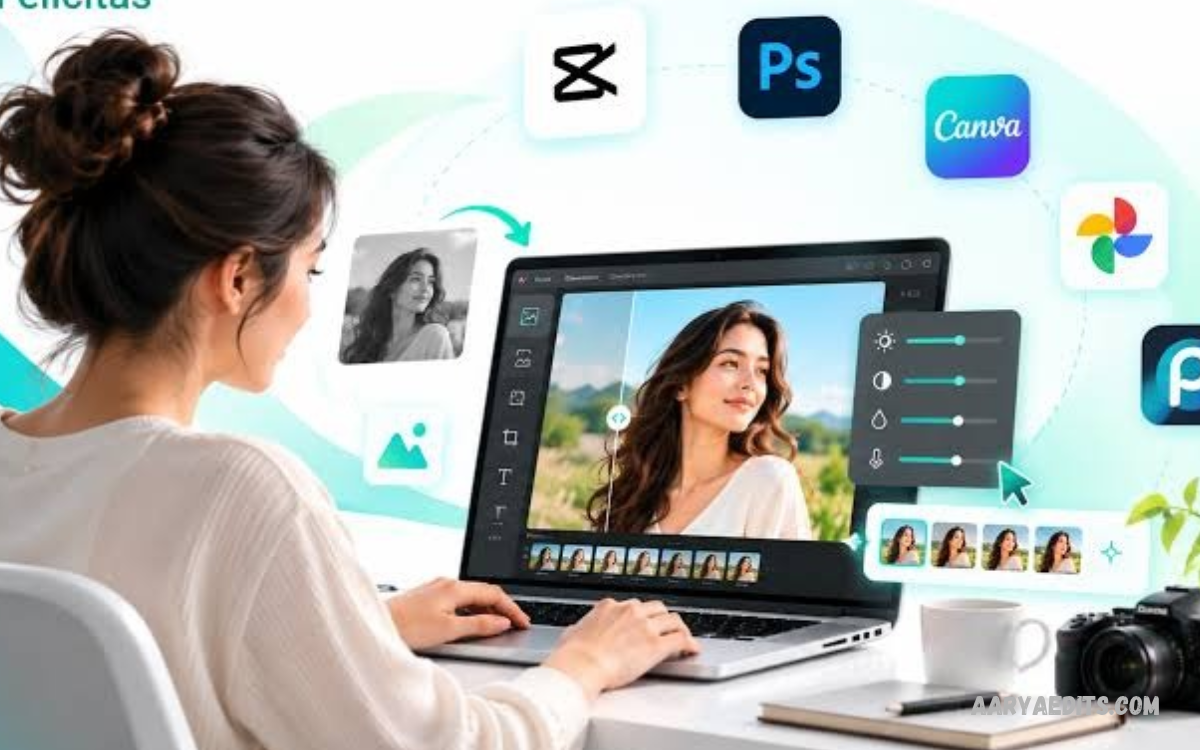
AI photo editing tools have changed how people edit, enhance, and transform digital images. These tools use artificial intelligence to simplify editing tasks, improve image quality, remove unwanted objects, and create professional-looking photographs without requiring advanced editing skills.
Learning how to use AI Photo Editing Tools helps beginners, content creators, bloggers, photographers, and social media users produce attractive images with less effort. From automatic background removal to smart lighting adjustments, AI-powered features make photo editing faster, easier, and more accessible.
What Are AI Photo Editing Tools?
AI photo editing tools are applications or online platforms that use artificial intelligence to analyze images and apply suitable edits. These tools can recognize subjects, adjust colors, improve sharpness, remove distractions, and generate visual elements based on user instructions.
Traditional photo editing often requires manual adjustments and technical knowledge. AI-powered editing simplifies many of these tasks by automatically identifying image details and suggesting improvements.
Why Use AI Photo Editing Tools?
AI photo editing tools save time by automating repetitive tasks and simplifying complex editing. Features such as automatic enhancement, background removal, portrait retouching, and object cleanup help users achieve attractive results without spending hours learning professional software.
These tools also help website owners, online sellers, students, designers, and social media creators. High-quality images can improve website presentation, product listings, marketing materials, and social media posts while helping users maintain a consistent visual style.
How to Choose the Right AI Photo Editing Tool
Choosing the right AI photo editor depends on your goals, experience, budget, and preferred device. Some apps focus on quick image enhancement, while others offer advanced features like generative editing, object replacement, portrait correction, and creative effects.
Before selecting a tool, review its features, image quality, supported file formats, privacy policy, and pricing. A suitable editor should be easy to navigate, deliver reliable results, and offer the editing options you need, not unnecessary features that complicate the workflow.
How to Use AI Photo Editing Tools for Beginners
Beginners can start with an AI photo editor that offers a simple interface and automatic enhancement features. Upload a photo, select the desired editing option, and let the app analyze the image before applying changes.
Review the edited result carefully before saving it. If the image looks too bright, overly smooth, or artificially colored, adjust the settings until it looks natural. Keeping the original photograph also lets you compare changes and return to the untouched version when needed.
Uploading and Preparing Your Photos
Preparing a photograph before editing helps AI tools produce better results. Choose an image with suitable lighting, a clear subject, and enough resolution for your intended use. Blurry photographs, extreme shadows, or heavily compressed files may limit the quality of some editing features.
After selecting your image, upload it to the editor or open it through the application. Check the image orientation, crop unnecessary areas, and confirm that the file contains the correct subject. Using a suitable source image makes enhancement, retouching, and background editing more effective.
Enhancing Photo Quality With Artificial Intelligence
AI image enhancement improves photographs by adjusting brightness, contrast, sharpness, color balance, and other visual properties. Some editors can also reduce digital noise, improve facial details, and upscale low-resolution images for better digital use.
Choose an enhancement feature that matches the photograph’s needs and compare the result with the original. Excessive sharpening or artificial detail generation can make images look unnatural, so use moderate adjustments and inspect important areas before exporting the final photograph.
Removing and Changing Photo Backgrounds
Background removal is a popular feature in AI photo editing tools because it separates the main subject from its surroundings. This feature is useful for product photography, profile pictures, online stores, promotional graphics, and website thumbnails.
Upload your photograph and select the background removal feature. The tool automatically identifies the main subject and removes the surrounding area. Then use a transparent background, choose a solid color, or replace the original setting with another suitable image.
Removing Unwanted Objects From Photos
AI object removal lets users eliminate distracting elements from photos without manually rebuilding the entire background. This feature can help remove unwanted objects, background clutter, or small distractions that affect the overall composition.
Open the photograph in an editor that supports object removal and select the unwanted area using its brush or selection tool. Apply the removal feature and review how the software fills the missing area. If the result contains visible artifacts, refine the selection or try a smaller editing area.
Editing Portraits With AI Tools
AI portrait editing tools help improve lighting, correct color balance, reduce temporary blemishes, and refine image details. These features can make portraits more suitable for professional profiles, personal websites, creative projects, and social media posts.
Select the portrait feature you need and apply subtle adjustments. Natural skin texture, realistic lighting, and accurate facial details usually produce better results than aggressive smoothing or dramatic changes. Always review the final photograph to ensure that the person’s appearance remains authentic.
Adjusting Colors, Brightness, and Contrast
Color correction helps photographs look balanced, clear, and visually appealing. AI editors can analyze lighting conditions and suggest adjustments to exposure, shadows, highlights, saturation, and white balance according to the image’s characteristics.
Start with automatic color correction, then refine the settings manually if necessary. Increase contrast carefully, avoid excessive saturation, and check that skin tones and important objects retain realistic colors.
Using AI Filters and Creative Effects
AI filters let users change the mood and visual style of photos without making every adjustment manually. Available effects may include cinematic tones, vintage appearances, artistic transformations, soft lighting, and stylized color treatments.
Choose a filter that supports the purpose of your image rather than selecting an effect simply because it looks dramatic. Reduce filter intensity when needed, and compare options before making a final choice. A consistent editing style can help establish a recognizable visual identity for a brand or website.
Creating Images With AI Generative Editing
Generative editing allows users to modify photographs by describing the changes they want. Depending on the editor, these features can expand image backgrounds, replace selected objects, add visual elements, or create alternative versions of an existing scene.
Select the supported generative feature and enter a clear description of the intended change. For example, you might request a clean studio background for a product photograph or a soft outdoor setting for a portrait.
Read Also: Poster Design Tutorial: A Complete Guide to Creating Stunning Posters
How to Use AI Photo Editing Tools for Social Media
Social media creators use AI photo editors to prepare attractive posts, profile pictures, promotional graphics, and visual content. Automatic resizing, background removal, color correction, and creative effects help adapt photographs to different platforms and content styles.
Choose an image that matches your message, apply suitable enhancements, and crop it according to the intended layout. Keep text readable, maintain consistent colors, and avoid excessive effects that distract from the main subject.
Using AI Photo Editing Tools for Websites and Blogs
Website owners and bloggers need clear, relevant images that support their articles and improve the overall reading experience. AI photo editing tools can help you prepare featured images, product photos, illustrations, and promotional graphics with consistent colors and strong composition.
After editing, export the image in an appropriate format and resolution for your website. Compress the file when possible to reduce loading time without noticeably damaging quality. Use descriptive file names and accurate alternative text to improve accessibility and help search engines understand the image’s purpose.
Best Practices for Professional AI Photo Editing
Professional results depend on careful editing, not on using every available AI feature. Start with a clear objective, preserve important image details, and apply only the changes that improve the photograph’s appearance or usefulness.
Keep an original copy of every important image and review the edited version before exporting it. Check edges, textures, lighting, colors, and small details at a suitable zoom level.
Common Mistakes to Avoid When Using AI Photo Editors
One common mistake is applying too many effects to a single photograph. Excessive sharpening, artificial skin smoothing, extreme saturation, and unrealistic background replacement can reduce image quality rather than improve it.
Another mistake is accepting every AI-generated change without reviewing the result. Some tools may alter facial features, distort hands, remove important details, or create inconsistent textures.
Privacy and Safety When Editing Photos With AI
Before uploading personal photographs to an online editor, review its privacy policy and understand how uploaded files may be stored or processed. Avoid submitting sensitive images to unfamiliar services, and check whether the platform provides suitable controls for deleting uploaded content.
Use trusted applications, protect your account, and avoid sharing other people’s photographs without appropriate permission.
Free and Paid AI Photo Editing Tools
Free AI photo editing tools can provide useful features such as automatic enhancement, basic background removal, filters, and simple retouching. These options suit beginners who want to improve personal photos or create basic graphics without buying professional software.
Paid editors may offer higher export quality, additional generative features, batch processing, expanded storage, or more detailed controls. Compare the available plans carefully and check whether essential features have usage limits.
Frequently Asked Questions
What Are AI Photo Editing Tools Used For?
AI photo editing tools enhance image quality, remove backgrounds, correct colors, retouch portraits, eliminate unwanted objects, and create visual effects. Their features help beginners and professionals complete many editing tasks more efficiently.
Are AI Photo Editing Tools Suitable for Beginners?
Yes, many AI photo editors provide automatic enhancement and simple controls that beginners can use without advanced technical knowledge. Start with basic adjustments to understand the editing process before exploring more advanced features.
Can AI Photo Editing Tools Improve Blurry Images?
Some tools can sharpen images, reduce noise, and add detail. However, they cannot always recover information that was never captured, and the resulting details may be AI-generated rather than an accurate representation of the original scene.
Can I Remove a Photo Background With AI?
Yes, many AI photo editors automatically identify the main subject and remove the surrounding background. You can often replace the background with a different image, use a solid color, or export the subject with transparency.
Are Free AI Photo Editing Tools Worth Using?
Free tools can help with basic edits, social media content, and everyday photos. However, some services limit export resolution, advanced features, or the number of edits you can do without a paid subscription.
Do AI Photo Editing Tools Replace Professional Editors?
AI tools simplify many editing tasks, but professional editors remain valuable for complex retouching, detailed image manipulation, creative direction, and projects that require precise control. Combining AI automation with human judgment often produces better results.
Conclusion
Learning How to Use AI Photo Editing Tools helps you improve photographs, remove unwanted elements, adjust colors, create attractive backgrounds, and produce engaging digital content.
The best approach is to choose a suitable editor, begin with a clear goal, and review every change before saving the final image.
