

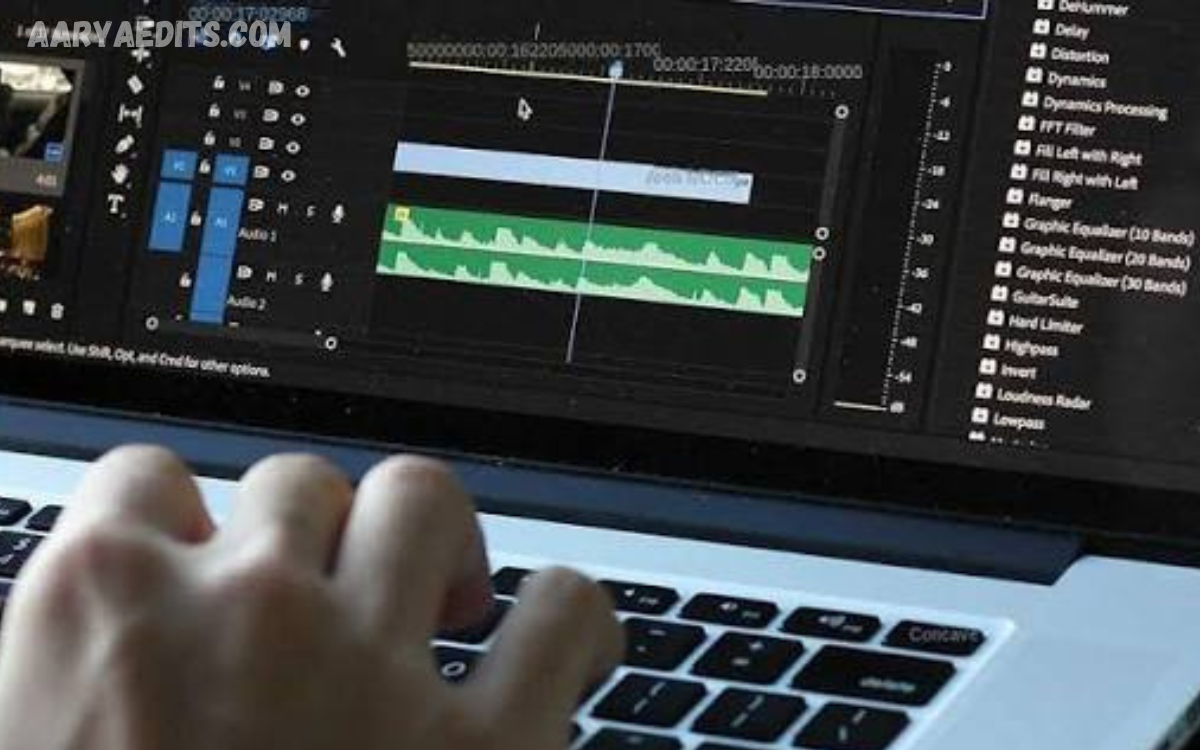
Slow-motion video editing is a powerful technique that changes the speed of recorded footage to highlight important movements, create cinematic moments, and add emotional impact. It is widely used in social media videos, sports content, travel videos, weddings, advertisements, and professional filmmaking.
A well-edited slow-motion video can make ordinary footage look more engaging and polished. By controlling playback speed, choosing the right footage, and maintaining smooth motion, creators can produce visually impressive results without making the editing process unnecessarily complicated.
What Is Slow-Motion Video Editing?
Slow-motion video editing involves reducing the playback speed of video footage so that movements appear slower than they occurred during recording. Editors can adjust the speed of selected clips while keeping other parts of a video at normal speed.
The technique works particularly well when the original footage contains enough frames to support slower playback. High-frame-rate recordings generally provide smoother results because they contain more individual frames that can be displayed over a longer period.
Why Use Slow Motion in Videos?
Slow motion helps viewers notice details that may happen too quickly during normal playback. A jumping athlete, flowing water, falling object, dance movement, or facial expression can become much more visually interesting when its movement is extended.
It can also create emotion and atmosphere. Filmmakers often use slow motion to emphasize important moments, while content creators use it to make short-form videos more dramatic and visually appealing.
Choosing the Right Footage
The quality of the original recording has a major impact on the final slow-motion result. Footage captured at higher frame rates is usually better suited for significant speed reductions because more frames are available for the editor to work with.
Before applying slow motion, review the entire clip and identify movements that benefit from additional screen time. Avoid slowing down every part of a video because excessive slow motion can make the content feel repetitive and reduce its impact.
Understanding Frame Rate
Frame rate refers to the number of individual frames recorded or displayed every second. Common recording rates include 24, 30, 60, 120, and higher frames per second, depending on the camera or smartphone.
Higher frame rates provide greater flexibility for slow-motion editing. For example, footage recorded at 60 frames per second can generally be slowed more smoothly than footage recorded at 24 frames per second because additional frames are available for playback.
How to Slow Down Video
Most modern video editing applications provide a speed or duration control that allows editors to reduce the playback speed of a clip. The editor selects the desired footage, opens the speed controls, and chooses a slower playback percentage.
After reducing the speed, preview the result several times. If the movement appears smooth, the setting may be suitable, but if the footage looks choppy or unnatural, consider using a smaller speed reduction or a higher-quality source clip.
Using Speed Ramping
Speed ramping combines different playback speeds within the same video clip. A sequence may begin at normal speed, gradually slow down during an important action, and then return to normal speed afterward.
This technique creates a dynamic transition and is especially useful for sports videos, action scenes, travel content, music videos, and social media edits. Smooth transitions between speeds generally produce a more professional appearance than sudden changes.
Creating Smooth Slow Motion
Smooth slow motion depends on both the source footage and the editing method. When footage does not contain enough frames, some editing programs can generate additional frames through frame interpolation or motion estimation.
These features can improve the appearance of slower footage, but they are not always perfect. Fast-moving objects, complex backgrounds, and overlapping movements can sometimes produce visual artifacts, so the result should always be reviewed carefully.
Adding Music and Sound Effects
Sound plays an important role in slow-motion video editing. Slowing down the original audio can produce unnatural voices and distorted sounds, so many editors replace or reduce the original audio during slow-motion sections.
Music, atmospheric sounds, and carefully selected sound effects can make the sequence more engaging. A subtle sound effect synchronized with a movement can add emphasis without distracting viewers from the visual content.
Using Transitions Effectively
Transitions can connect slow-motion sections with normal-speed footage. Simple cuts, fades, zoom transitions, and speed-based transitions can help maintain a natural flow.
However, transitions should support the story rather than dominate it. A clean cut is often more effective than a complicated transition, especially when the movement itself is the main visual attraction.
Color Correction for Slow-Motion Videos
Color correction can improve the overall appearance of slow-motion footage. Adjusting exposure, contrast, white balance, saturation, and highlights can help create a consistent visual style.
When multiple clips are combined, matching their colors is particularly important. Consistent color makes the final video appear more professional and prevents individual clips from looking disconnected.
Read Also: PicsArt Blur Background: Tips for Better Photo Editing
Slow Motion for Social Media
Slow-motion editing is popular across short-form video platforms because it can make simple actions more visually engaging. Creators commonly use it for fashion videos, food content, fitness clips, travel footage, product demonstrations, and creative reels.
When creating social media content, keep the slow-motion section relevant to the main idea. A short, well-timed slow-motion moment can have more impact than an entire video played at a reduced speed.
Slow Motion for Sports Videos
Sports footage is one of the best applications for slow-motion editing. It allows viewers to examine fast movements such as running, jumping, kicking, throwing, catching, and other athletic techniques.
Editors can use slow motion to highlight important moments and combine it with replay-style effects, music, captions, or visual markers. The technique can make sports content both entertaining and informative.
Slow Motion for Cinematic Videos
Slow motion can create a cinematic feeling when it is used thoughtfully. Scenes involving movement, emotion, nature, celebrations, or dramatic actions can benefit from carefully controlled speed reductions.
Cinematic slow motion works best when it matches the mood of the scene. Combining controlled camera movement, suitable lighting, color grading, music, and appropriate speed settings can create a polished visual experience.
Common Slow-Motion Editing Mistakes
One common mistake is slowing down low-frame-rate footage too aggressively. When too few frames are available, the resulting video may appear jerky, repetitive, or unnatural.
Another mistake is using slow motion without a clear purpose. If every scene receives the same effect, viewers may stop noticing the important moments. Effective editing uses slow motion selectively to emphasize specific parts of the story.
How to Make Slow Motion Look Professional
Professional-looking slow motion starts with good source footage and thoughtful editing decisions. Use suitable frame rates, select meaningful moments, apply appropriate speed reductions, and preview the footage carefully before exporting.
Consistency is also important. Matching colors, audio, transitions, and pacing helps create a unified video. Rather than relying on effects alone, focus on storytelling and use slow motion as a tool to strengthen the overall message.
Best Practices for Slow-Motion Video Editing
Always consider the purpose of the slow-motion section before applying an effect. Determine what movement or emotion you want viewers to notice and adjust the timing around that moment.
Keep the final presentation clean and balanced. Avoid unnecessary effects, excessive speed changes, and overly long slow-motion sections. A simple edit with strong timing often produces better results than a complicated sequence.
Frequently Asked Questions
What Is Slow-Motion Video Editing?
Slow-motion video editing is the process of reducing video playback speed to make movements appear slower. It is commonly used to emphasize actions, emotions, details, and cinematic moments.
Which Frame Rate Is Best for Slow Motion?
Higher frame rates are generally better for slow motion because they provide more frames for smooth playback. Footage recorded at 60 FPS or higher usually provides more flexibility than standard frame-rate footage.
Can Normal Video Be Converted to Slow Motion?
Yes, normal video can be slowed down using most video editing applications. However, excessive speed reduction may cause choppy playback if the original footage does not contain enough frames.
Why Does My Slow-Motion Video Look Choppy?
Choppy slow motion can occur when footage has a low frame rate or when the playback speed has been reduced too much. Using higher-frame-rate footage or suitable frame interpolation can improve the result.
Can Slow Motion Improve Video Quality?
Slow motion itself does not increase the original recording quality. However, it can improve the visual presentation by emphasizing important movements and creating a more polished viewing experience.
What Is Speed Ramping in Video Editing?
Speed ramping is a technique where video speed changes gradually or at specific points. It can transition footage between normal speed and slow motion to create a dynamic and professional effect.
Should Audio Be Kept During Slow Motion?
The original audio does not always work well when slowed down because voices and sounds may become distorted. Editors often replace it with music, sound effects, or ambient audio.
Is Slow Motion Good for Social Media Videos?
Yes, slow motion can make social media content more engaging when used strategically. It works particularly well for sports, fashion, travel, fitness, products, celebrations, and creative videos.
How Long Should a Slow-Motion Effect Last?
There is no fixed duration because it depends on the content and purpose of the scene. Short, well-timed slow-motion sections often create stronger impact than slowing down an entire video.
Can Slow Motion Make a Video Look Cinematic?
Yes, slow motion can contribute to a cinematic appearance when combined with good composition, lighting, color grading, sound design, and appropriate pacing. The effect should support the story rather than replace good filmmaking.
Conclusion
Slow-Motion Video Editing: A Complete Guide provides a practical foundation for creating smoother, more engaging, and visually impressive videos. By understanding frame rates, selecting suitable footage, controlling playback speed, and using techniques such as speed ramping, creators can make important moments stand out.
The best results come from using slow motion with purpose rather than applying it to every clip. With careful timing, balanced effects, suitable audio, and consistent visual quality, slow-motion editing can transform ordinary footage into professional-looking content for social media, filmmaking, sports, travel, and creative projects.
